This post has been updated.
Please visit the new updated blog post with the updated poster.
Google Slides
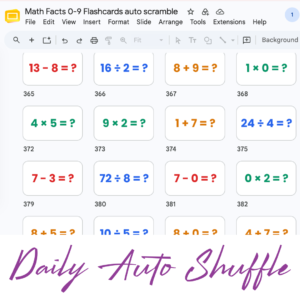
Google Slides is Google Workspace’s presentation tool. But truly it is so much more than simply a presentation tool. Google Slides is a collaboration space and can even be gamifed. Check out how to create a game board in Google Slides by using the Add-on “Dice Slides by Schoolytics.” Google Slides allows multiple students to be on the same slides at the same time. Use the Google Slides Add-on “Randomize Slides by Schoolytics”
Keyboard Shortcuts
One of the best ways to get really good at a product is to take some time to learn the keyboard shortcuts. Google Slides has many helpful keyboard shortcuts that I have arranged into a handy reference poster. Print out the keyboard shortcuts poster for you and your students to reference. One of my favorite keyboard shortcuts that I use every time I use Google Slides is CONTROL SHIFT UP ARROW (Command Shift Up Arrow on a Mac.)