





Pin Tab: Google Classroom, Email, Gradebook
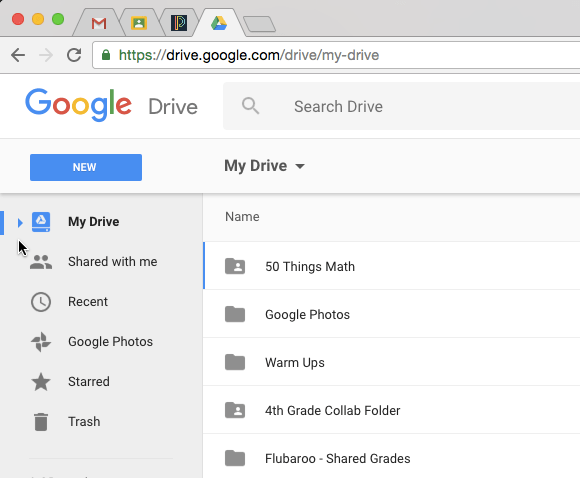
Google Chrome allows you to pin a tab in the browser. The moves the tab to the front and locks it to the front. This can be really helpful for websites you visit a lot.
Pin Tab
To pin a tab, right click on the Chrome browser tab and choose “Pin Tab.” For websites you use frequently you may want to pin the tab. As a teacher, I always need my email, my gradebook, Google Classroom, and Google Drive at a minimum. These 4 tabs are pinned.
Google Drive
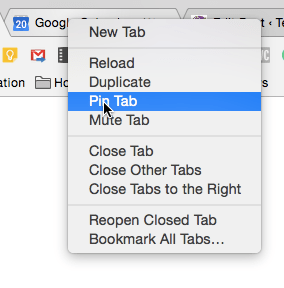
Not to be redundant, but I really highly recommend you pin Google Drive. Before you can put things into Google Classroom you need to make stuff in Google Drive first. Having Drive always open and pinned really helps your workflow.
Want More Help with This? Become a Premium Member
Control 1, Control 2
A big advantage to pinning your tabs is that your first tab is ALWAYS your email and your 2nd tab is ALWAYS your gradebook. This makes it much faster to get to the websites you utilize frequently.
Chrome keyboard shortcuts allow for you to get to your frequently used sites even faster. Control 1 (Command 1 on a Mac) jumps to the first tab. Control 2 jumps to the 2nd tab, etc…
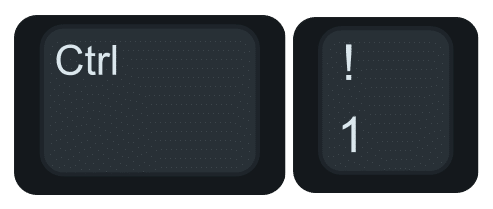
Your pinned tabs are always in the same location so you can quickly memorize that Control 1 jumps to your email and Control 2 quickly jumps to your gradebook.





