





For my classes I teach I create the agenda on a website. This means the students need to have my class website open in a tab all the time. The students are also taking notes (usually collaboratively) on a Google Doc. They also have a digital portfolio that they maintain to demonstrate all of their learning and work. This is a minimum of 3 tabs they are switching back and forth to regularly.
Pin the Tab
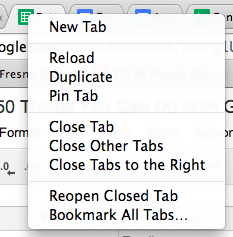
In Google Chrome you can pin a tab by right clicking on the tab and choosing “Pin Tab.” This shortens the width of the tab and places it in the first tab position. If you pin a 2nd tab it will automatically move that tab to the 2nd tab position. For the websites that students consistently use, have them pin the tab.
Control 1
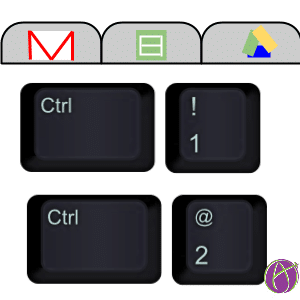
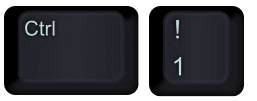
From the browser you can jump quickly to tabs by holding down the Control key (Command on a Mac) and selecting the number of the tab. Control 1 jumps you to the first tab. Control 2 jumps you to the 2nd tab. If you have more than 10 tabs open you’ll possibly want to consider pinning the 10 most important tabs so they are first.
Have students arrange their tabs consistently in the same order. Then when they use Control 2, for example, they know that always jumps them to a particular webpage that they need.






1 thought on “Try This Tabbed Browser Workflow – Control 2”
I seriously love you. In a “not creepy” way.