

As we transition from Google Jamboard to FigJam, you may be wondering how to add a background image? This was something I frequently did in Jamboard to avoid the students accidentally moving around the graphic organizer elements. The good news is that, unlike Jamboard, you can lock down ANYTHING in FigJam. See my FigJam Templates at figma.com/@education.

How To Add a Background Image to FigJam
Also, unlike Jamboard, you can DRAG images onto the FigJam canvas.
Drag your background image onto FigJam and right click to choose “Lock.”

Create Sections Instead of Pages
While you can drag the background image onto canvas and lock it, I recommend you create sections. Use the sections tool in the toolbar, or Shift S, to create sections. Sections can be locked, dragged (with all elements in the section), and hidden.
Lock the Section
You can lock the section by right clicking and selecting Lock/Unlock. Alternatively, you can use the keyboard shortcut Control Shift L to lock/unlock.
Make a copy of the FigJam Here.
Copy Link to Section
If you put your backgrounds into sections, you can copy the link to the section. Right click on the section to obtain the option for “Copy link to section.” This link is copied to your clipboard. When you share it with others, they are transported directly to that section/page.

-
Ask for Resources in Gemini Notebook
Gemini Notebook (formerly NotebookLM) makes it easy to create resources. Just ask.
-
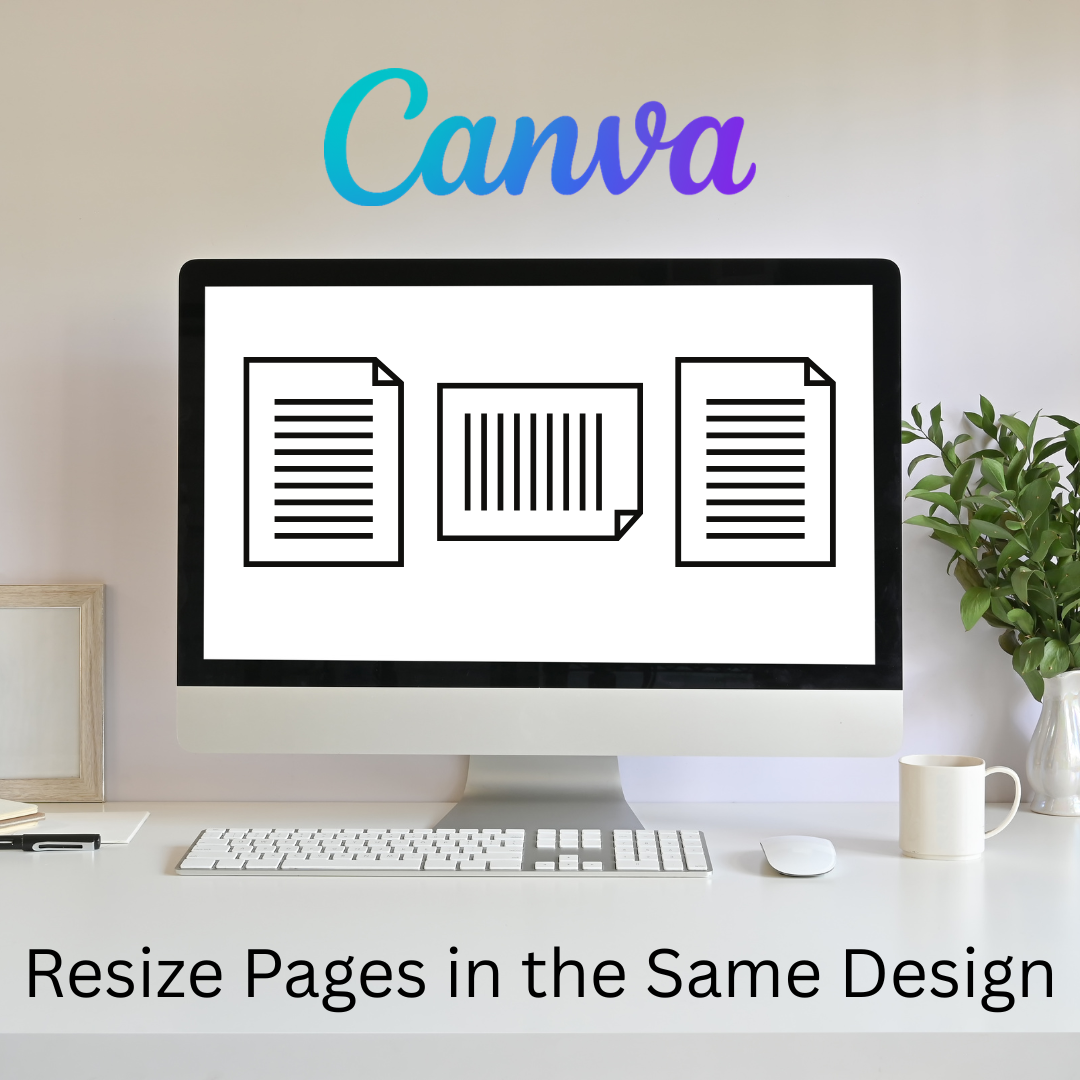
Flex Page Size in Canva
Sometimes I need part of my design project to be landscape, but others to be portrait. You can do that all in the same Canva project.
-
Book Creator joins forces with Kami
A short story about how Book Creator is still available through Kami, and how the two complement each other in a learning cycle to enhance your lessons. PLUS why Kami is more than just a PDF annotation tool.
-
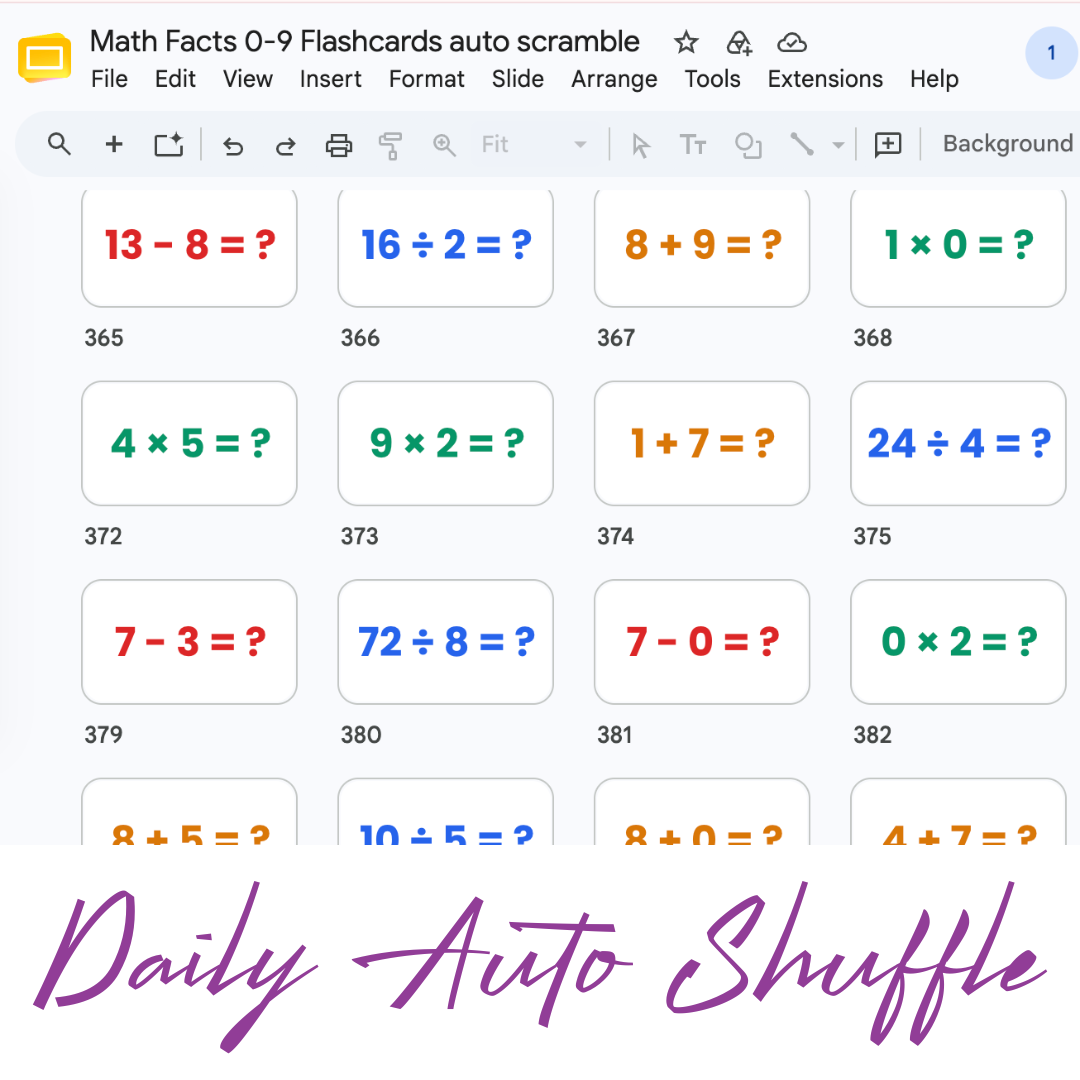
Math Facts Practice – Slides
Google Slides with all the math facts to practice.
-
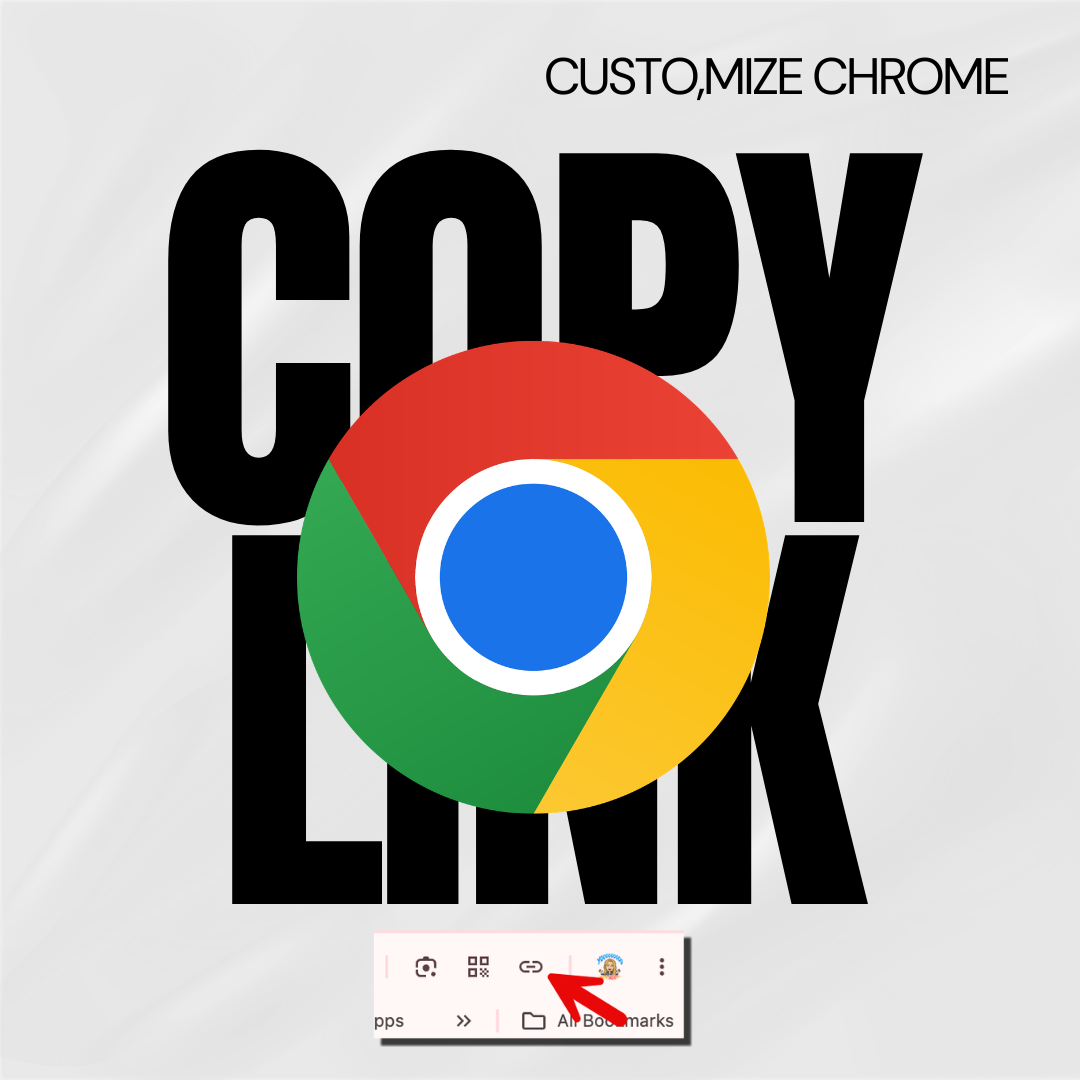
Copy the Link in Chrome
Hate copying the URL from a website? Chrome makes it fast.
-

Setting Up Your Google Classroom and Using AI
One of the first steps in starting a new school year is setting up your Google Classroom.
