
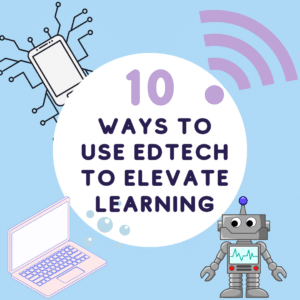



In today’s fast-paced digital landscape, it is important to prepare students to be proficient with technology. However, “paperless is a pedagogy.” Focusing solely on replacing traditional resources with digital ones risks overlooking the true potential of EdTech. Instead, we should shift our focus towards leveraging educational technology to elevate learning experiences for our students. By harnessing the power of EdTech, we can promote collaboration, critical thinking, creativity, and personalized learning—ultimately fostering a more engaging and dynamic classroom environment. Consider how to use EdTech to elevate learning.
10 Ways to Use EdTech to Elevate Learning
1. Gamify Your Classroom
Transform your lessons into interactive and engaging games that motivate students to learn. Try using platforms like BookWidgets, Quizizz, or Breakout EDU to create customized quizzes, puzzles, and challenges that encourage collaboration and critical thinking.
2. Embrace Collaborative Learning
Leverage the power of Google Workspace (formerly G Suite) to promote collaborative learning. Encourage students to work together on shared documents, presentations, and spreadsheets, fostering teamwork and communication skills in real-time.
3. Personalize Learning Experiences
Use digital tools like EdPuzzle or PearDeck to tailor lessons and assessments to individual student needs, preferences, and learning needs. Offer a variety of resources, activities, and support to ensure that each student can thrive.
4. Encourage Multimedia Creativity
Incorporate multimedia tools like Canva, Adobe Spark, or Google Slides to give students the opportunity to express themselves creatively. By designing visual presentations, infographics, or short videos, students can enhance their understanding of complex concepts and develop essential digital skills.
5. Foster Digital Citizenship
Teach students about digital citizenship and internet safety using resources like Common Sense Education. By promoting responsible online behavior, you’ll empower students to become respectful and informed digital citizens.
6. Engage in Authentic Assessments
Incorporate project-based learning and authentic assessments that challenge students to apply their knowledge and skills to real-world problems. EdTech tools like free Microsoft Flip (formerly Flipgrid) can help facilitate the sharing and assessment of these projects.
7. Create Interactive Learning Materials
Design engaging and interactive learning materials using tools like Genially, or Book Creator. By offering interactive content, you can stimulate student interest, increase comprehension, and promote active learning.
8. Enhance Accessibility and Inclusivity
By using tools like Read&Write, Microsoft Immersive Reader, or speech-to-text applications, you can make your classroom more accessible and inclusive for students with diverse learning needs. These tools help break down barriers by providing support for reading, writing, and comprehension.
9. Provide Timely and Meaningful Feedback
Leverage EdTech tools like Google Classroom, Mote, or Peergrade to streamline the feedback process. These platforms allow you to provide real-time, personalized feedback on student work, fostering growth and improvement. By incorporating audio, video, or text-based comments, you can communicate more effectively and address individual student needs.
10. Support Student-Centered Learning
Use tools like Padlet or Wakelet to create collaborative digital spaces where students can share ideas, resources, and questions related to their learning. By encouraging student-centered learning, you can empower students to take an active role in their education and drive their own inquiry and exploration.

Keep Learning and Growing
Finally, commit to ongoing professional development to stay up-to-date with the latest EdTech trends and best practices. Participate in webinars, attend conferences, or join social media communities like Alice Keeler’s Teacher Tech to expand your knowledge and skills.
Students at the Center of Decision Making
By leveraging EdTech in these 10 ways, you can create engaging and meaningful learning experiences for your students. The key to successful technology integration is to keep students at the center of your decision-making and continuously adapt your teaching to best serve their needs.
-
Ask for Resources in Gemini Notebook
Gemini Notebook (formerly NotebookLM) makes it easy to create resources. Just ask.
-

Flex Page Size in Canva
Sometimes I need part of my design project to be landscape, but others to be portrait. You can do that all in the same Canva project.
-
Book Creator joins forces with Kami
A short story about how Book Creator is still available through Kami, and how the two complement each other in a learning cycle to enhance your lessons. PLUS why Kami is more than just a PDF annotation tool.
-
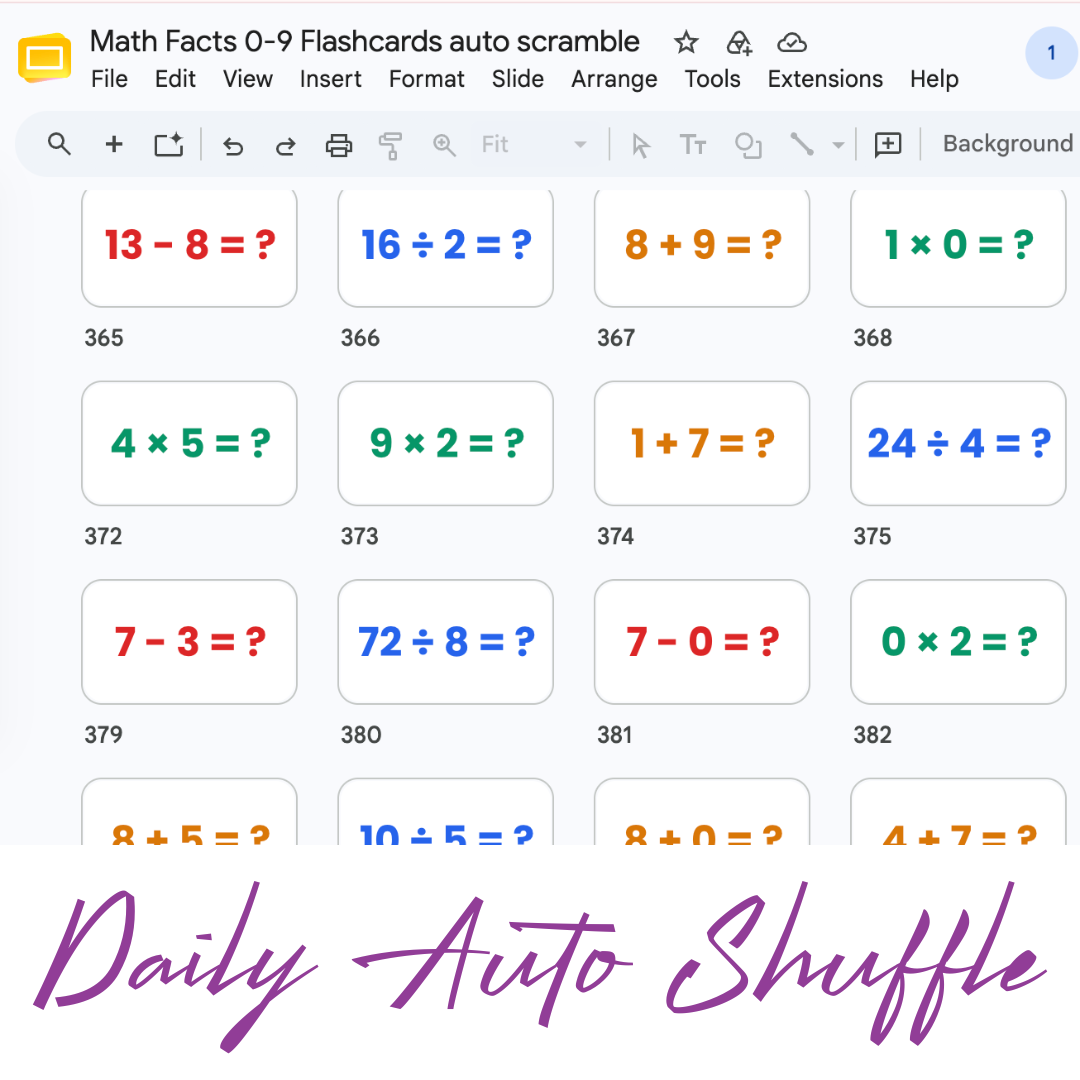
Math Facts Practice – Slides
Google Slides with all the math facts to practice.
-
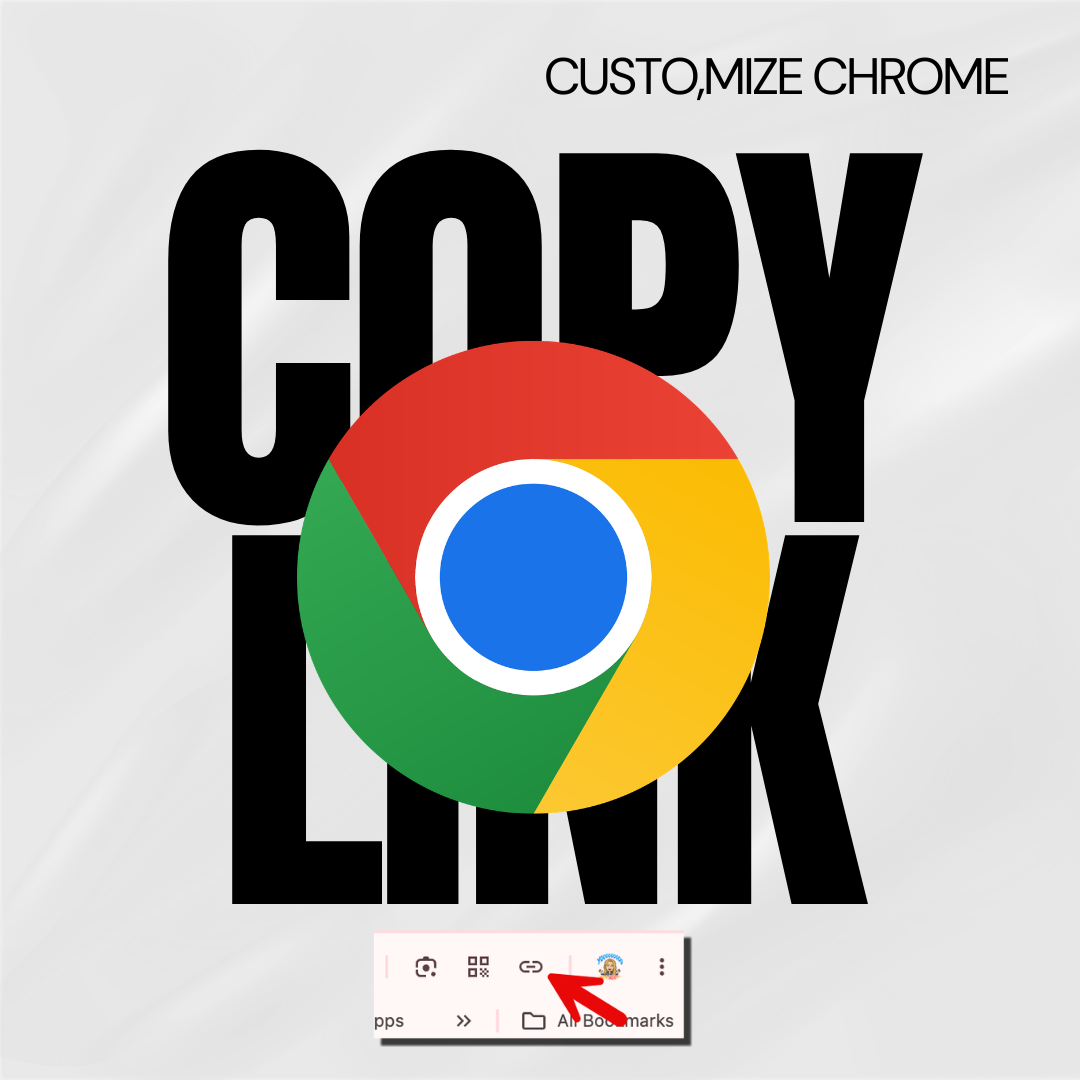
Copy the Link in Chrome
Hate copying the URL from a website? Chrome makes it fast.
-

Setting Up Your Google Classroom and Using AI
One of the first steps in starting a new school year is setting up your Google Classroom.