



3 Helpful Keyboard Shortcuts for Chrome

Up your Google Chrome game by learning some keyboard shortcuts. Here are 3 to take it to the next level.
3 Helpful Keyboard Shortcuts for Chrome

Keyboard shortcuts help you save a lot of time in your day.

Control L

I use this a LOT! [tweet]Control L will highlight the URL. [/tweet] When I want to share a website I use Control L to highlight the URL and then Control C to copy the web address.
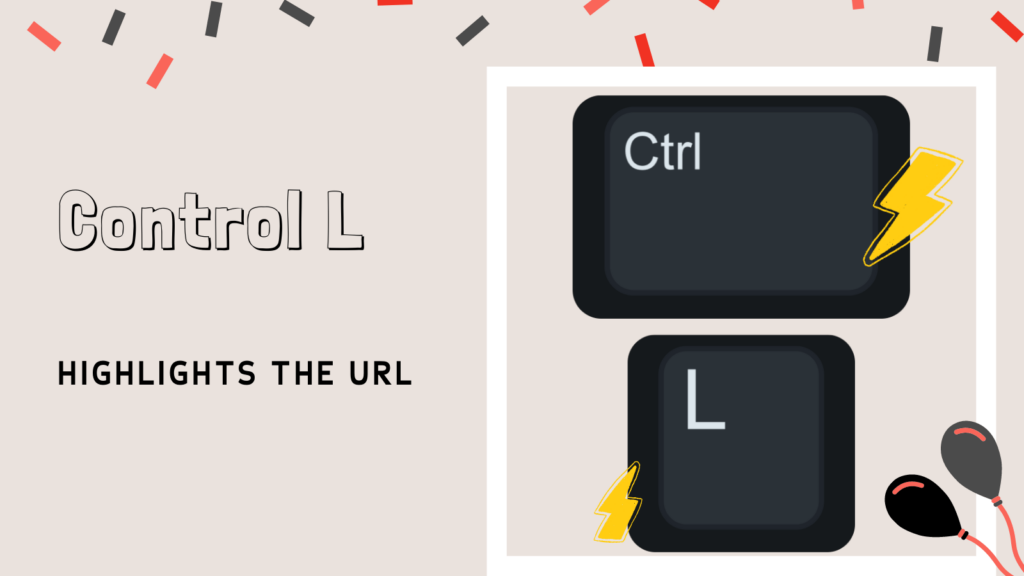
Control R

REFRESH the page with Control R.
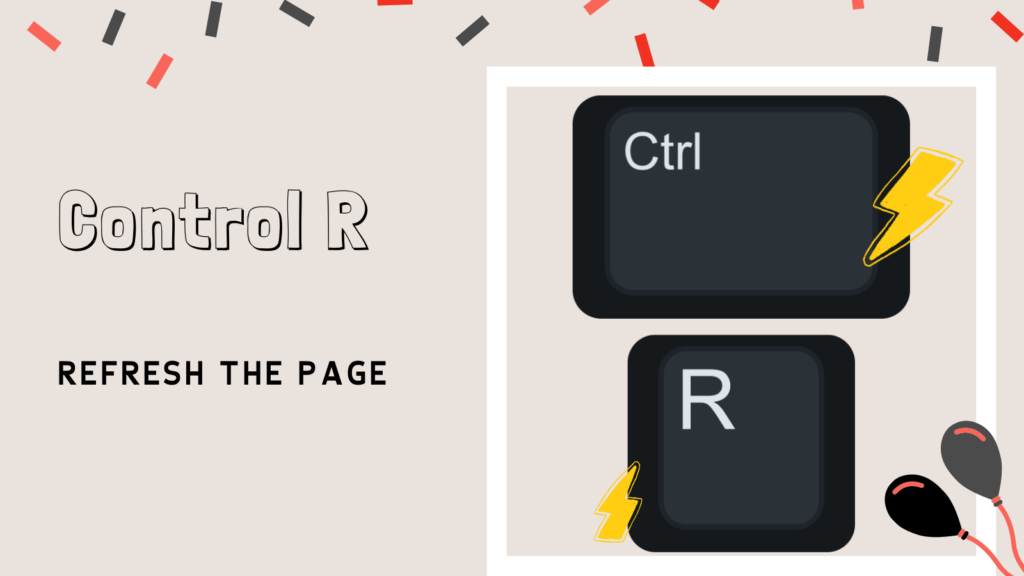
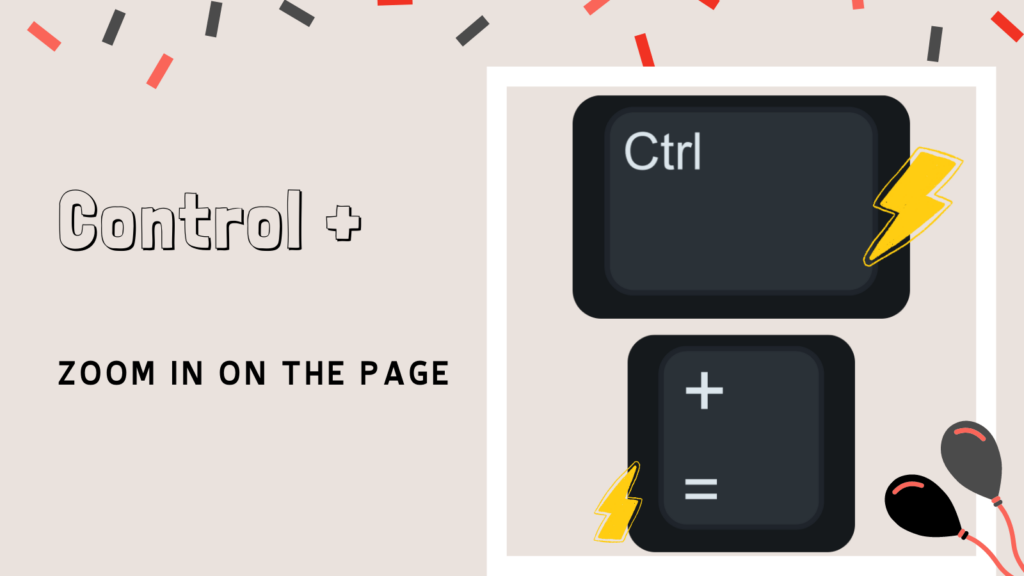
Control Plus

It is often helpful to zoom in and out of the page. Hold down the Control key and press the plus key a few times to zoom in. Control and the minus key will zoom out. Hold down the Control key and press the zero key to reset the zoom. If ever your webpage is not displaying as expected, try using Control Zero.

Leave a Comment

© 2026 All Rights Reserved.

Get effective EdTech strategies from Alice Keeler to build a more student centered classroom. Includes unique resources and templates.

Recent Teacher Tech Blog Posts

💥 FREE OTIS WORKSHOP

Join Alice Keeler, Thursday April 28th or register to gain access to the recording.
Create a free OTIS account.

Join Alice Keeler for this session for teaching with AI

Imagine having a team of teaching assistants who already know your syllabus and exactly how you like to give feedback. Join Google Certified Innovator Alice Keeler to learn how to use Google Gems to build a powerful collection of custom AI tools. We will explore how to engineer specific instructions so you can create a Grading Assistant or a Classroom Policy Manager that works for you. You will also learn how to leverage Gems shared by other educators to instantly expand your toolkit. This session is about super-powering your teaching by automating the routine tasks so you can focus on the students.

Exit this pop up by pressing escape or clicking anywhere off the pop up.