When trying to find information on a new topic one is likely to use a search engine such as Google or Bing. The results will be a text based list of websites that probably talk about that topic. Given that you do not know anything about the topic, how do you choose which websites to look at?
Image Search
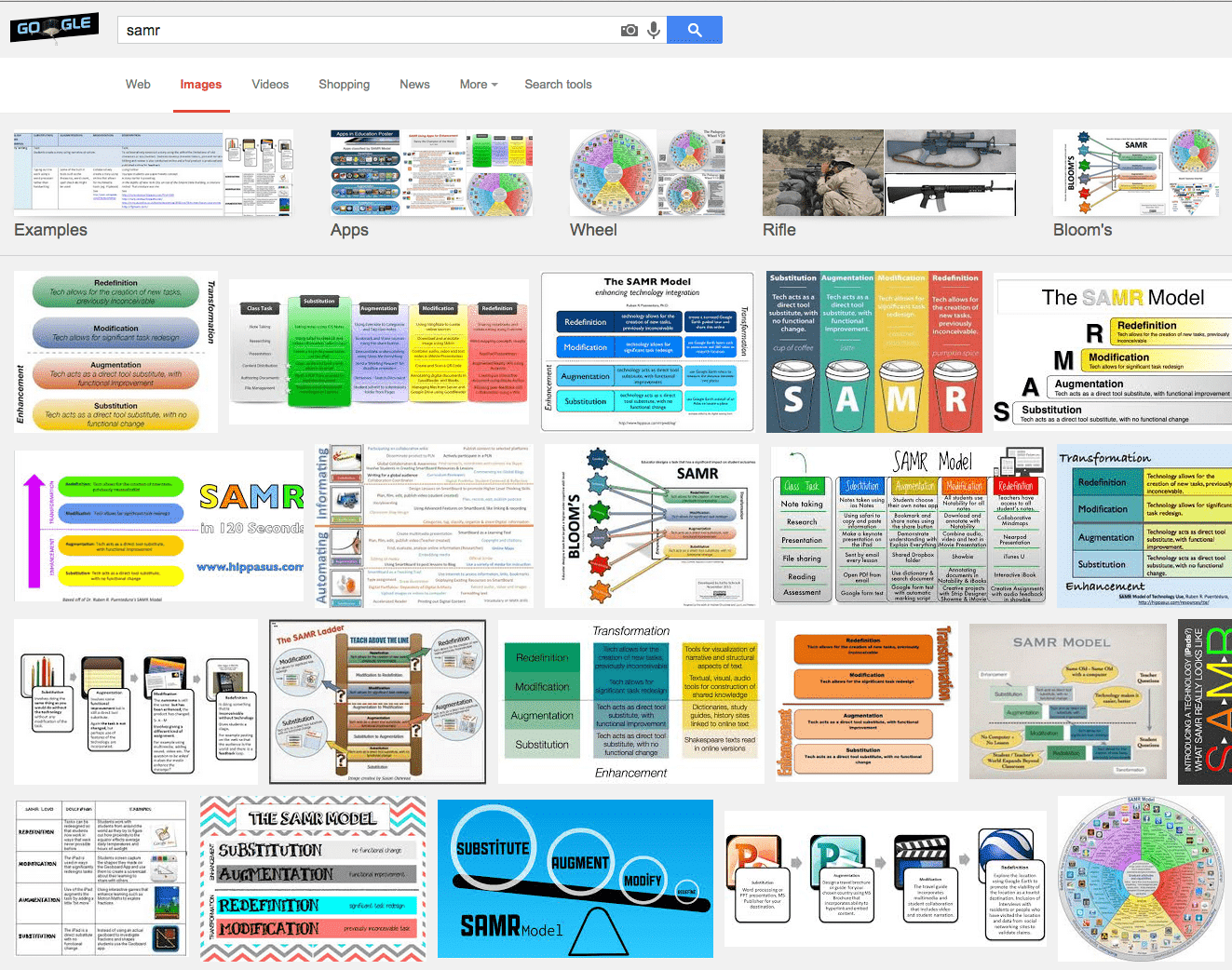
Instead of having your students searching websites, you may want to have them start with an image search. The visuals can give students an instant idea of what the topic is about. This can also guide them to keywords that they can use to aide their search for information. Students can link from the images to the websites they are from to obtain more information on the topic.
Copyright
Almost all of the images in a general image search will be under copyright. Whether or not the image is expressly labeled as being under copyright, it is assumed that it is. If an image is under a Creative Commons license there should be a clear label that it is.
Citation
Even if a student cites where the image was obtained, if a picture is under copyright it can not be used without permission. There are many images available on the internet with a Creative Commons or Public Domain license. If students are going to use the images in their projects and presentations they will want to check the licensing and always provide credit.
Images
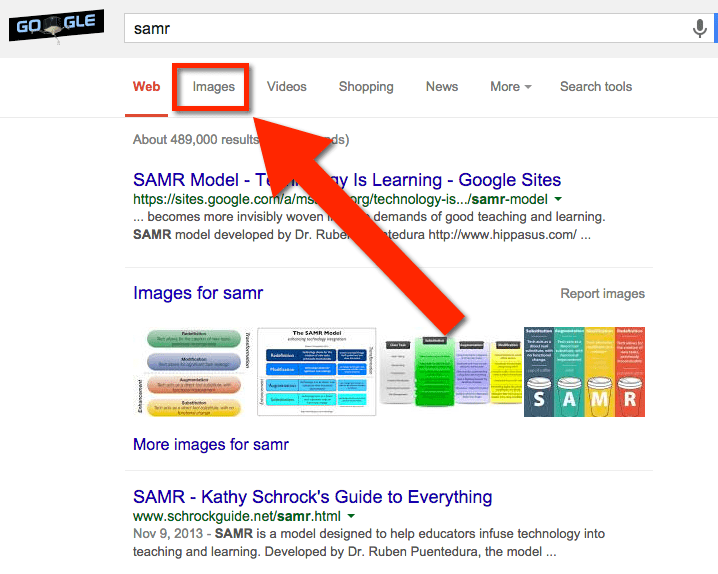
To perform an image search on Google go to http://images.google.com. Alternatively, you can perform a regular web search and choose “Images” from the options along the top of the search results.
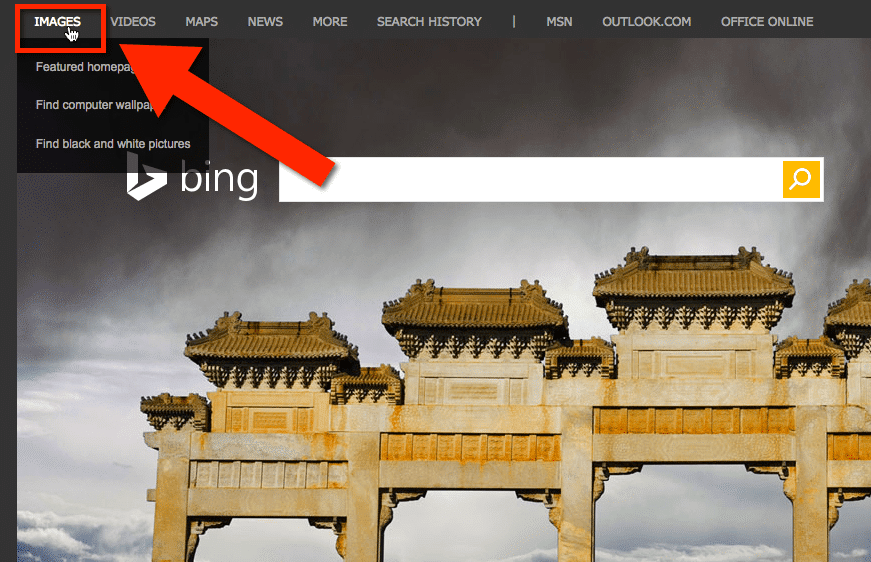
To perform an image search on Bing go to http://bing.com and choose the “Images” option above the search box.