





If you want to assign each student a random question/prompt try this…
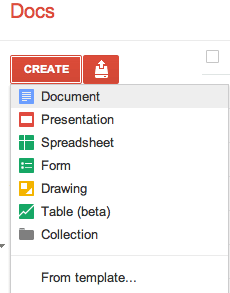
- Open a Google Doc http://docs.google.com
- Make the document public

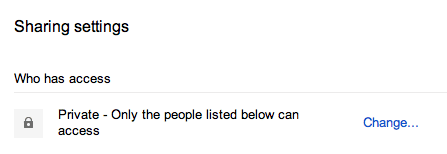

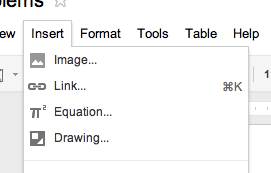
Make the document public on the web.- Back in the document insert a drawing
- Create the prompt/question in Google Draw. Even if your question/prompt is only text you want to create it in Google draw anyway.
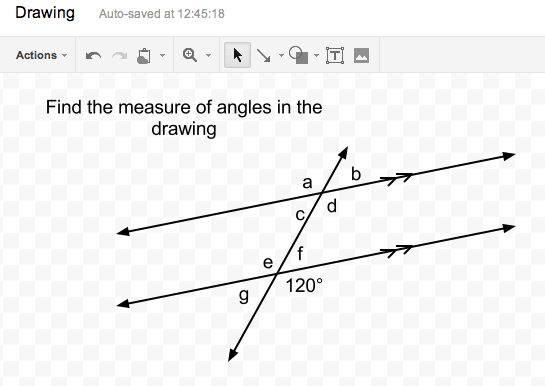
- With this one question I can click on the drawing in the document and copy paste. This allows me to change the question… slightly… so I have different versions of the question.
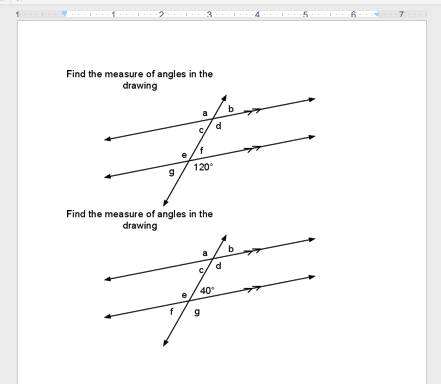
- Publish the document to the web.
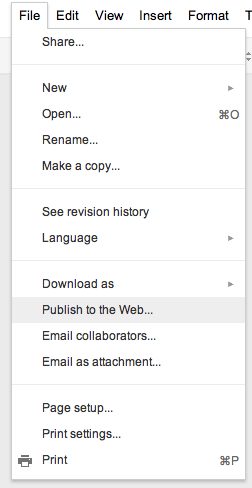
- After publishing you are given a URL to the published document. Copy this URL and paste it into a new window.
- For each picture you want to right click on the image and copy the image URL (address).

- Paste this URL into your QR code creator for each image.
- Distribute QR codes to students randomly.
What you end up with is a quick way to make images and get the image URL from multiple images from one published webpage. This also gives you a document you can refer back to to see the questions.





