


I love using Google Sites. It is so easy to organize information and Google Docs. Create multiple pages to organize your navigation. However, moving pages in Google Sites can be a problem.
Google Sites Do Not Move Pages
You obviously CAN move pages in a Google Site at any time. However, be aware this changes the URL structure and breaks your links!!
Page Hierarchy
When you add a page to Google Sites you can literally drag it in the sidebar to reorganize the pages. This is no problem before you publish the site.
Must Publish Changes
Edits to your Google Site are not visible until you hit the Publish button. This allows you to click on the link icon in the toolbar to get the link to a specific page.
Page Links
Notice the page hierarchy is contained within the link. This is very odd and honestly is poor design on the part of Google. Each page should have a unique identifier. This is how Google Slides works. If you link to slide 12 and drag it to slide 3 the link still works. This is NOT the case with Google Sites.
Moving pages breaks the page link.
As you drag pages around in Google Sites the page link changes to reflect the change in sub pages. THE LINK CHANGES! It is important to be aware of this.
I use a Google Site to organize a series of presentations I am doing. To reduce confusion I only have the current page at top level navigation. The previous pages I move to subpages under “previous.” This adds the word “previous” to the link, which was not previously there. Thus users are required to use the navigation on the site instead of using the page link I previously shared with them.
Hacking Hidden Pages
This unfortunate feature of Google Sites can at least be hacked. If you move a page the previous links you shared broke. This allows you to temporarily make a page available and then make it unavailable. You can not lock pages in Sites. So if someone has view access to the site they can see all of it. If you hide pages they would need the direct link or they can use the search option on the site. You can not stop people from searching for the page. However, if you move the page the link would no longer work and would allow you to semi make it secret.
-
Ask for Resources in Gemini Notebook
Gemini Notebook (formerly NotebookLM) makes it easy to create resources. Just ask.
-
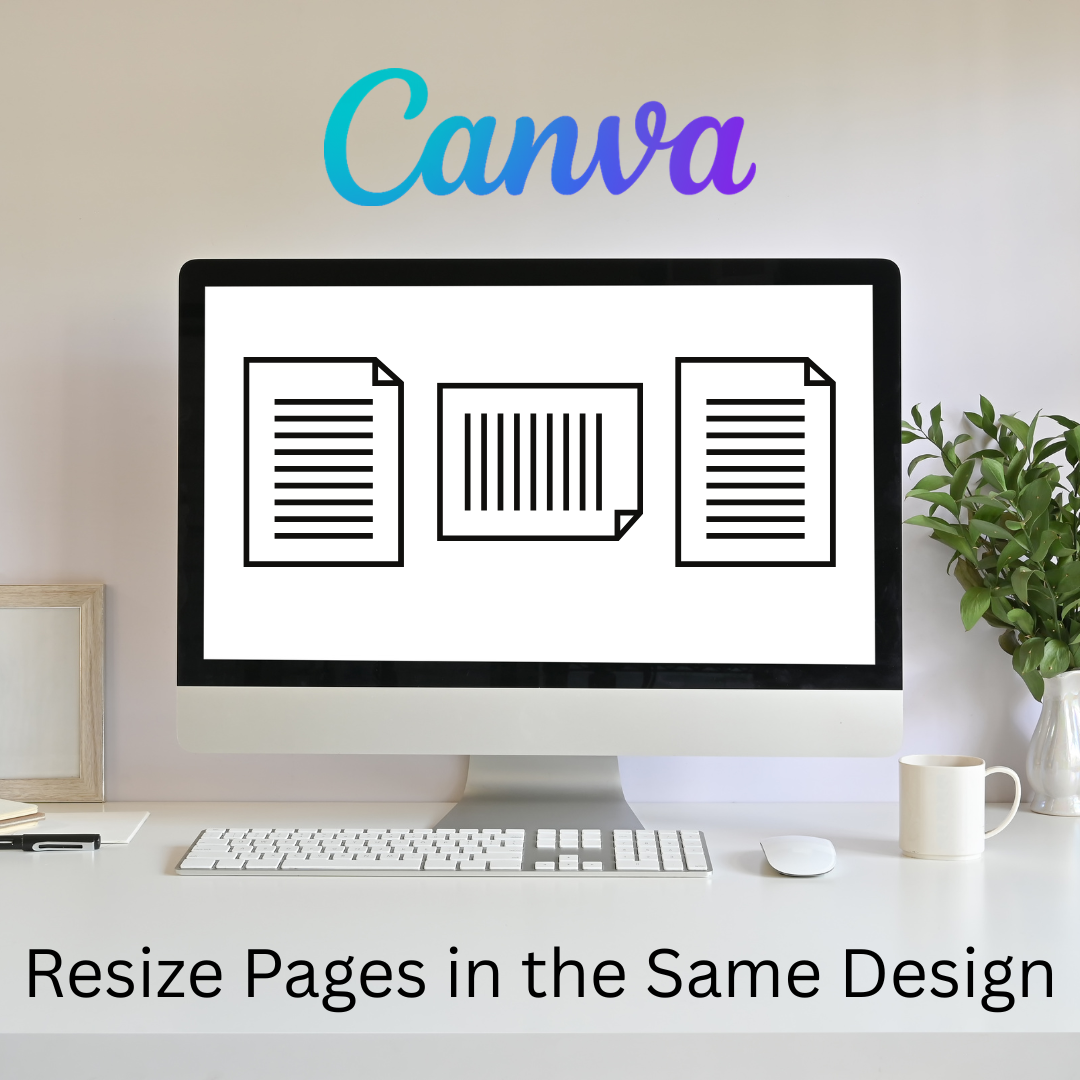
Flex Page Size in Canva
Sometimes I need part of my design project to be landscape, but others to be portrait. You can do that all in the same Canva project.
-
Book Creator joins forces with Kami
A short story about how Book Creator is still available through Kami, and how the two complement each other in a learning cycle to enhance your lessons. PLUS why Kami is more than just a PDF annotation tool.
-
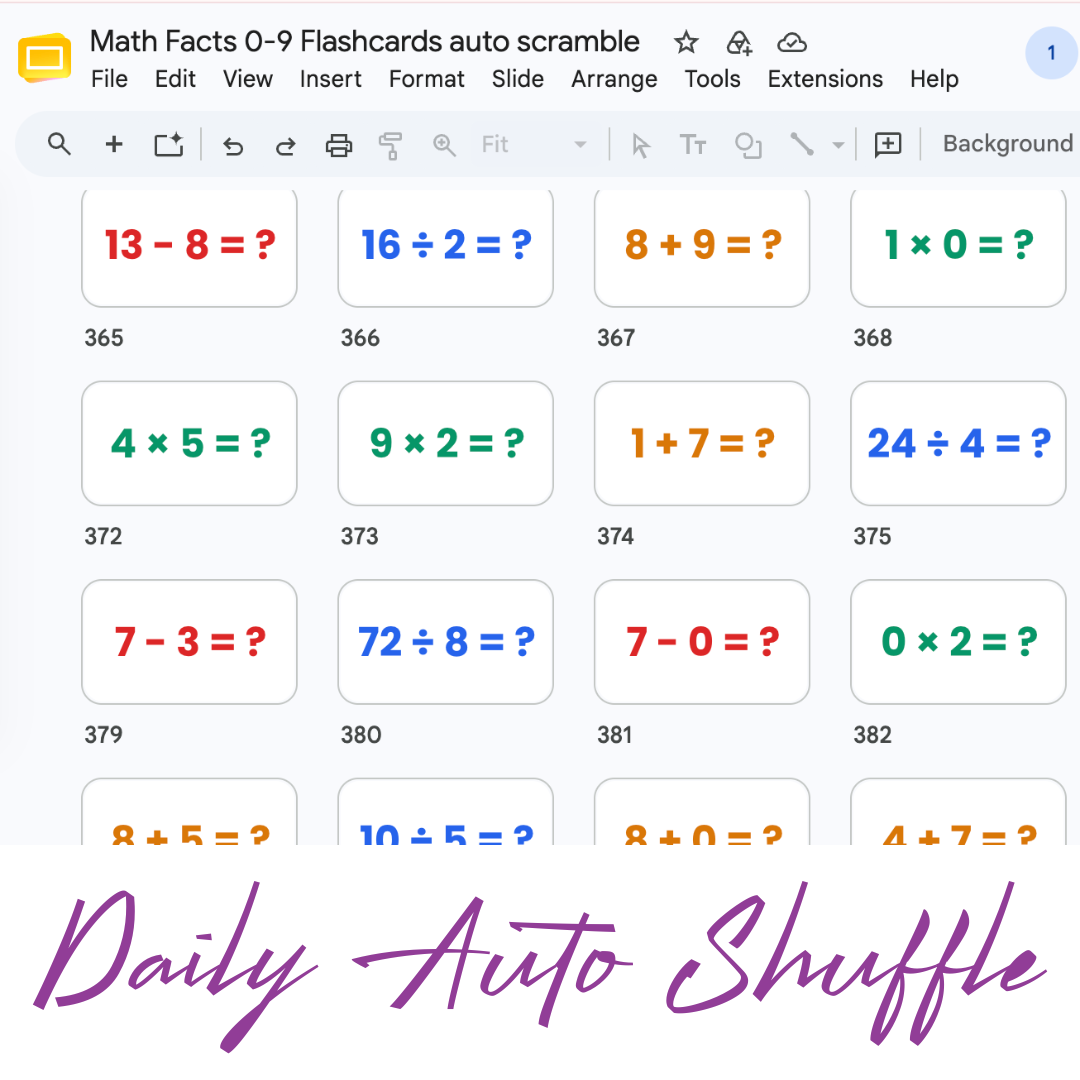
Math Facts Practice – Slides
Google Slides with all the math facts to practice.
-
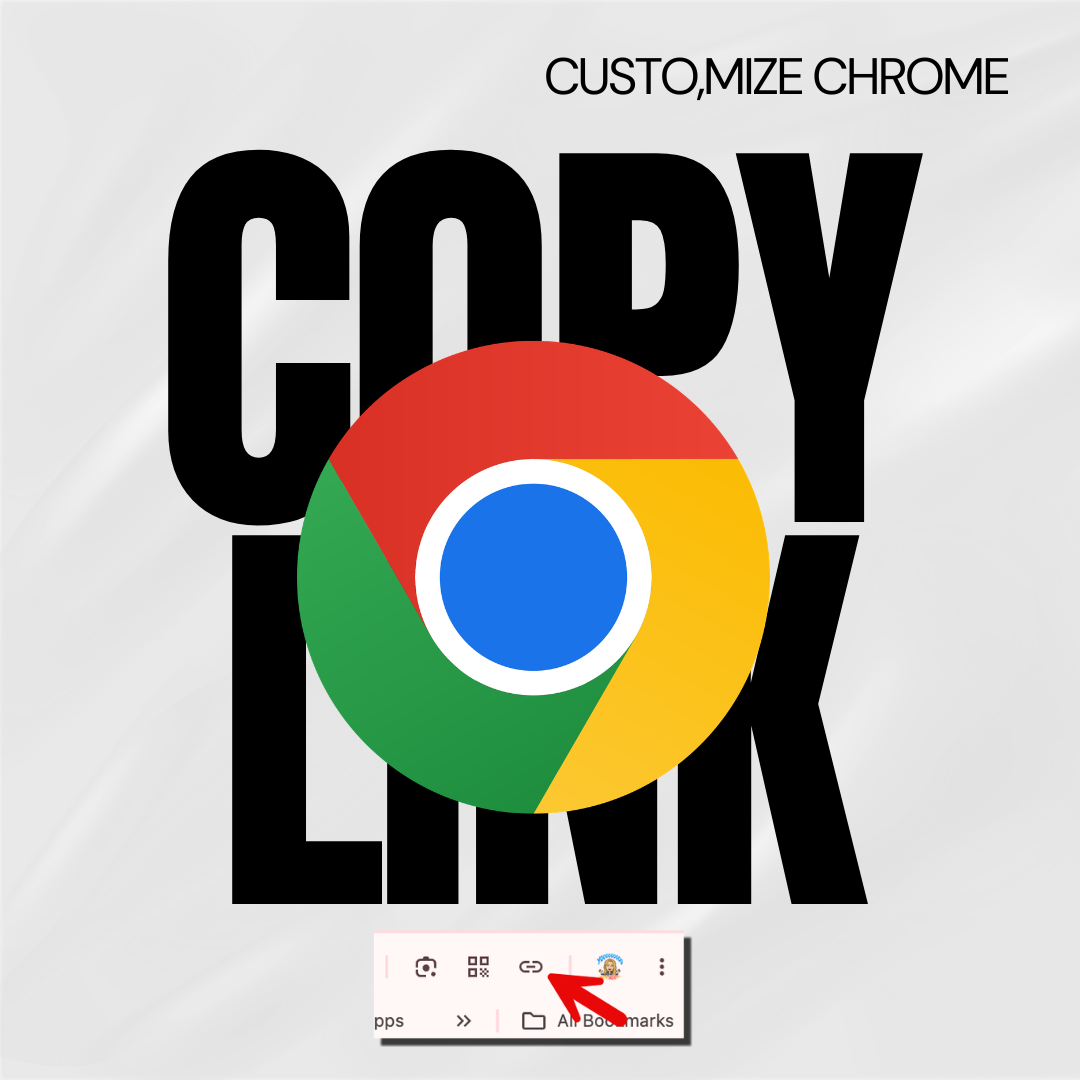
Copy the Link in Chrome
Hate copying the URL from a website? Chrome makes it fast.
-
Setting Up Your Google Classroom and Using AI
One of the first steps in starting a new school year is setting up your Google Classroom.