





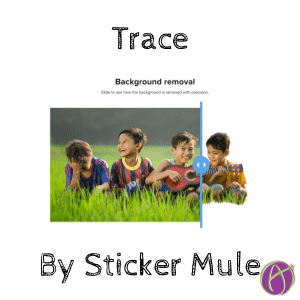
Remove Background Images with Trace
I must confess I LOVE Sticker Mule. They don’t just have the best sticker website, they have the best website. If you want to see what really good website design looks like, check out Sticker Mule. So when they emailed me to say they have a new product to remove background images I thought… this has to be good! AND IT IS!
Shameless promotion to support my sticker addiction: alicekeeler.com/stickermule
We both get $10 credit if you use my referral link.
Trace by Sticker Mule
This was super easy! SUPER EASY! I went to stickermule.com/trace and clicked the “Upload photo” button. (I was signed into my Sticker Mule account first, which allows me to connect via my Google Account.)

It opens a picker to choose a photo from my computer. Then it just does it. No choices, no steps.
Download
Use the “Download” button to download the image with the transparent background. You can also add a background color or image if you want. That is it! Done!
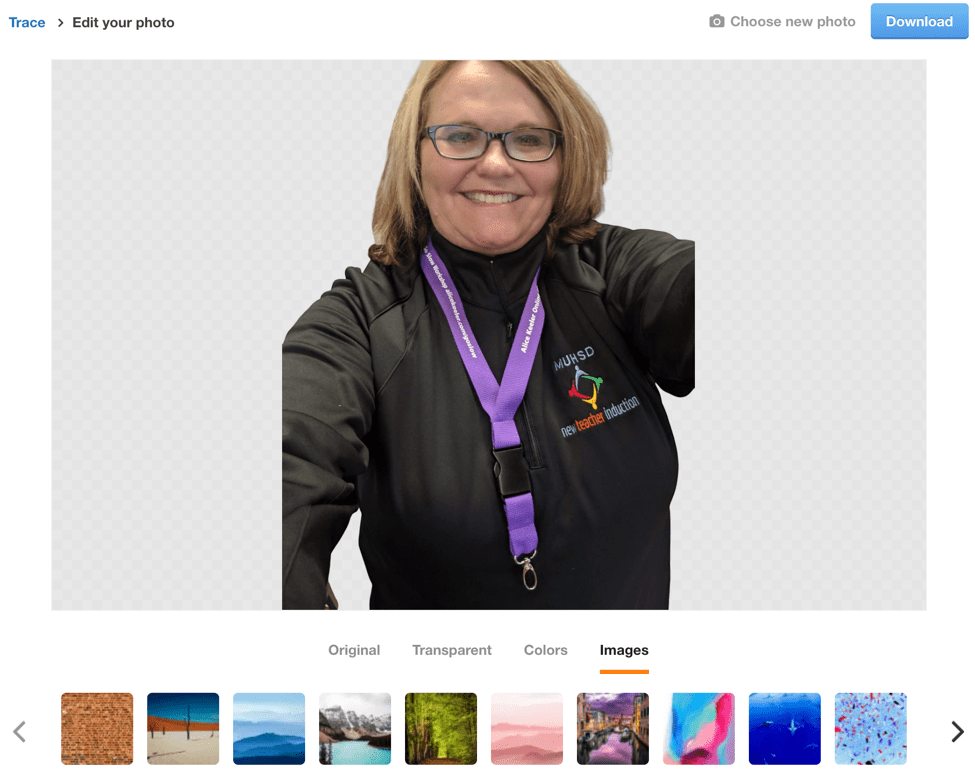
Drag from Download Bar
If you use Google Chrome you will notice when you download images they go to a bar at the bottom of the screen. You can grab the file from the download bar and drag right into Google Slides.
Order Stickers
As I had hoped, Sticker Mule makes it wicked easy to turn your picture into stickers. Now I am in trouble, as if I didn’t have a sticker making addiction to begin with!






