





Be a Screencastify Genius! with this Online Certification
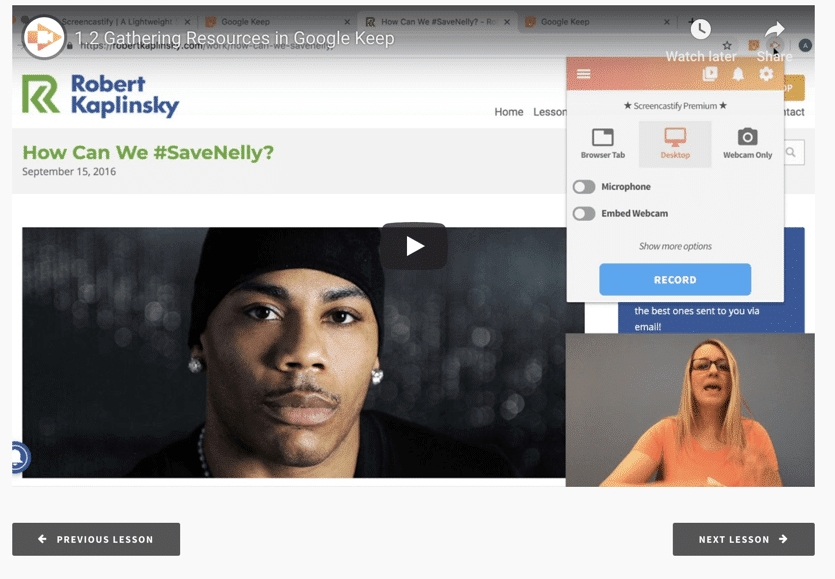
Screencastify is FREE (freemium) and a must have for Chromebook and Chrome users. Screencastify allows you to record your screen, with or without your webcam, and the video SAVES TO GOOGLE DRIVE! That is all I want in life! Get it in Drive!
Link to Online Certification
Free Certification
In this SHORT online certification for integrating Screencastify with Google Apps you will learn some new ways to utilize Google Apps and how Screencastify enhances the entire teaching cycle from planning to implement to feedback and reflection. I am passionate about teaching. This course is not about how to use Google Apps but rather how to teach with Screencastify to make the learning experience even better.






3 thoughts on “Screencastify Genius! Free – Videos + Google”
I loved this course! I had never used Screencastify before, although I’d heard about it. I can’t wait to try it out with my next group of kids.
Always love the opportunity to exercise my tech skills with the guidance of AK! My thoughts/wonders are: 1) Sell me on the benefits of using Google Keep to organize thoughts/collaborate versus a plain ol’ Google Doc as a collaboration platform. 2) Am I able to edit my Screencast videos to speed up steps (like when you were typing) or cut and piece together bits of the same video (or even from different videos)? TIA
Keep is quick