




Watch John McGowan Share EquatIO For Math Symbols

EquatIO by John McGowan
Watch John McGowan Share EquatIO For Math Symbols

EquatIO by Texthelp

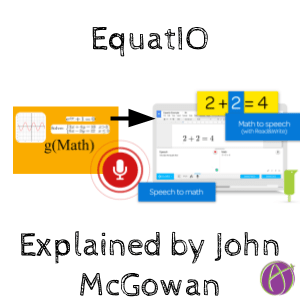
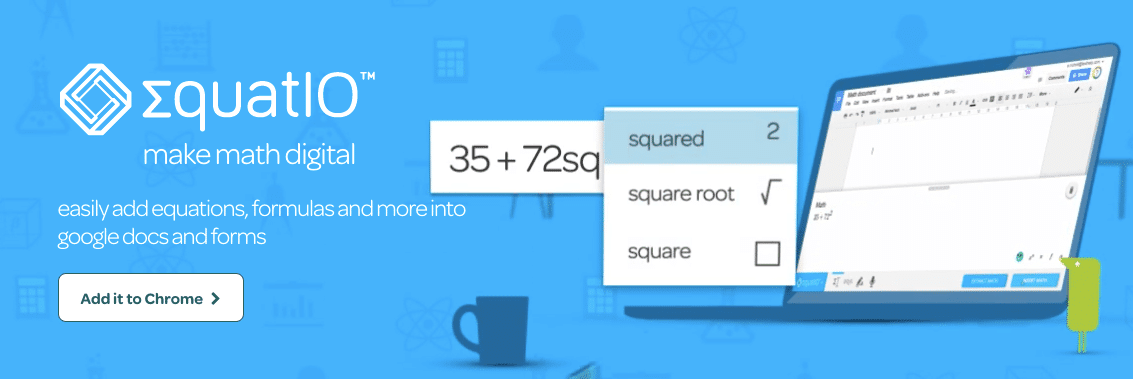
Yesterday John McGowan, author of g(math), shared at the Google Math workshop on how awesome the new EquatIO Chrome extension by Texthelp is. Insert math and science symbols with predictive text, voice commands or handwriting to text.

EquatIO for Math

John McGowan EquatIO

Watch John McGowan share on Periscope about the new Chrome extension EquatIO.

Accessibility

Universal Design Learning (UDL) is an important thing to consider when using digital materials. Is it accessible for ALL students?

Texthelp has some amazing products such as Read&Write and Fluency Tutor that help not only with reading and writing skills but makes information accessible. EquatIO is mindblowing for how easy it is to get math symbols into a Google Doc or Form but also math is now accessible. In conjunction with the Read&Write Chrome extension, math can now be read aloud by the computer.


1 thought on “Watch John McGowan Share EquatIO For Math Symbols”

Leave a Comment

© 2026 All Rights Reserved.

Get effective EdTech strategies from Alice Keeler to build a more student centered classroom. Includes unique resources and templates.

Recent Teacher Tech Blog Posts

💥 FREE OTIS WORKSHOP

Join Alice Keeler, Thursday April 28th or register to gain access to the recording.
Create a free OTIS account.

Join Alice Keeler for this session for teaching with AI

Imagine having a team of teaching assistants who already know your syllabus and exactly how you like to give feedback. Join Google Certified Innovator Alice Keeler to learn how to use Google Gems to build a powerful collection of custom AI tools. We will explore how to engineer specific instructions so you can create a Grading Assistant or a Classroom Policy Manager that works for you. You will also learn how to leverage Gems shared by other educators to instantly expand your toolkit. This session is about super-powering your teaching by automating the routine tasks so you can focus on the students.

Exit this pop up by pressing escape or clicking anywhere off the pop up.



