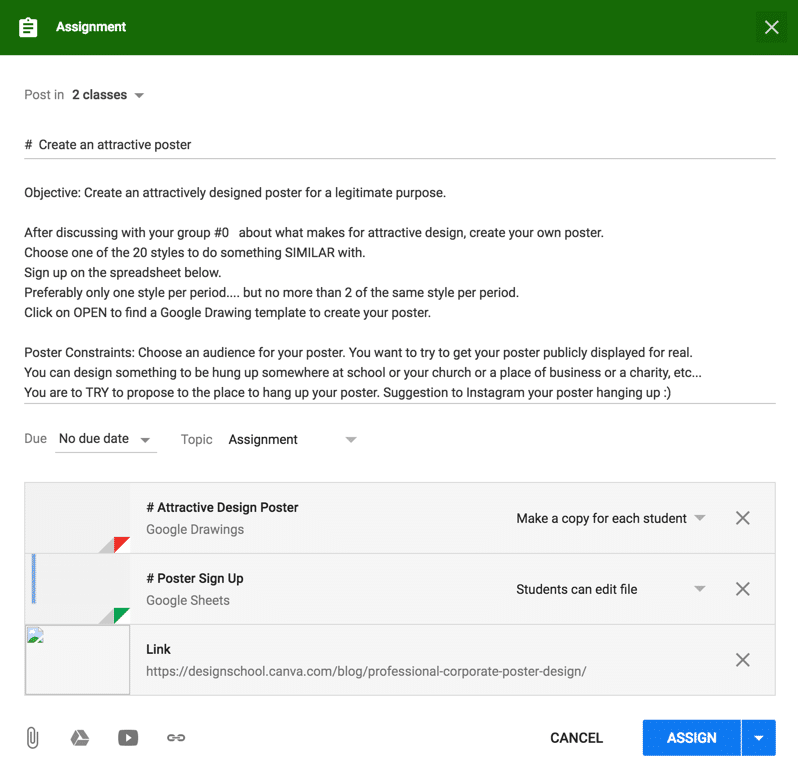




Create Posters to Clearly Communicate Ideas
I saw Canva tweet a blog post “20 Easy Ways to Create a Professional Poster that Goes Above and Beyond [with Free Templates].” Canva is awesome, you should use it. One of the 21st century skills is for students to clearly communicate their ideas. (Communicate does not have to be with words.) In a digital age it is so important that students know how to communicate with media. We’ve all been victim to bad PowerPoint slides, we want to make sure this generation grows up knowing how to design attractive, clearly communicated media.
In any subject area, we can ask students to demonstrate their learning through an attractively designed professional poster.
Template
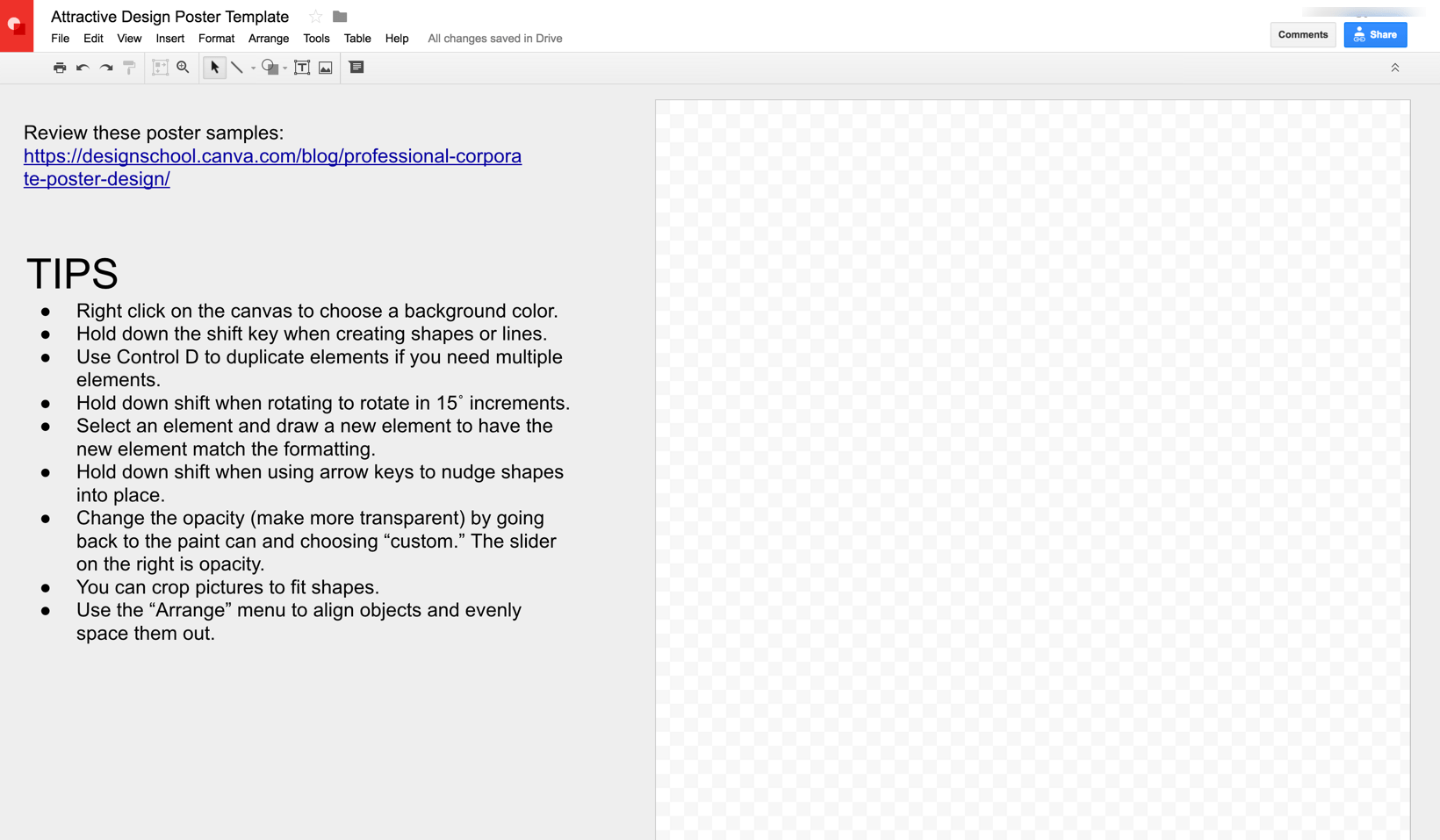
Canva is super awesome but it has the templates pre-made. I would like students to try to create the designs from scratch. The above Google Drawing template is in portrait and has some tips “off canvas” for how to create the poster elements.
Discuss Design
Telling students to “Create a PowerPoint” or “Create a poster” will surely yield in some very ugly presentations and posters. How do students learn what attractive design is?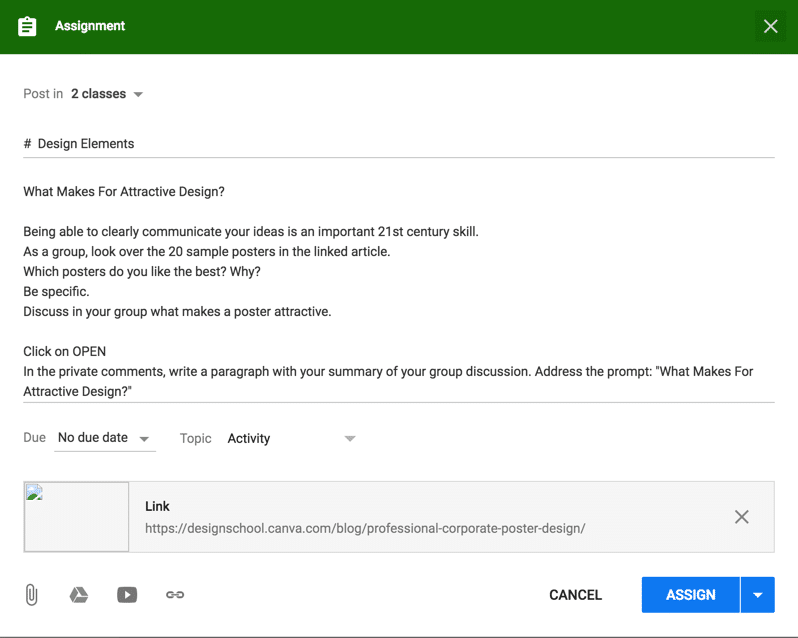
Authentic Audience
When assigning projects consider who the intended audience is? Hanging on the wall of the classroom is not as meaningful as doing something for say an organization.