




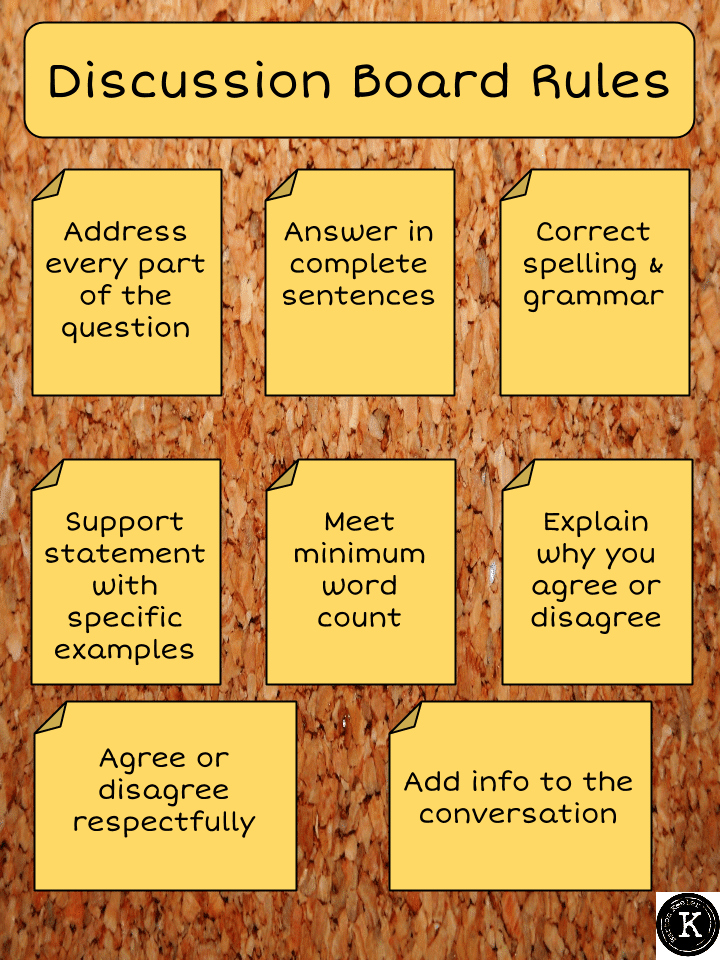
Discussion Board Rules

Discussion Board Rules

Click Here to link to the Google Drawing of the poster.

In teaching English Barton Keeler started using Schoology for discussions after Catlin Tucker mentioned this is what she uses. In order to have successful discussions Barton noticed that he needed to provide the students with requirements. Students tend to want to answer “good job” or other comments that do not further the conversation. As with any skill, students need to be guided on how to have an effective online discussion.

Posting

When posting students need to

  • Address every part of the question.
  • Answer in complete sentences.
  • Use correct spelling and grammar.
  • Support their statement with specific examples.
  • Meet the minimum word count.

Responding

When responding students need to

  • Explain why they agree or disagree.
  • Agree or disagree respectfully.
  • Add information to the conversation.

Leave a Comment

© 2026 All Rights Reserved.

Get effective EdTech strategies from Alice Keeler to build a more student centered classroom. Includes unique resources and templates.

Recent Teacher Tech Blog Posts

💥 FREE OTIS WORKSHOP

Join Alice Keeler, Thursday April 28th or register to gain access to the recording.
Create a free OTIS account.

Join Alice Keeler for this session for teaching with AI

Imagine having a team of teaching assistants who already know your syllabus and exactly how you like to give feedback. Join Google Certified Innovator Alice Keeler to learn how to use Google Gems to build a powerful collection of custom AI tools. We will explore how to engineer specific instructions so you can create a Grading Assistant or a Classroom Policy Manager that works for you. You will also learn how to leverage Gems shared by other educators to instantly expand your toolkit. This session is about super-powering your teaching by automating the routine tasks so you can focus on the students.

Exit this pop up by pressing escape or clicking anywhere off the pop up.




