





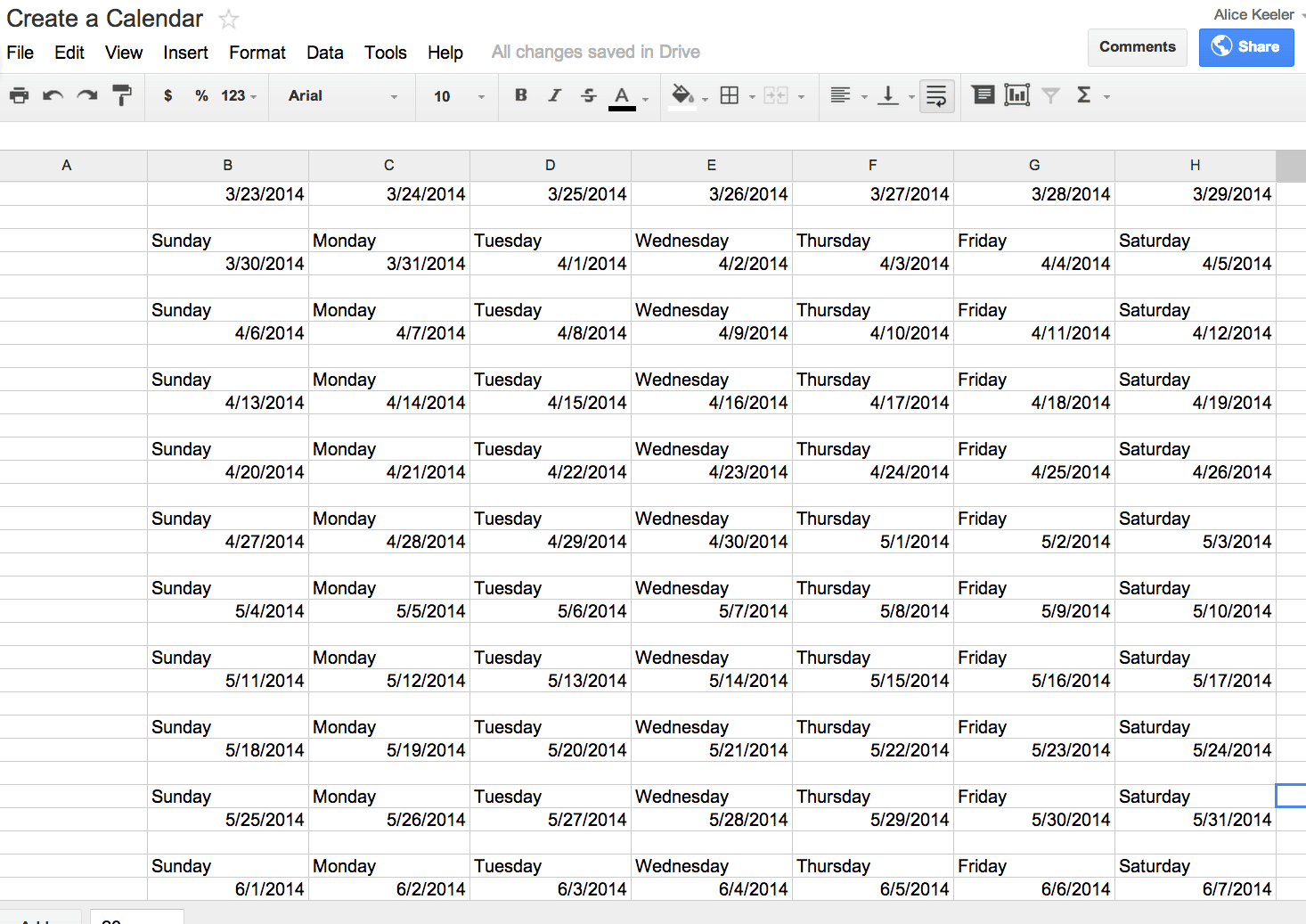
If you want to create a planning calendar quick, try these formulas. I am able to create a calendar for the entire year in seconds using this method. Click Here to link to a sample calendar.
Step 1:
Type Sunday in one cell, Monday in the cell next to it.
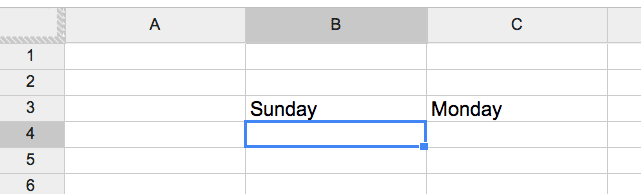
Highlight the 2 cells and fill across to automatically show Sunday to Saturday.


Step 2:
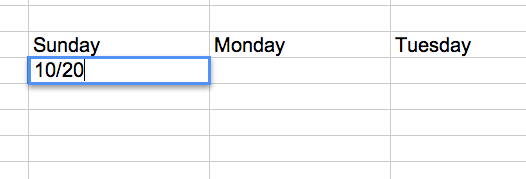
Type the date underneath Sunday and push enter.
Step 3:
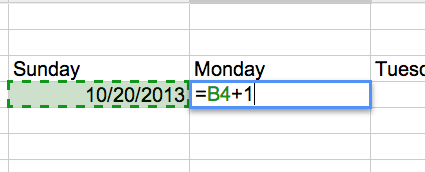
In the cell to the right of the date use the formula =B4+1 (assuming the date is in cell B4).
Step 4:
Fill across the formula to generate the rest of the dates of the week.


Step 5:
Skip a row to allow you to have a cell to type your calendar information into.
Step 6:
Type =B3 if you want the days of the week to repeat. Fill this across.


Step 7:
In the cell below the day of the week, type =B4+7 to add 7 days to the previous date. (Assuming the previous date was in B4).
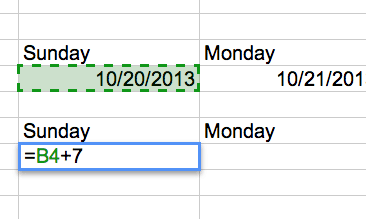
Fill the formula across.

Step 8:
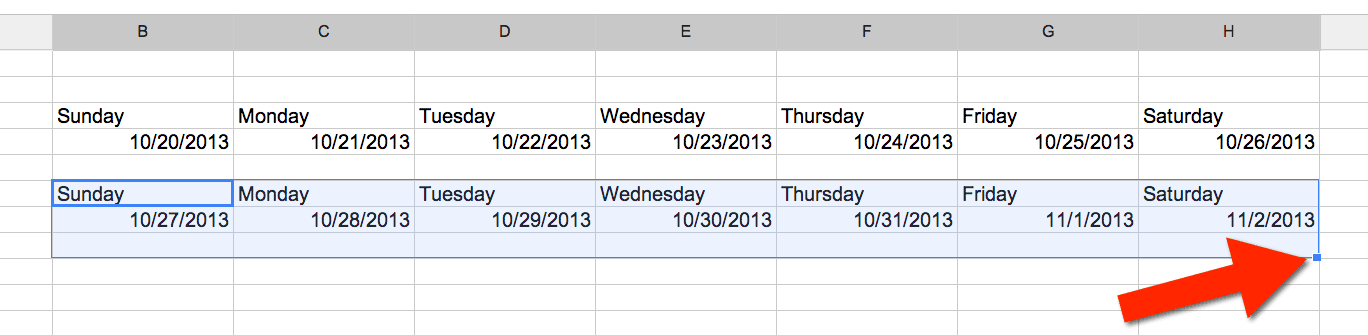
Highlight the days of the week, the dates and a blank row (the 2nd set only, not the first set).
Step 9:
Grab the corner of the highlighted section and pull down….. way down.





