I hope you’re using NotebookLM. It is my go to when I want to create educational… well anything. I will add research articles to the topic. However, I pretty much always start by letting Google find me sources using Fast Research. The problem is… now I am back to using the dumpster fire of the Internet with my AI.
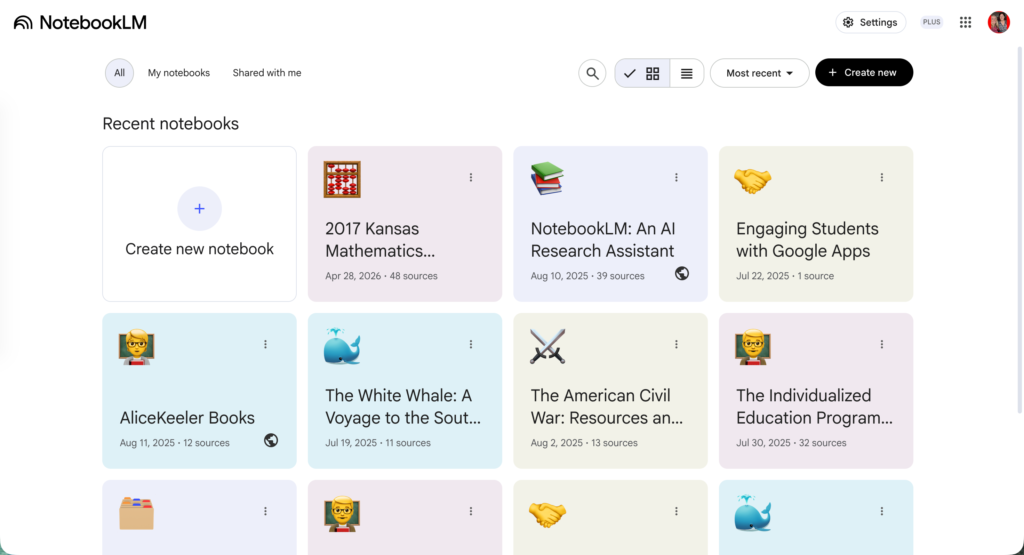
Create a lot of NotebookLM notebooks
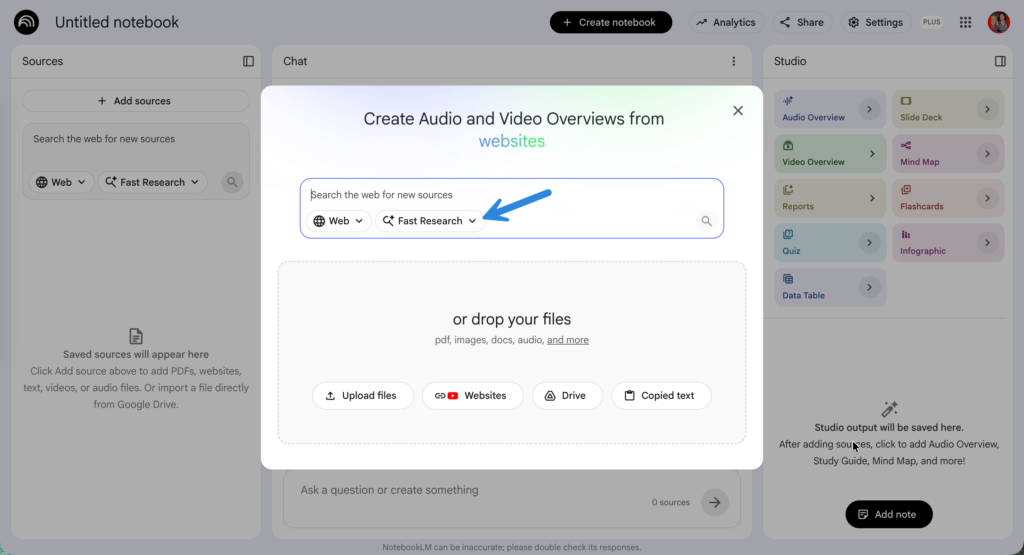
Get started with sources by using Fast Research
The Dumpster Fire of the Internet
One of the problems with AI is when I prompt Gemini Chat (or ChatGPT or…) is the sources come from what I like to refer to as “The dumpster fire of the Internet.” How do I know that information is true and reliable? This is where NotebookLM comes in. As soon as you start a notebook, it asks you to add your sources. So you’re using YOUR sources and not random sources. That breaks down when we allow NotebookLM to just go find sources. And sometimes those sources are really low quality. They are simply navigation from a webpage without any content.
Ask NotebookLM to Check the Sources
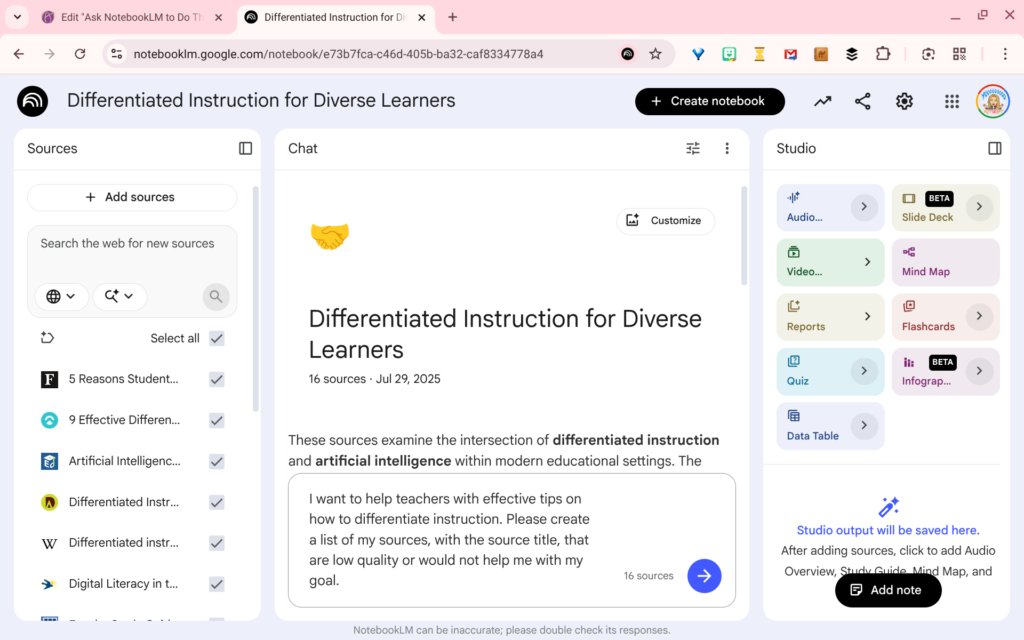
After I import the sources, and add my own sources, I chat with NotebookLM to indicate what my goal is with the notebook. Then I ask NotebookLM to analyze which sources are low quality to achieve my goal.
I want to help teachers with effective tips on how to differentiate instruction. Please create a list of my sources, with the source title, that are low quality or would not help me with my goal.
Tip: Ask NotebookLM to give you the title of the source. It might return the source number, but the sources are not numbered. Additionally, when you start to delete the resources the sources to delete are not in the indicated slot.
Teaching with NotebookLM
No matter what you are teaching, creating a NotebookLM notebook will help you to achieve your lesson goals. This obviously starts with having high quality resources that you have vetted. Use NotebookLM to help you find sources, and also vet them.
Join Alice Keeler for this session for teaching with AI
Imagine having a team of teaching assistants who already know your syllabus and exactly how you like to give feedback. Join Google Certified Innovator Alice Keeler to learn how to use Google Gems to build a powerful collection of custom AI tools. We will explore how to engineer specific instructions so you can create a Grading Assistant or a Classroom Policy Manager that works for you. You will also learn how to leverage Gems shared by other educators to instantly expand your toolkit. This session is about super-powering your teaching by automating the routine tasks so you can focus on the students.
Exit this pop up by pressing escape or clicking anywhere off the pop up.