






Somehow my Khan Academy account is set up as learner and not teacher. This means I am not able to assign Khan Academy assignments to my students. I needed to know hot to change your role from learner to teacher in Khan Academy. Going to settings I could not figure out how to have a teacher account instead of a student account.
The trick is to KEEP SCROLLING
Change Your Role on Khan Academy
If you do not have “Teacher/Coach” as a role option you want to checkbox this. You will find it by scrolling down on the settings to find the “Roles” section in Khan Academy.

-
Ask for Resources in Gemini Notebook
Gemini Notebook (formerly NotebookLM) makes it easy to create resources. Just ask.
-
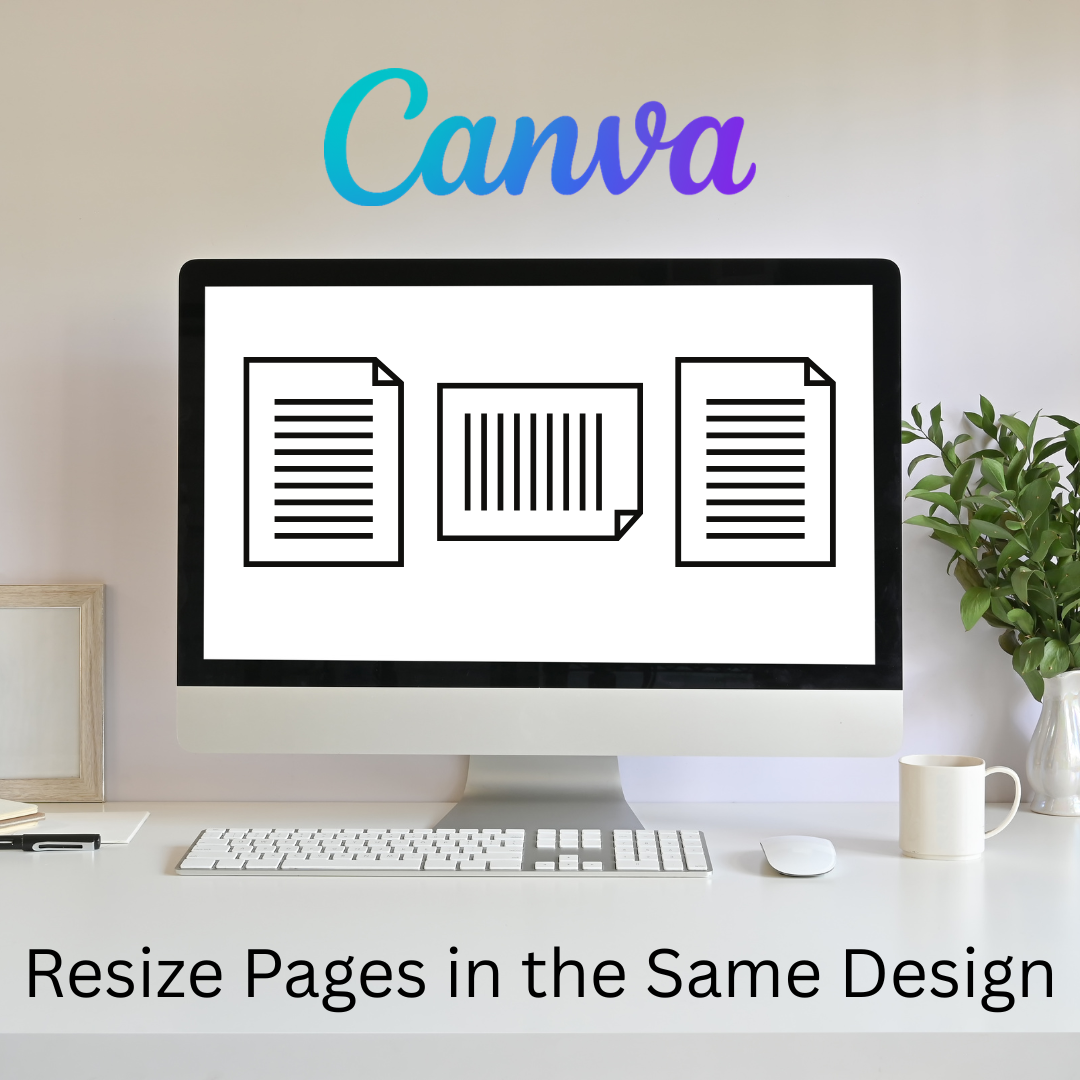
Flex Page Size in Canva
Sometimes I need part of my design project to be landscape, but others to be portrait. You can do that all in the same Canva project.
-
Book Creator joins forces with Kami
A short story about how Book Creator is still available through Kami, and how the two complement each other in a learning cycle to enhance your lessons. PLUS why Kami is more than just a PDF annotation tool.
-
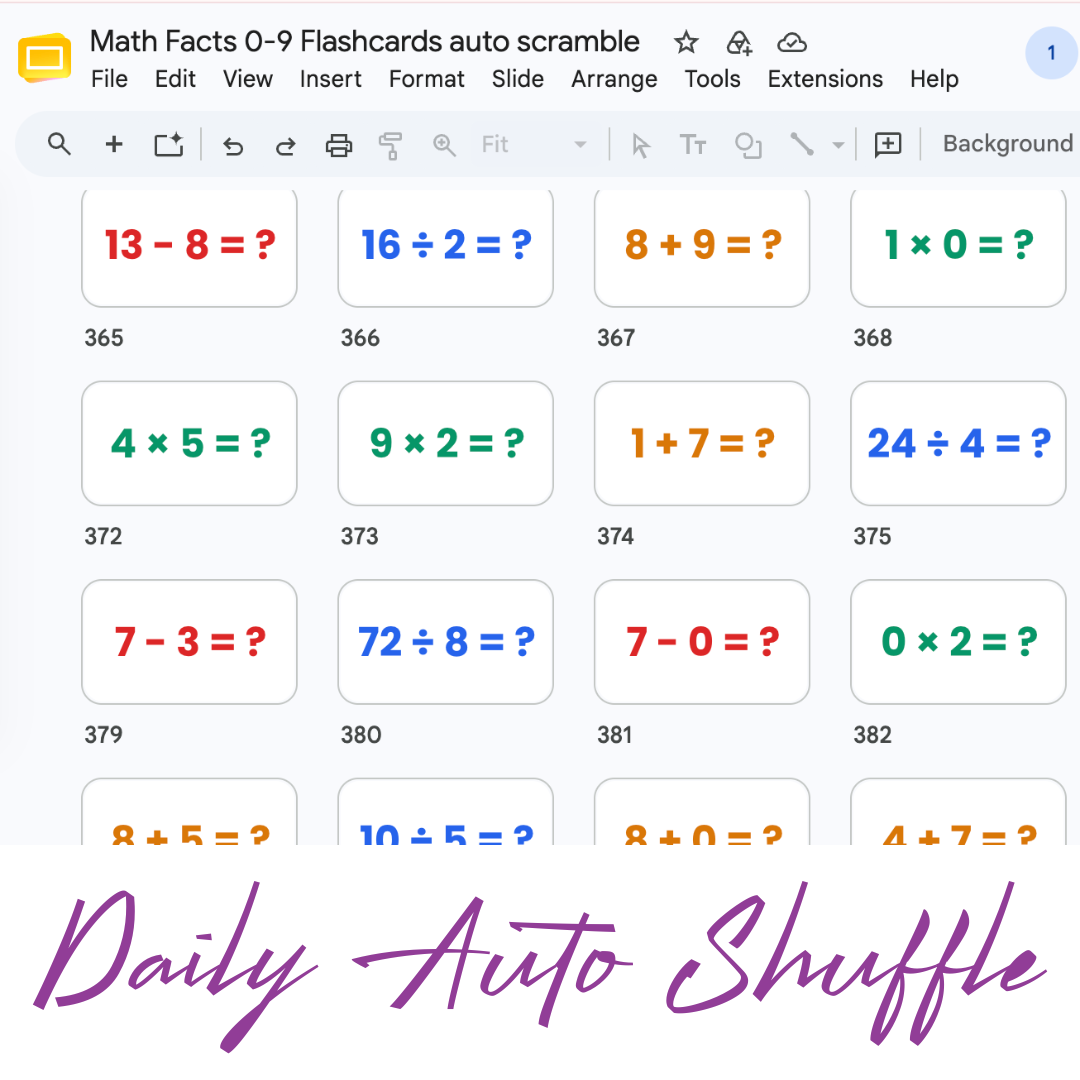
Math Facts Practice – Slides
Google Slides with all the math facts to practice.
-
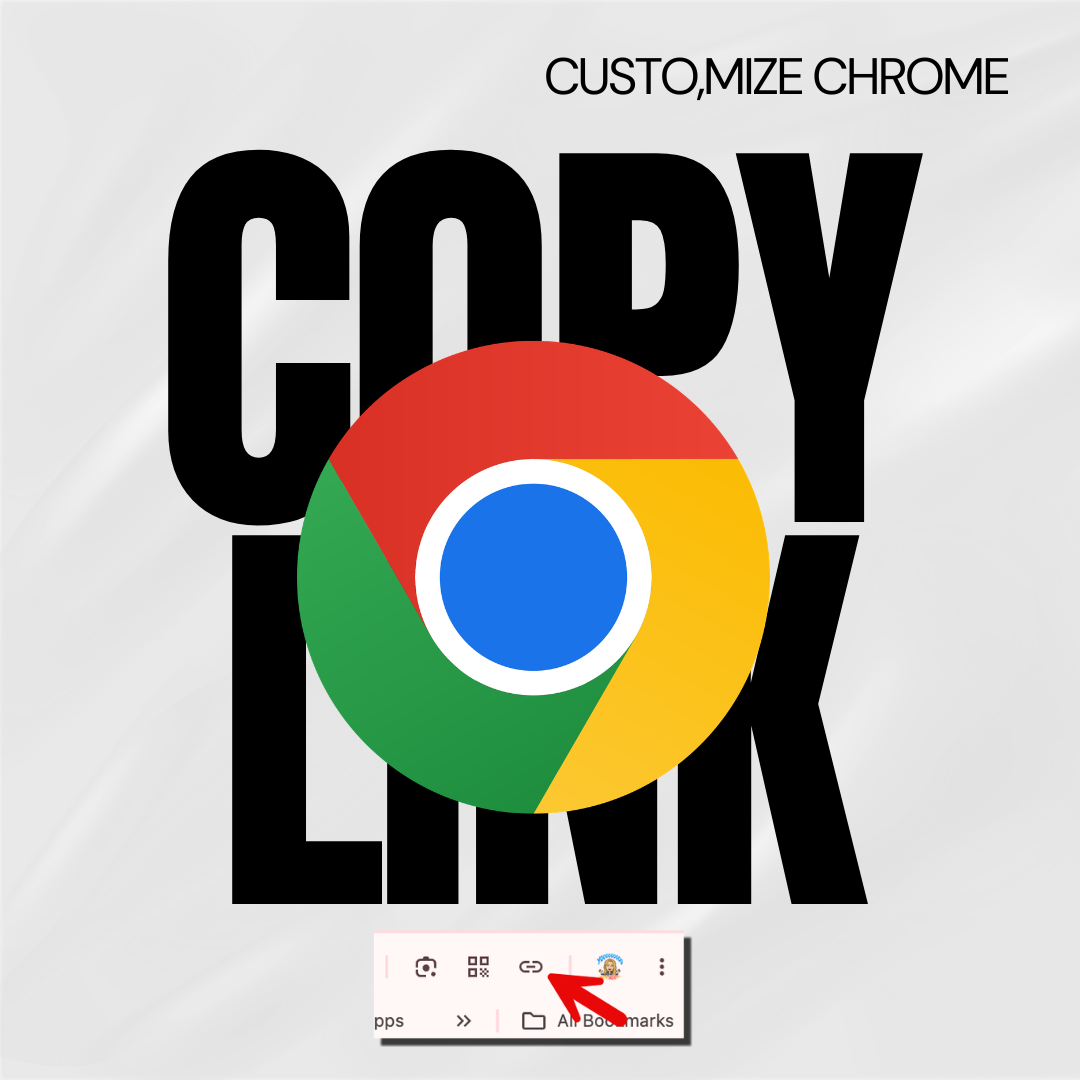
Copy the Link in Chrome
Hate copying the URL from a website? Chrome makes it fast.
-

Setting Up Your Google Classroom and Using AI
One of the first steps in starting a new school year is setting up your Google Classroom.
How to Change Your Role From Learner to Teacher in Khan Academy
- Go to the Khan Academy website
- Click on the “Join” button in the top right corner
- Enter your email address and create a password
- Click on your profile icon in the top right corner
- Select “Become a teacher”
- Fill out the form to request a teacher account
- Wait for your request to be reviewed and approved
- Access teacher features on Khan Academy.
Benefits
Khan Academy offers a comprehensive curriculum for math teachers. It covers a wide range of mathematical concepts. Moreover, it provides interactive exercises, videos, and quizzes for classroom use.
Furthermore, it allows teachers to easily track students’ progress. This way, teachers can identify areas where students need additional support. Additionally, teachers can create classes and assign material to students, providing a tailored pace.
Moreover, it adapts to fit a teacher’s individual teaching style. For example, teachers can choose to use the entire curriculum, or just select parts that align with their curriculum.
Lastly, it is entirely free, providing teachers with quality materials without additional cost.





