






I have been hesitant to get onto TikTok (here is my TikTok). I’ve been a Twitter user for 12 years. On Twitter I do not need quiet spaces and it is quick and easy for me to share quick tips. Holly Clark has been encouraging me to share on TikTok… especially now that Twitter is up in the air. So I am spending some time trying to learn from how Holly does her TikToks and I thought you might want to join me. Tell me in the comments below about what you like about TikToks for learning about teaching and what you do not like.

Here Holly shares a fun Halloween template where students can create a TikTok video using Flip. I will admit it is nice to have her explain the template rather than just link to it like in Twitter.
Here in this TikTok Holly shares some pedagogy around Google Slides and Hyperdocs. I am also very picky about “Hyperdocs” in that most of what I see being called a Hyperdoc is really just a document with links. Holly is able to take specific screenshots of an example and break it down. I like the sharing of different screens within the same TikTok.

In this TikTok Holly has really clear text on the video to let you know what the video is about. I can see from my videos that it is hard to know what the topic is so that would be difficult for someone to know if they want to learn from it or not.
In this TikTok Holly has mashed some video content by just adding stickers on top. Good for me to realize I do not have to have my hair done and a quiet place in order to make a video.
Always Learning
While I am comfortable with Twitter nothing lasts forever. New technologies, new research, new culture changes, etc… mean that as a teacher I have to always be learning.
Learning TikTok
So now I am going to try learning to use TikTok, wish me luck!
-
Ask for Resources in Gemini Notebook
Gemini Notebook (formerly NotebookLM) makes it easy to create resources. Just ask.
-
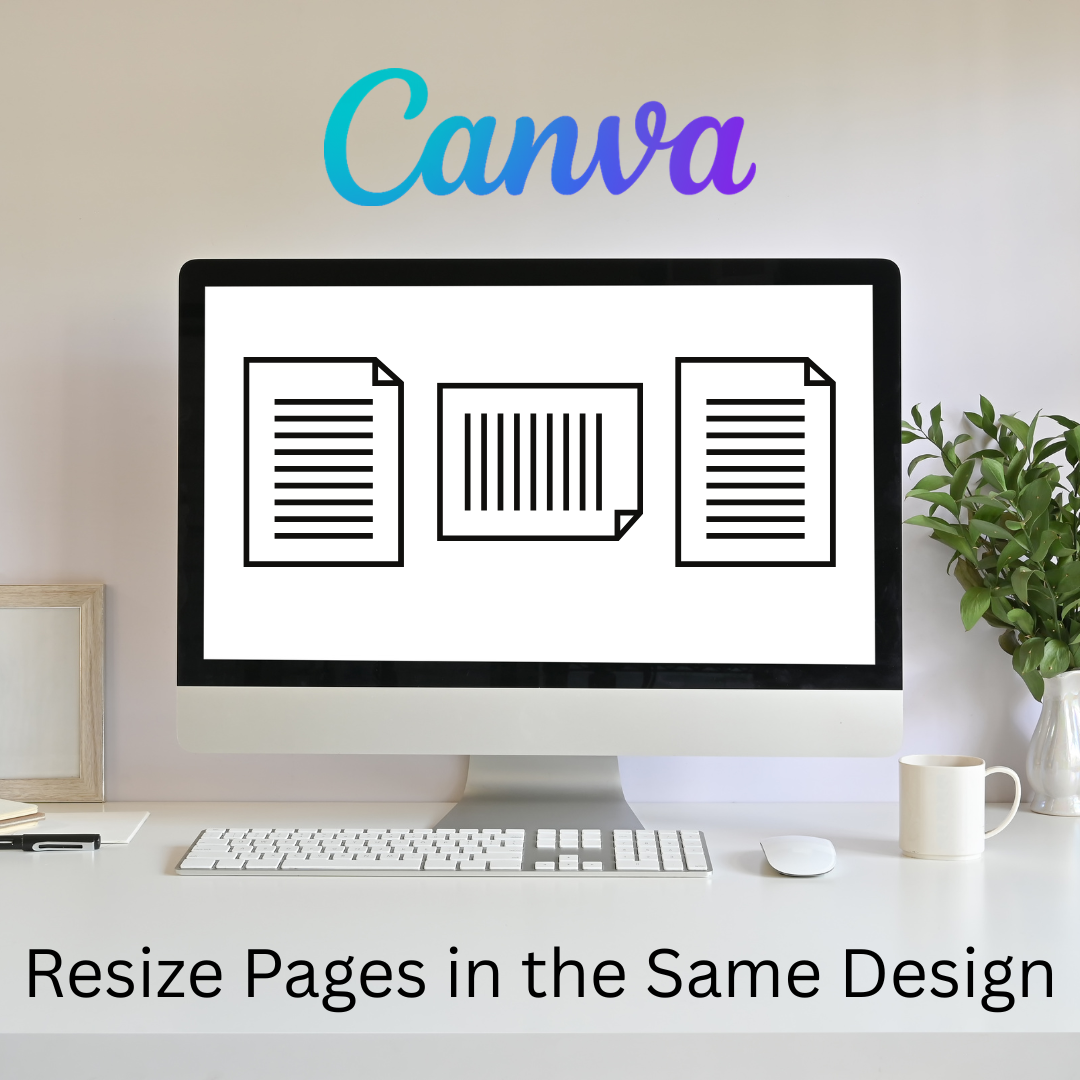
Flex Page Size in Canva
Sometimes I need part of my design project to be landscape, but others to be portrait. You can do that all in the same Canva project.
-
Book Creator joins forces with Kami
A short story about how Book Creator is still available through Kami, and how the two complement each other in a learning cycle to enhance your lessons. PLUS why Kami is more than just a PDF annotation tool.
-
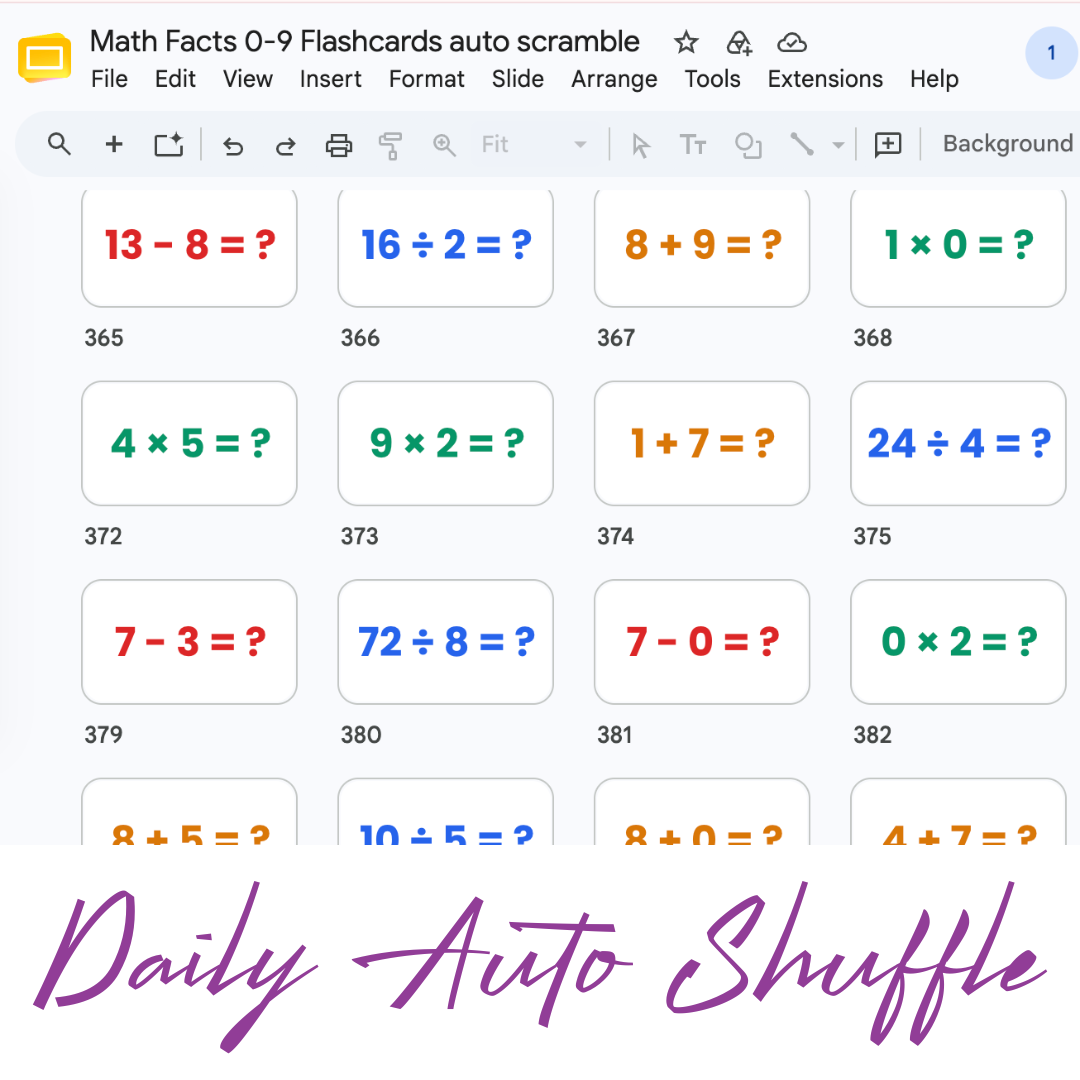
Math Facts Practice – Slides
Google Slides with all the math facts to practice.
-
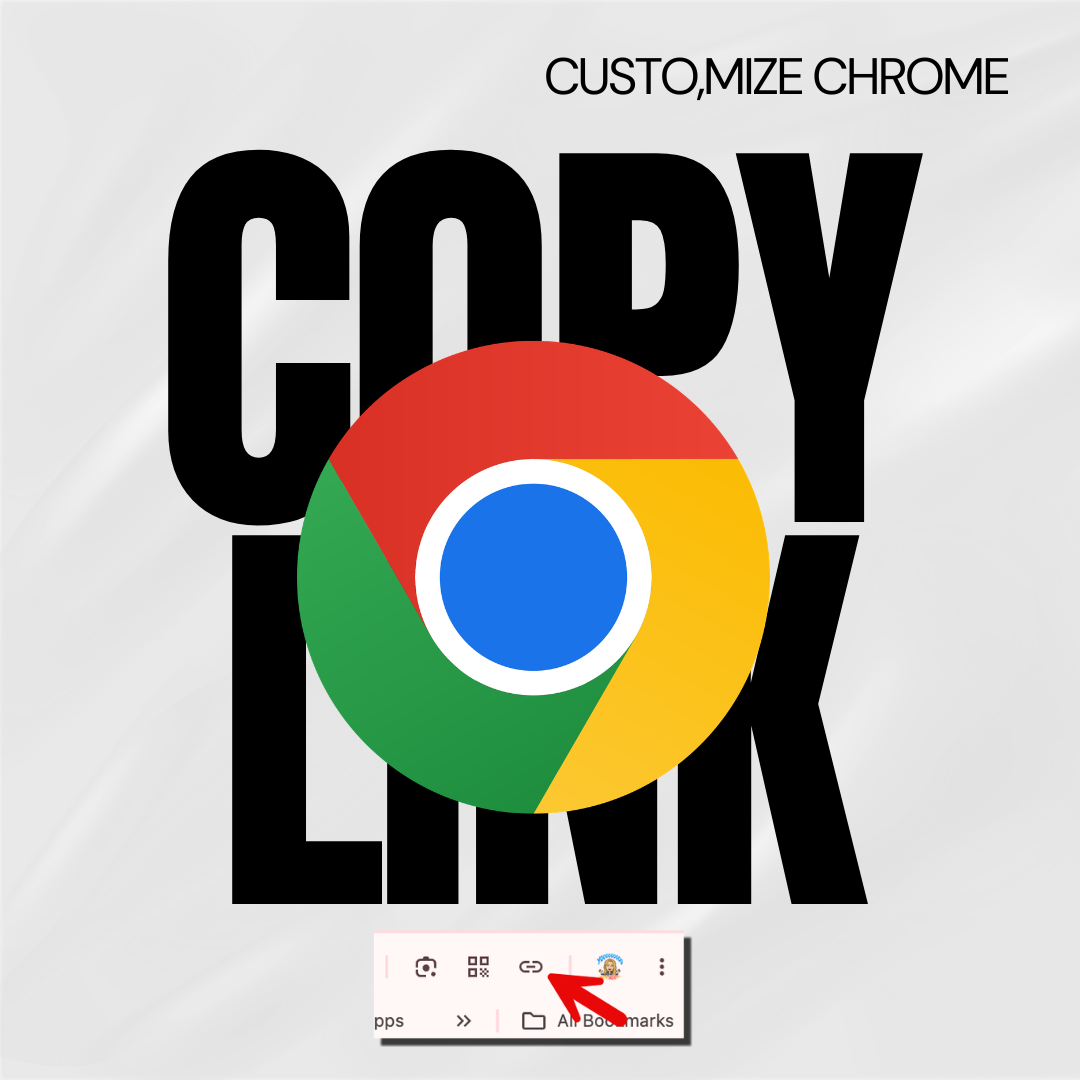
Copy the Link in Chrome
Hate copying the URL from a website? Chrome makes it fast.
-
Setting Up Your Google Classroom and Using AI
One of the first steps in starting a new school year is setting up your Google Classroom.





