





Create a Tutorial with SlideShot and Explore Tool
Want to create a Google Slides with a tech tutorial? Try using the SlideShot Chrome Extension and the Explore tool built into Google Slides.
Sample Tutorial
To demonstrate how to use my alicekeeler.com/pulltheparagraph Add-on I started a SlideShot from the Chrome extension and went through the steps to Pull the Paragraph from student Google text documents in Google Drive. This sucks each paragraph out of the text documents and puts them into a spreadsheet. It’s like students filled out a Google Form but didn’t. This allows you to go down the spreadsheet and view each students writing and provide feedback without ever having to open a student document. SlideShot automatically captured a screenshot of me going through the steps every minute. I also manually added screenshots using the Chrome extension when necessary.
SlideShot
SlideShot allows you to manually add screenshots and it also takes a screenshot every minute. The screenshots are saved into Google Drive automatically. Choosing finish on the extension automatically creates a Google Slides presentation of the screenshots.
Text Box
SlideShot automatically places a text box to the right of the slide. This makes it quick to describe the step that is going on in the screenshot.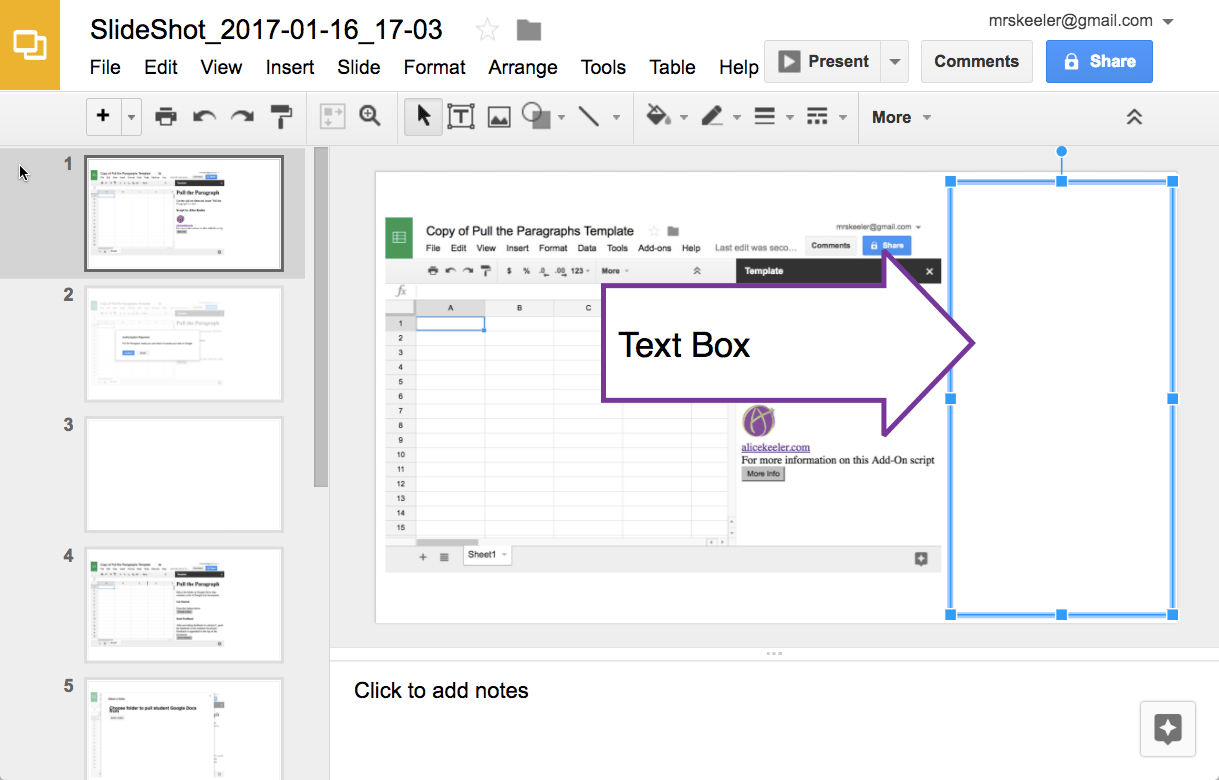
Explore Button
Google Slides Explore tool automatically gives suggestions for layouts to make your slides look nicer!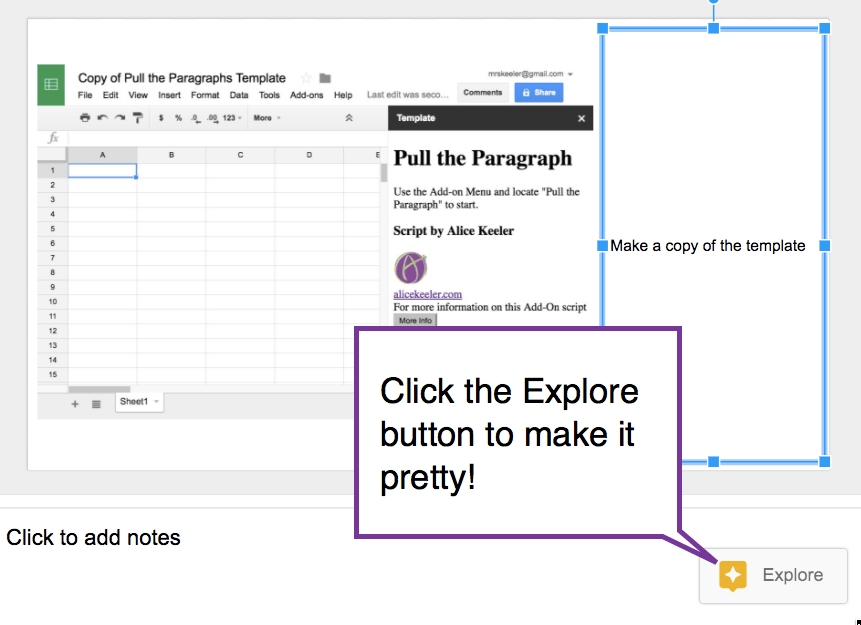
Choose a layout that you like. The text boxes are automatically moved to an attractive location.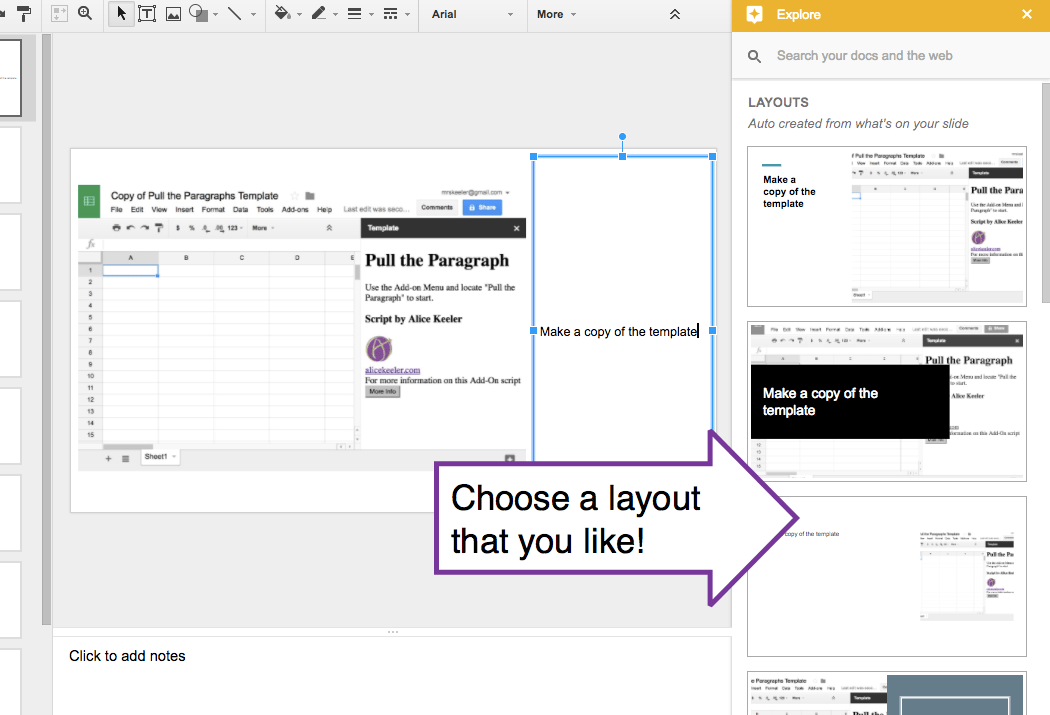
Tutorial Done
Super quick you have a tutorial done!
Have the Students Do It
One thing I suggest is NOT showing students how to do technology. If you show them 5 things then that is the only 5 things they will click on. Try giving them some time to explore the tool and share out what they figured out. SlideShot and the Explore tool is a great way for them to share what they learned.






2 thoughts on “Create a Tutorial with SlideShot and Explore Tool”
Any chance there is, or you could create, a keyboard short cut for manual screen shots?
I have no plans to do this.