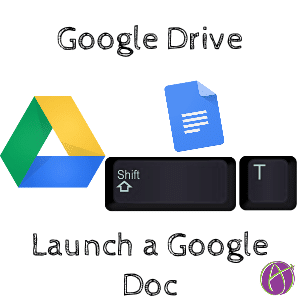
Go to Google Drive and skip the “New” button. Instead, hold down the Shift key and press T. Like magic, a Google Doc will be launched in a new tab.
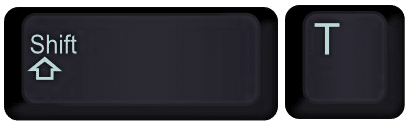
Google Drive: Shift T
Create an MCP Server for Google Classroom With Google Apps Script
Alice Keeler
October 11, 2026
No Comments

Ask for Resources in Gemini Notebook
Alice Keeler
September 20, 2026
No Comments

Flex Page Size in Canva
Alice Keeler
September 20, 2026
No Comments
Book Creator joins forces with Kami
Dan Kemp
September 5, 2026
No Comments

Math Facts Practice – Slides
Alice Keeler
August 19, 2026
No Comments

Copy the Link in Chrome
Alice Keeler
August 16, 2026
No Comments

Setting Up Your Google Classroom and Using AI
Alice Keeler
August 6, 2026
No Comments

Google Gemini for Teachers Quick Start Guide
Alice Keeler
August 1, 2026
No Comments
© 2026 All Rights Reserved.

1 thought on “Google Drive: Shift T”
Great Tip! I didn’t know this one.
Thanks for sharing.