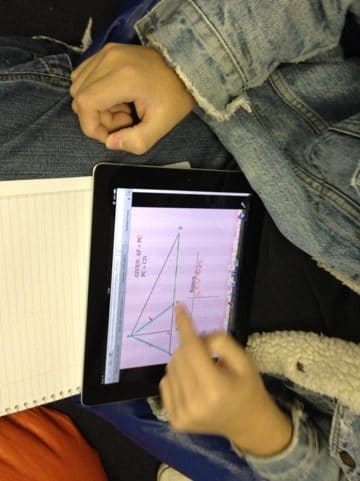
Recently my school did a roll out of 1-1 iPads. It has some challenges, but overall has been great. One strategy I like to utilize is having stations, one station is where I work with a small group of students and rotate them all through during the period.
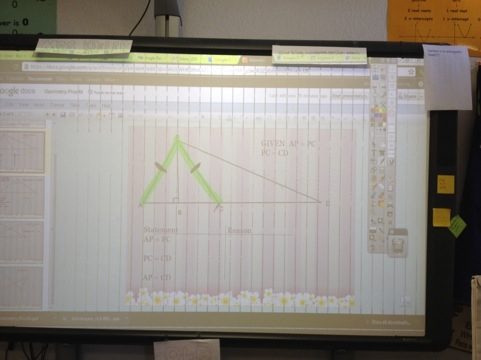
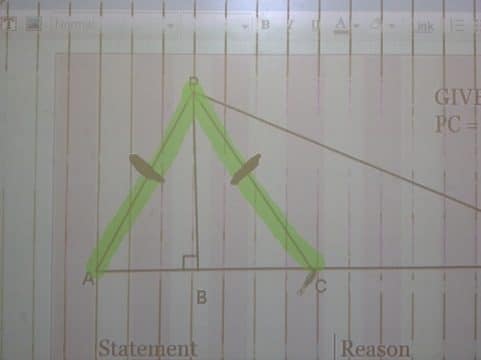
I posted on my website a Google Presentation
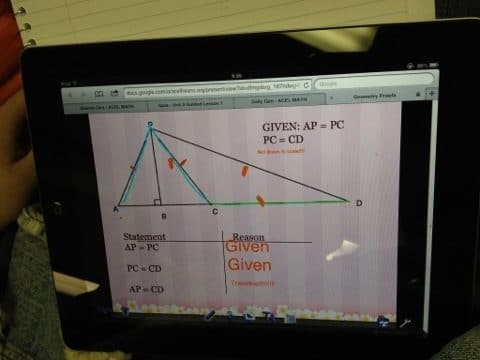
The students were able to go to my website and view the Presentation in full screen and take a screen shot (home button + power button at the same time) of each slide.
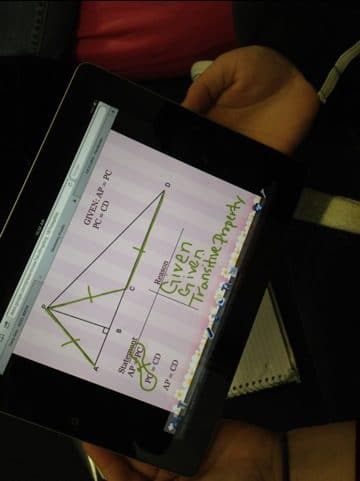
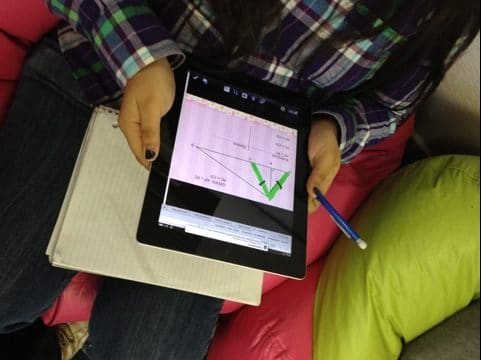
One thing that is abundant for the iPad is note taking and drawing apps. I’ve been having students use the app doodle buddy. I like doodle buddy because it is easy (made for kids), students can draw in brush, chalk or glitter, and can annotate over an image. (Also they can insert stamps that make noise such as a pile of poo that makes… well a noise you can imagine, suddenly my plotting points lesson is funny).
Students insert the screen shot as a background image and then annotate on top of the image as we go over it together. They are able to save the annotated image to the camera roll. I have the students then publish this to their WordPress App, which is their digital portfolio.
This makes note taking more efficient since the students did not have to copy down the graphics, but also more interactive and fun since they get to draw on the notes with their finger… and glitter.