You use the internet and want to share a link. How do you copy the link at the top? I use Control L to highlight the URL and Control C to copy. However, you can customize Chrome to make this even easier.
Customize Chrome
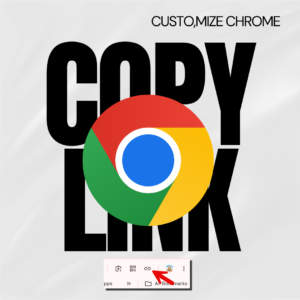
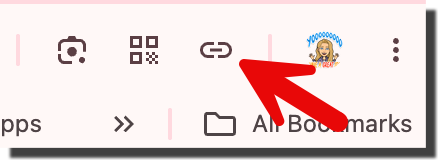
The faster way to copy the link to a website (URL) is to click the copy link button. However, you need to turn this on. In the upper right of the Chrome toolbar if you don’t see a link icon, here are the steps to follow.
Start with the 3 Dots Menu
In the very upper right of Google Chrome are 3 dots. Click on this.
More tools
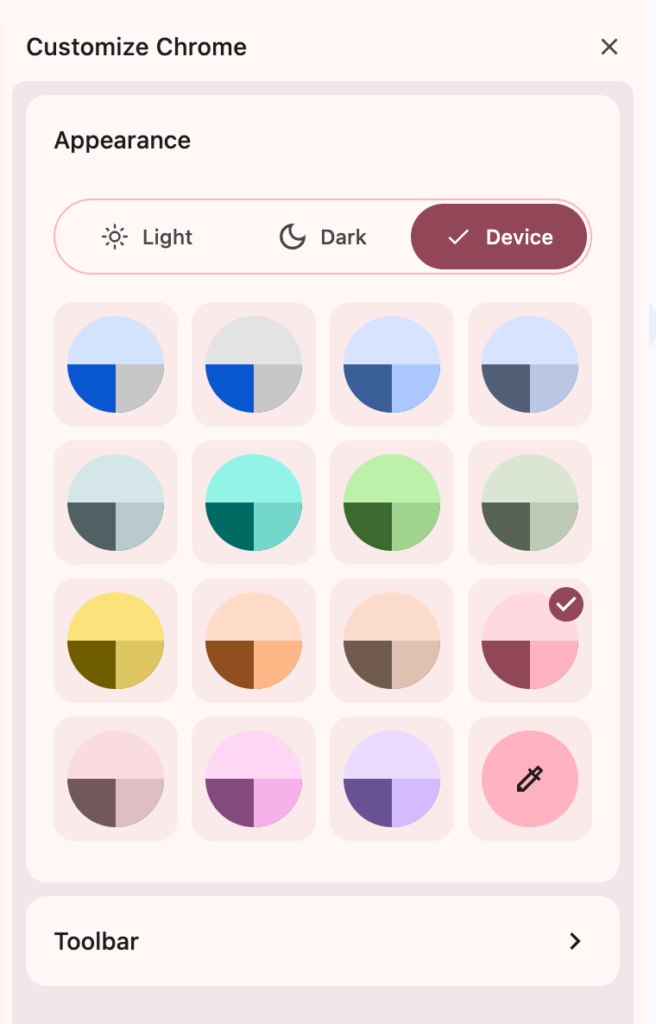
Customize Chrome
Selecting Customize Chrome opens up a sidebar with the option to select “Toolbar.”
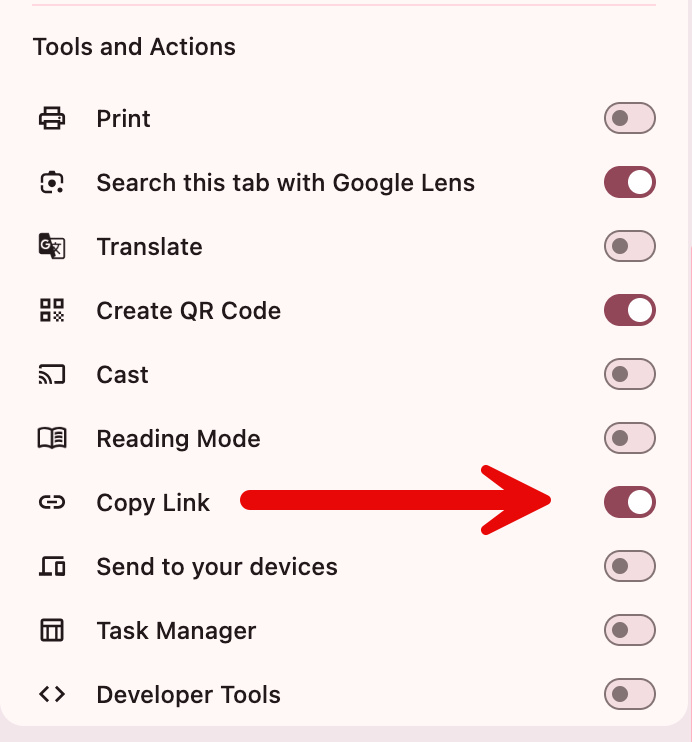
Toggle Copy Link
There is a list of toggles. Toggle ON “Copy Link.”
Now you should see the link icon in your toolbar of Chrome.
Click to Copy URL
It’s so easy. When you are on a website you want to copy the link to, click on the icon. The link is automatically copied to your clipboard. Control V paste it anywhere!
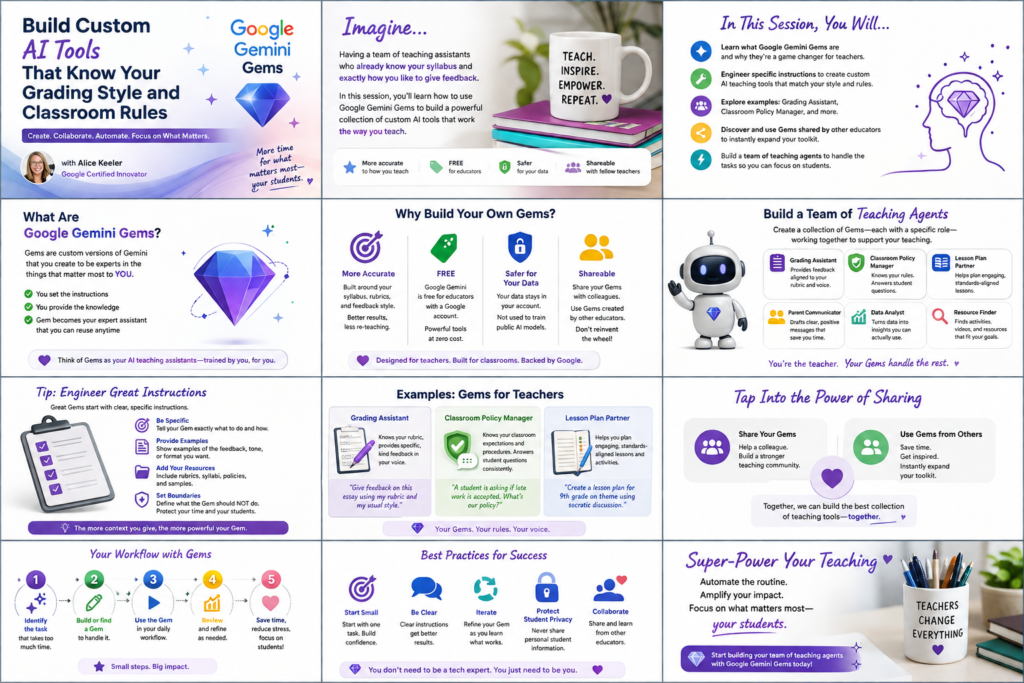
Join Alice Keeler for this session for teaching with AI
Imagine having a team of teaching assistants who already know your syllabus and exactly how you like to give feedback. Join Google Certified Innovator Alice Keeler to learn how to use Google Gems to build a powerful collection of custom AI tools. We will explore how to engineer specific instructions so you can create a Grading Assistant or a Classroom Policy Manager that works for you. You will also learn how to leverage Gems shared by other educators to instantly expand your toolkit. This session is about super-powering your teaching by automating the routine tasks so you can focus on the students.
Exit this pop up by pressing escape or clicking anywhere off the pop up.