
Google Classroom: Parent/Guardian FAQ

Google Classroom: Printable FAQ Guide for Parents & Guardians
Google Classroom: Parent/Guardian FAQ

Google Classroom is for teachers and students. However, we rely on parents and guardians to help support what we are doing in the classroom. Google Classroom does NOT provide a parent portal (Schoolytics does. Click here to find out more) and there is no parent view leaving parents and guardians with many questions. I created a Guardian/Parent FAQ document as part of my work at Schoolytics. If you have other FAQ questions you me to add to the document please fill out this SHORT form.

This guide is created on Google Slides. Feel free to put a link to the guide on your website or to print it out for any parents and guardians who would like a copy.

Leave a Comment

© 2026 All Rights Reserved.

Get effective EdTech strategies from Alice Keeler to build a more student centered classroom. Includes unique resources and templates.

Recent Teacher Tech Blog Posts

💥 FREE OTIS WORKSHOP

Join Alice Keeler, Thursday April 28th or register to gain access to the recording.
Create a free OTIS account.

Join Alice Keeler for this session for teaching with AI

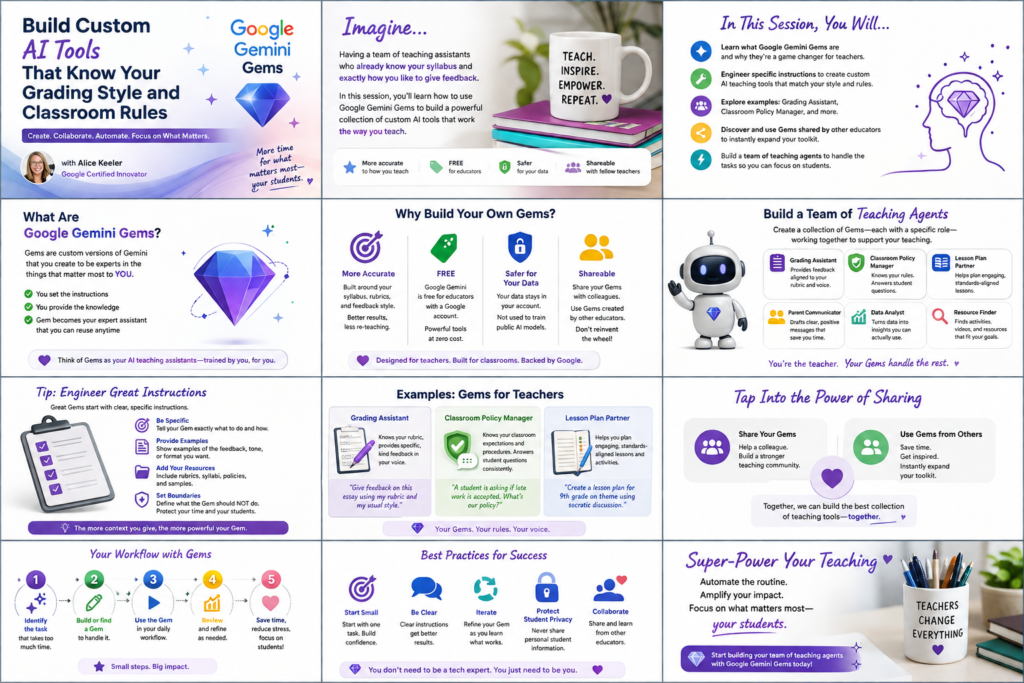
Imagine having a team of teaching assistants who already know your syllabus and exactly how you like to give feedback. Join Google Certified Innovator Alice Keeler to learn how to use Google Gems to build a powerful collection of custom AI tools. We will explore how to engineer specific instructions so you can create a Grading Assistant or a Classroom Policy Manager that works for you. You will also learn how to leverage Gems shared by other educators to instantly expand your toolkit. This session is about super-powering your teaching by automating the routine tasks so you can focus on the students.

Exit this pop up by pressing escape or clicking anywhere off the pop up.