






I have been hesitant to get onto TikTok (here is my TikTok). I’ve been a Twitter user for 12 years. On Twitter I do not need quiet spaces and it is quick and easy for me to share quick tips. Holly Clark has been encouraging me to share on TikTok… especially now that Twitter is up in the air. So I am spending some time trying to learn from how Holly does her TikToks and I thought you might want to join me. Tell me in the comments below about what you like about TikToks for learning about teaching and what you do not like.

Here Holly shares a fun Halloween template where students can create a TikTok video using Flip. I will admit it is nice to have her explain the template rather than just link to it like in Twitter.
Here in this TikTok Holly shares some pedagogy around Google Slides and Hyperdocs. I am also very picky about “Hyperdocs” in that most of what I see being called a Hyperdoc is really just a document with links. Holly is able to take specific screenshots of an example and break it down. I like the sharing of different screens within the same TikTok.

In this TikTok Holly has really clear text on the video to let you know what the video is about. I can see from my videos that it is hard to know what the topic is so that would be difficult for someone to know if they want to learn from it or not.
In this TikTok Holly has mashed some video content by just adding stickers on top. Good for me to realize I do not have to have my hair done and a quiet place in order to make a video.
Always Learning
While I am comfortable with Twitter nothing lasts forever. New technologies, new research, new culture changes, etc… mean that as a teacher I have to always be learning.
Learning TikTok
So now I am going to try learning to use TikTok, wish me luck!
-
ReadWorks and the Power of the Daily Article Routine
ReadWorks is a free, research based, tool to aid in reading comprehension. Try the Article-A-Day to save time and provide differentiated options for readers.
-

DOK = Critical Thinking
DOK is the measurement of critical thinking on a task. Better understanding Depth of Knowledge helps you to better incorporate critical thinking into lessons.
-

3 Google Sheets Shortcuts You’ll Actually Use
The answer is always a spreadsheet, but sometimes the tips are hard to remember to implement. Practice these 3 Google Sheets shortcuts to really help
-

Transforming the Reading Log
Reading logs can lean into compliance over developing a love for reading. Try ReadWorks to help support building knowledge and a love of reading.
-
10 YouTube Hacks for Teaching
YouTube is a powerful tool in the classroom. Here are 10 hacks to help you get more out of YouTube.
-
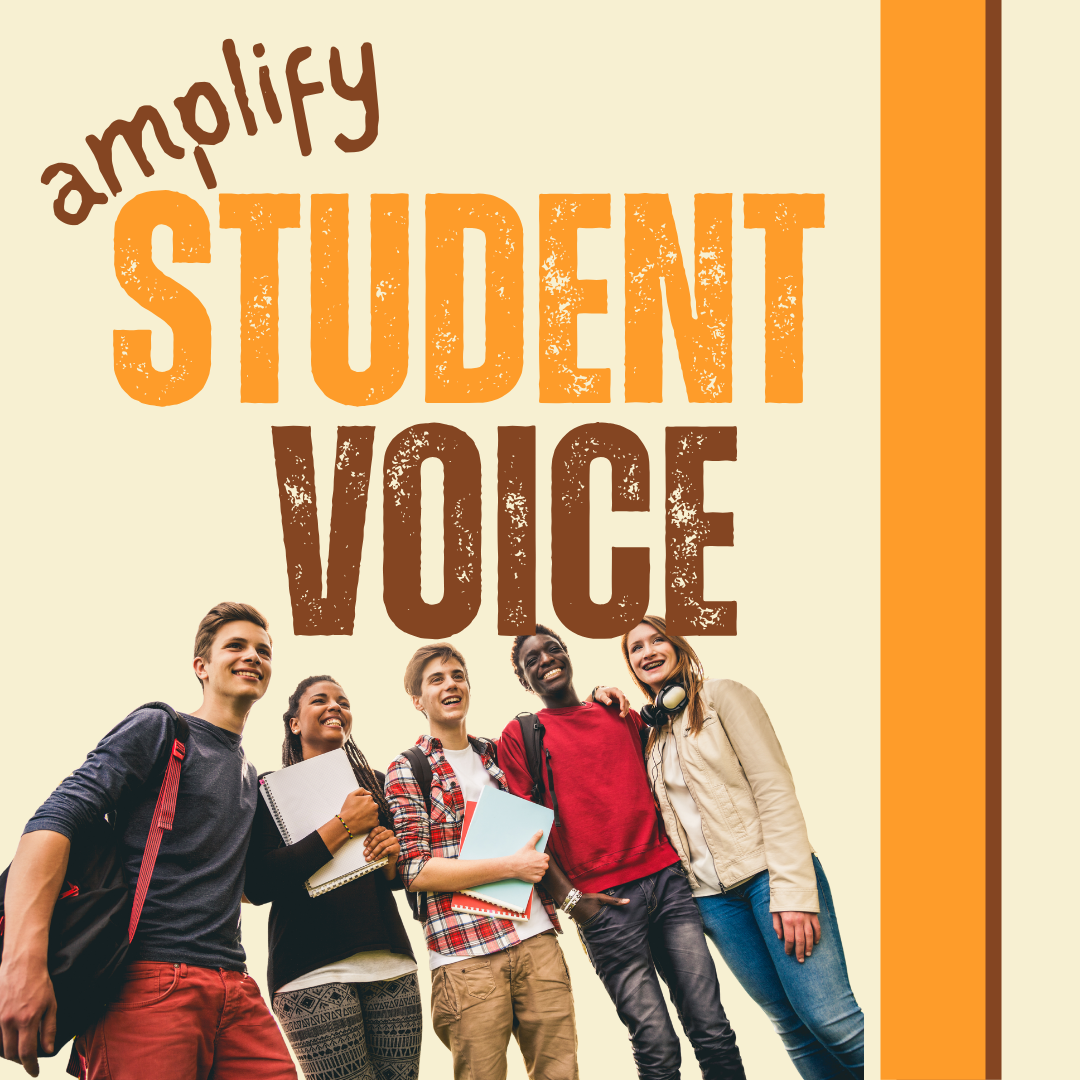
Amplify Student Voice and Redefine Classroom Possibilities
Technology should serve as a bridge that connects students rather than a wall that isolates them. Curipod™ helps fulfill the true promise of educational technology by shifting the focus from passive clicking to active student voice.



