





I am passionate about student engagement, it matters! Google Forms, Jamboard, and Google Classroom are not by themselves engaging. You must be intentional in how you use them to really engage students. I have teamed up with OTIS to bring you 3 webinars on using Google Tools for Student Engagement. If you missed the live presentation please check out the recordings!
Catch the Replay
Back to School with Google Forms
Google Forms is the greatest thing since sliced bread. You know the basics of creating a Google Form but what else can you do to leverage the learning power and student engagement elements of Google Forms. Let’s go over how to reuse your Google Forms from last year. Why and how to use Branching Forms. Join Alice Keeler to start the school year off right by upping our Google Forms game!
Teaching with Google Jamboard
Google Jamboard Jams are free web-based files that lives in your Google Drive. If you are not already using Google Jamboard, you will want to add this to your teaching toolbox. Join Alice Keeler for this session, which is an intro for teachers on how to use Google Jamboard app in the classroom. It will cover everything from the basics of how to navigate to lessons/activities you can use today! Alice will also cover some important pedagogical considerations to help you know when and how to use Jamboard. Some participants in the live session will receive a copy of Alice’s new book, “Teaching with Google Jamboard,” which contains over 90 teaching ideas and comes with sample “Jams” that you can use to help guide you and your students toward greater proficiency with Jamboard. \
Measuring Student Engagement with Google Classroom
Join Alice Keeler for this special Google Classroom session on how to get simple reporting for teachers that will save time and better support students. You will see how Google Classroom data can be used to track patterns in student engagement and performance over time, identify students disengaged from learning, and more!
-
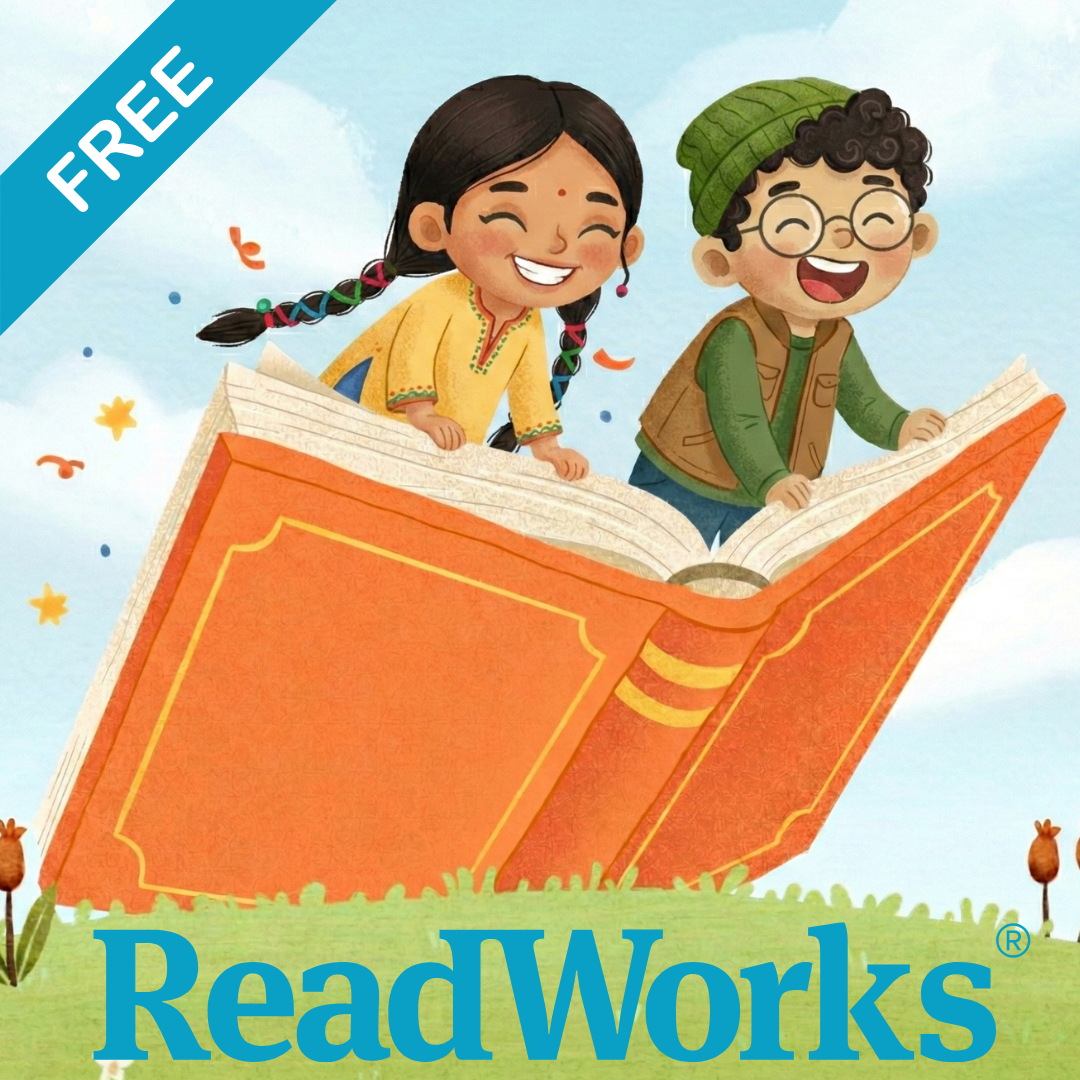
ReadWorks and the Power of the Daily Article Routine
ReadWorks is a free, research based, tool to aid in reading comprehension. Try the Article-A-Day to save time and provide differentiated options for readers.
-

DOK = Critical Thinking
DOK is the measurement of critical thinking on a task. Better understanding Depth of Knowledge helps you to better incorporate critical thinking into lessons.
-

3 Google Sheets Shortcuts You’ll Actually Use
The answer is always a spreadsheet, but sometimes the tips are hard to remember to implement. Practice these 3 Google Sheets shortcuts to really help
-
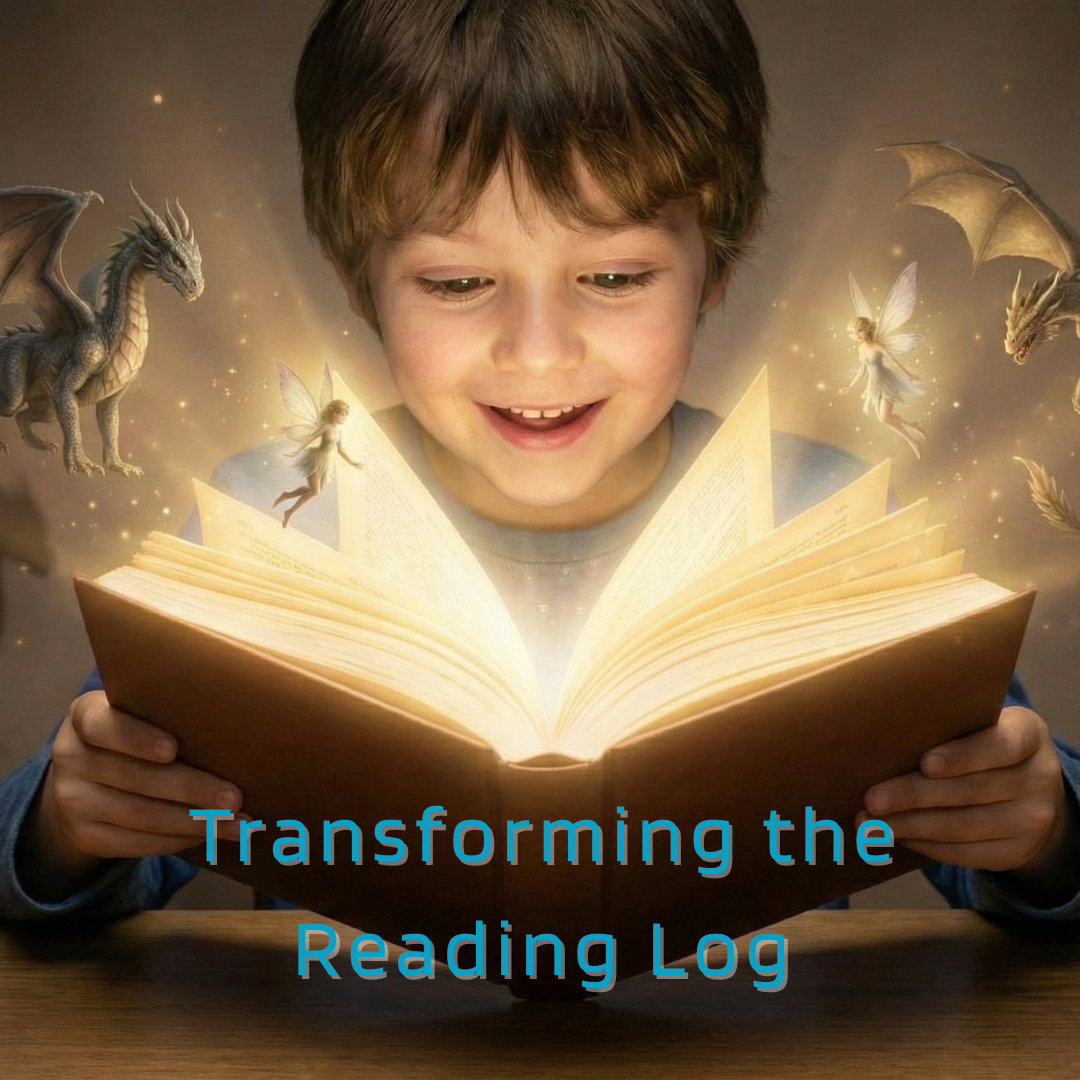
Transforming the Reading Log
Reading logs can lean into compliance over developing a love for reading. Try ReadWorks to help support building knowledge and a love of reading.
-
10 YouTube Hacks for Teaching
YouTube is a powerful tool in the classroom. Here are 10 hacks to help you get more out of YouTube.
-
Amplify Student Voice and Redefine Classroom Possibilities
Technology should serve as a bridge that connects students rather than a wall that isolates them. Curipod™ helps fulfill the true promise of educational technology by shifting the focus from passive clicking to active student voice.




2 thoughts on “Going Back with Google Forms, Jamboard, and Student Engagement”
I was able to register for the first one but not the second; Jamboard one said I needed more than a free account.
After a period of time some of the workshops are no longer free on OTIS.