





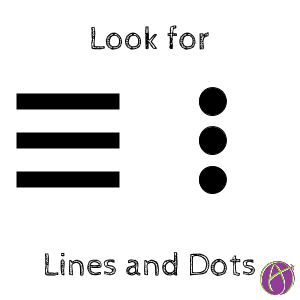
Two things to look for when using Google Apps in particular (other products use these too!): 3 lines or 3 dots together.
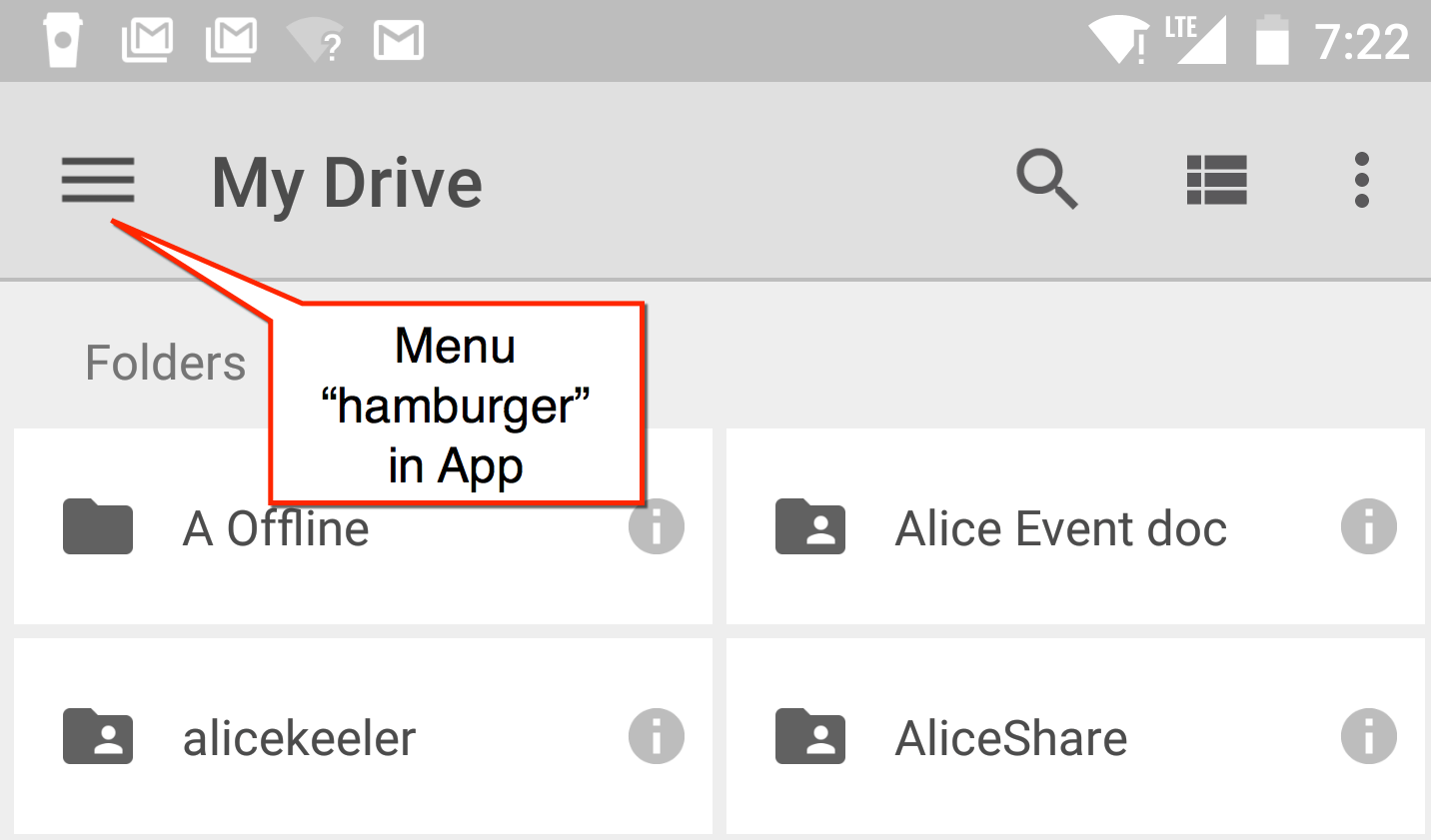
1) 3 Lines – Menu
In Google Classroom, mobile versions of Google Docs, and more places, you will see 3 lines in the upper left hand corner. These lines are sometimes referred to as “the hamburger.” Touch or click these 3 lines to reveal the menu. Anytime you see these 3 lines, click on them to see what other options you have.

2) 3 Dots – More Actions
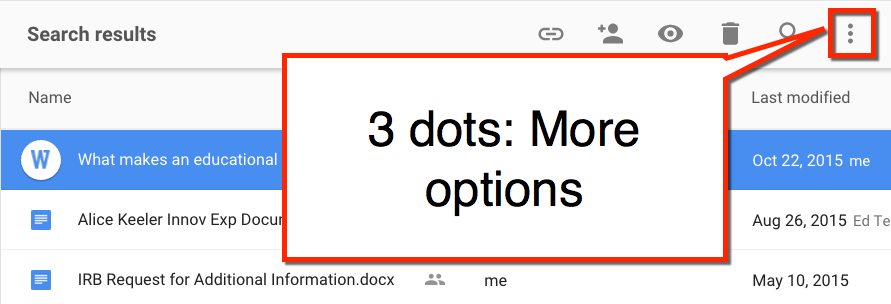
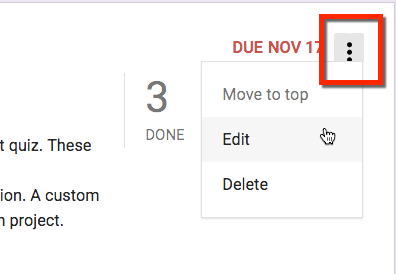
When you see 3 dots in an icon this indicates there are more options. Click once on a file in Google Drive and the 3 dots “more actions” icon will appear in the toolbar. Click on this icon to reveal more options about the item you have selected.
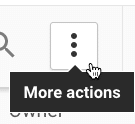
In Google Classroom each assignment or announcement has the 3 dots “more actions” icon in the upper right-hand corner.
Be on the Lookout
Whenever you see the 3 lines “hamburger” or 3 dots “more actions” in any website or mobile app, click on it to see what options you have! You might be surprised with what you can do. 🙂






3 thoughts on “Google Apps: Hamburgers and Dots”
Hi Alice, I have just ordered your book and am looking forward to receiving it. Please can you answer one question for me. Asynchronous discussion forums!! How do we achieve that in google classroom? Is it available as an app? If not when and why not?
Use 81dash.com. What I love about Google Classroom is that it is simple. I do not want it to be a bloated ugly mess that is hard to learn. I also do not think one company is going to be the master of everything. I love that I can integrate Classroom with other products. I want this. Let companies specialize and do things really well and then connect back to my central Google Classroom.
It’s all about the food.
3 horizontal lines = hamburger icon
3 vertical dots = pancakes icon
9 square array = waffle icon
I work with little kids and hungry teachers. 😉