





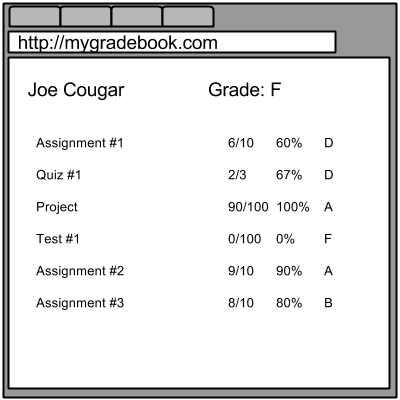
Oftentimes when I am talking pedagogy and ideas with teachers we are passionate about doing things that are good for kids. However, the follow up question I get is
That is great, but how do I put that in the gradebook?
We are letting the constraints of the gradebook dictate what is possible in our classrooms. The gradebook “should not drive the boat, so to speak, about how teachers assess and report progress…” (Lacina, 2006, p. 253)
The design of the traditional online gradebook was not based on research for what is motivating for students. The programmer likely is not an educator, but a software engineer.
As educators, we need to demand that the tools we are using to record and display data do not constrain what is possible in our classes. I want to stop calling kids failures and find ways to motivate the students who are disenfranchised. The standard gradebooks work against me on this.
Guskey, T. R. (2013). The Case Against Percentage Grades.
Lacina, J. (2006). Technology in the classroom: Virtual record keeping: Should teachers keep online grade books? Childhood Education, 82(4), 252-254.
Trusted Sponsor





