





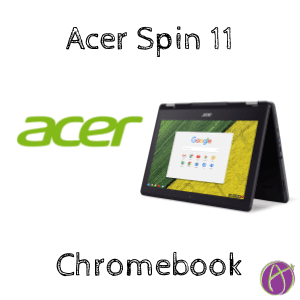
The new Acer Spin 11 Chromebook is designed for students at school. It has a rugged design, obviously runs Google Chrome, is touchscreen, has 2 cameras, runs Android apps, integrates with Google Keep, and comes with a stylus.Alice’s Tour of the Spin 11
I used my cell phone to record a tour of the new Spin 11 Chromebook. I think my favorite part of the Spin 11 is how nicely it integrates with Google Keep. When I make a note or take a screenshot I can edit it in Google Keep, thus instantly having it available on my phone or other devices.
Perfect for Schools
Hands down the Spin 11 is my recommendation for schools looking to buy Chromebooks. The only complaint I had about the Spin 11 was where to put the stylus when I was not using it. The touchscreen is fantastic. The Spin 11 easily converts into tablet mode. With the second camera on the keyboard, students can take pictures while in tablet mode.
*I do not accept payment in exchange for blog posts or endorsements. Acer provided me with the Spin 11 Chromebook with no requirements. I am passionate about putting tech in the hands of teachers and have asked Acer to please allow Matt and myself to give away a couple of Chromebooks at our workshop.
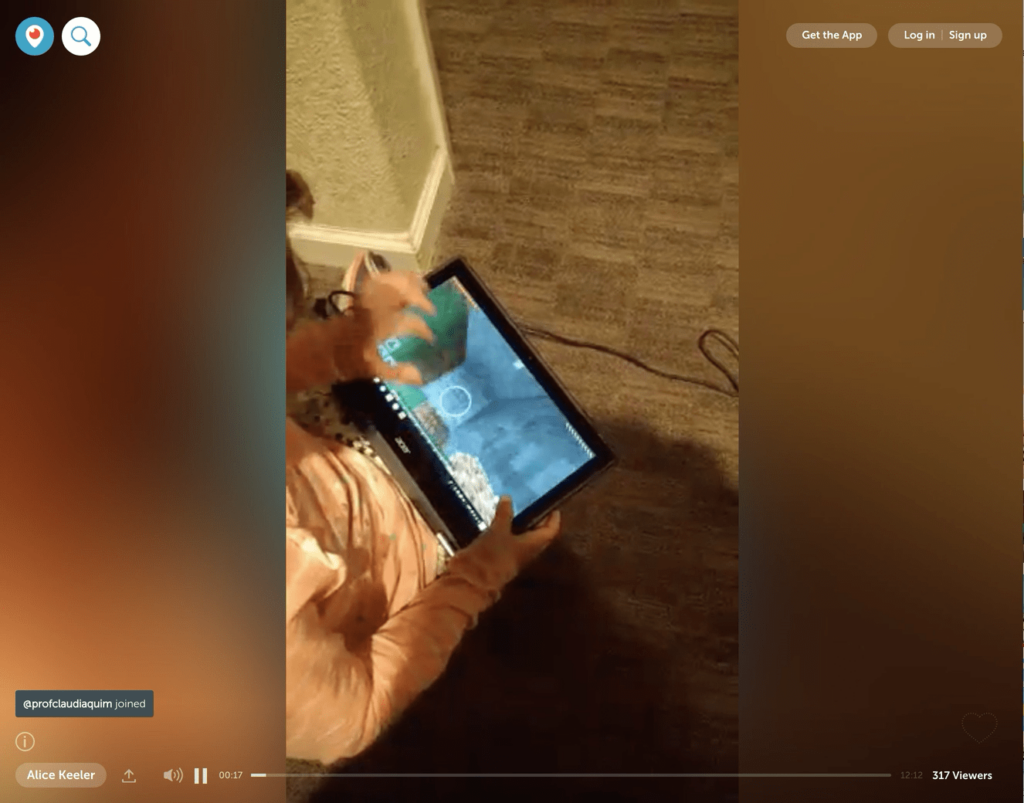
Play Minecraft on the Spin 11
You can run Android apps on the Acer Spin 11, including Minecraft pocket edition. I had an expert demonstrate it on periscope.
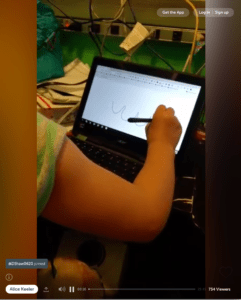
Using AutoDraw on the Spin 11
Dr. Fred Nelson trying out the Spin 11
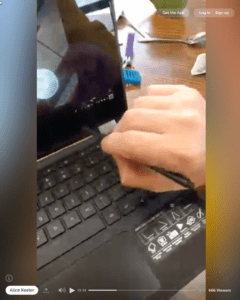
The magnifying tool on my @AcerEducation Spin 11 seriously is so fun #chromebook pic.twitter.com/wHozjGsc1n
— Alice Keeler (@alicekeeler) April 8, 2017
The G Suite Show
The Spin 11 was featured in this episode of The G Suite Show





