




Graph Paper for Google Slides
I was trying to find a PNG (ie: transparent) graph paper image for use with Google Slides. Unhappy with what was easy to find, I made my own in Google Drawings.
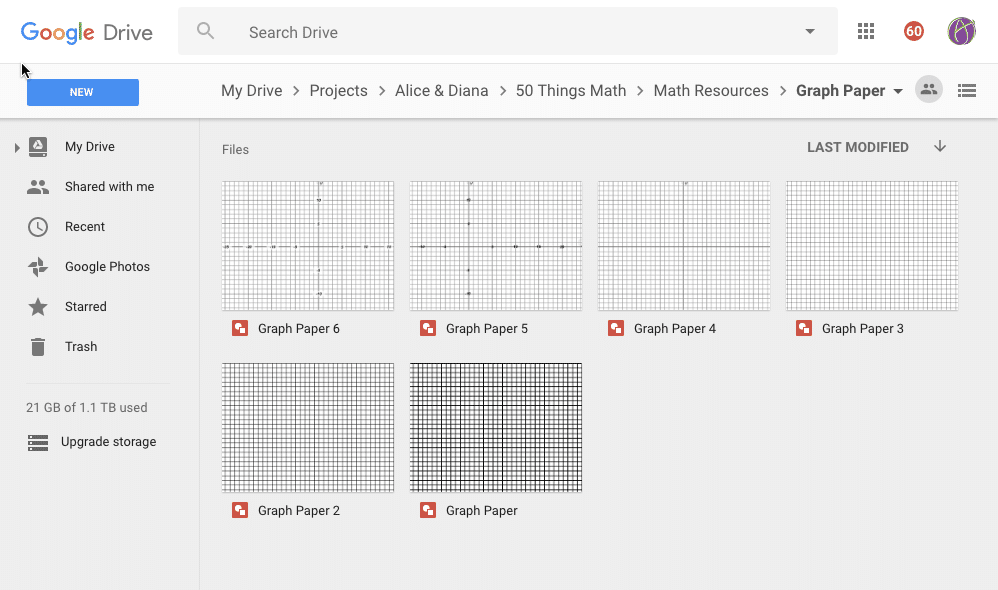
Folder of Graph Paper
These are made in Google Draw. Make a copy and modify as you wish.
Google Drawing Graphs: alicekeeler.com/graphpaper
Google Slides
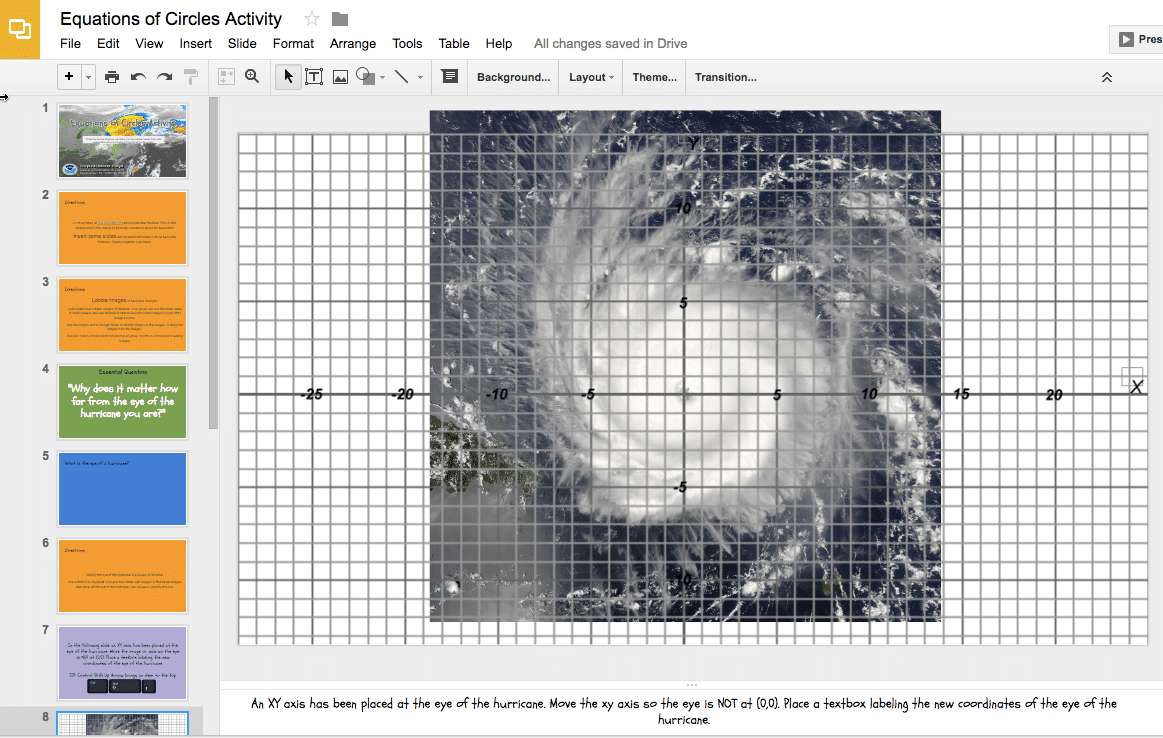
The dimensions of the graphs match the default dimensions in Google Slides. Insert images onto Google Slides and then insert the graphs over top of them.
Download as PNG
To use the graphs, you will need to download them first from Google Drawing. Use the Insert menu to choose “Download as” and choose PNG. This is important to maintain transparency.
In Google Slides, use the Insert menu to browse for where the graph downloaded. Alternatively, simply drag the graph onto the slide.
Control Shift Up Arrow
If your graph paper is not on the top layer some keyboard shortcuts can be helpful. Select any item and press Tab to cycle through the objects on the slide. Holding down the Control key, Shift key and pressing the up arrow will send the selected object to the top.
Google graph paper
Google graph paper





