






As a teacher, you are always on the lookout for tools that can help you create a more engaging and effective learning environment for your students. That’s why you should consider using SpacesEDU, a platform that provides a range of features designed specifically for educators. Here are some of the key benefits of using SpacesEDU:
- Communicate with students in real-time
- Provide feedback to students on a project
- Capture learning through a variety of media
- Document and manage evidence of student learning
- Prompt your students to reflect on their work
- Create a digital space for your class to share progress

Growth Over Grades
I just love this concept. Especially as we have returned back to our classrooms after Covid that we would consider growth rather than focusing on deficit. Attaching standards to the interactions in SpacesEDU allows you to go beyond grades when considering how much a student has learned.
Portfolio Space
To really evaluate a student on growth you need to be able to see how they have grown. SpacesEDU helps you to do this. Have students add their work samples and reflect on their work. Over time you can see how they have improved.
A Space for Students
Digital learning spaces help to provide all students a voice. The key advantage to including SpacesEDU as part of your digital environment is that students can use a variety of multi-media tools to reflect on their learning.
Reflection is an essential part of the learning process. But how does this happen?
Many LMS’s are a place for students to turn in work. Students can add that same work to a space in SpacesEDU to reflect on their work and receive better feedback. Over time this work and feedback develops to show a better picture of the whole student.
Integrate Peer Feedback
Peer feedback can be a critical thinking task. It can also help students to learn even more than they would from simply submitting their assignments for points. Reviewing and providing high quality feedback of each others work is a great way to get students to think more about a topic.
Create a collaborative space in SpacesEDU.
SpacesEDU allows you to create different spaces for different purposes. This allows you to have more flexibility with how you want students to share their work and reflections.
Give Guardians Access to Student Growth
What comes home in my son’s backpack hardly captures the amazing activities and learning that happens all day in the classroom. Using SpacesEDU as your platform to show student growth guardians are able to be part of the learning adventure.
When you are ready to provide guardians with insight into their students growth invite them to sign up for a guardian account.
An App to Grow on the Go
You and your students can use the SpacesEDU app. Create learning opportunities, review student reflections. Students are able to upload work samples and reflect.

-

ReadWorks and the Power of the Daily Article Routine
ReadWorks is a free, research based, tool to aid in reading comprehension. Try the Article-A-Day to save time and provide differentiated options for readers.
-

DOK = Critical Thinking
DOK is the measurement of critical thinking on a task. Better understanding Depth of Knowledge helps you to better incorporate critical thinking into lessons.
-

3 Google Sheets Shortcuts You’ll Actually Use
The answer is always a spreadsheet, but sometimes the tips are hard to remember to implement. Practice these 3 Google Sheets shortcuts to really help
-

Transforming the Reading Log
Reading logs can lean into compliance over developing a love for reading. Try ReadWorks to help support building knowledge and a love of reading.
-
10 YouTube Hacks for Teaching
YouTube is a powerful tool in the classroom. Here are 10 hacks to help you get more out of YouTube.
-
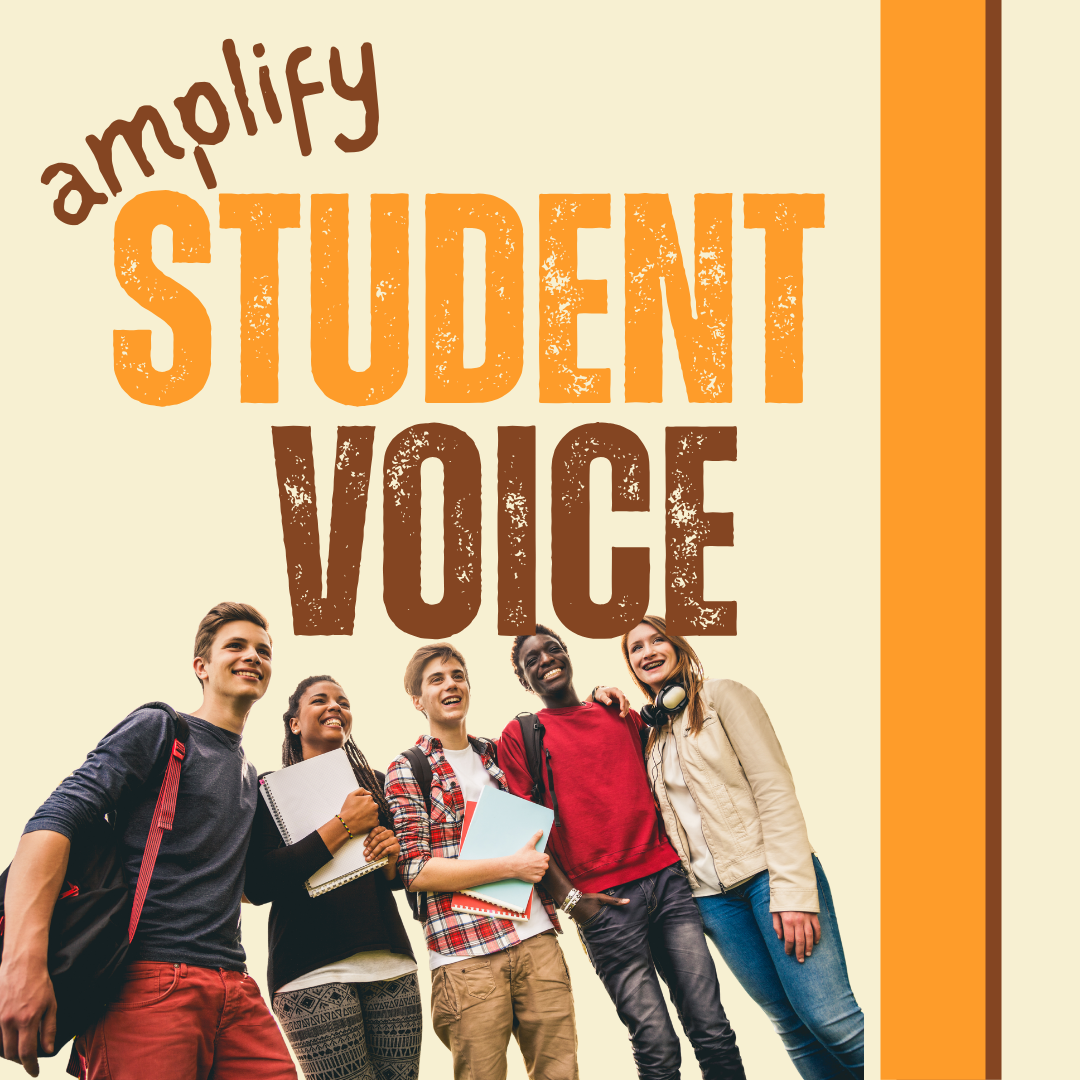
Amplify Student Voice and Redefine Classroom Possibilities
Technology should serve as a bridge that connects students rather than a wall that isolates them. Curipod™ helps fulfill the true promise of educational technology by shifting the focus from passive clicking to active student voice.



