






This is for all the educators and parents trying to teach kids and need a change up! Whether you want to get away from overusing worksheets or trying to reach your students socially emotionally, Flocabulary can help you do this very thing! Flocabulary offers units in every academic subject, along with current events and life skills, for students K-12! The activities mentioned below can be used with virtual or face to face instruction.
Using Flocabulary Meaningfully
One way to get the most out of the Flocabulary videos and units is to review/watch/listen to the videos multiple times! Sometimes we think we only need to watch the video once and our students understand the concept perfectly, but repetition is the way to go. While listening, make up moves or actions together! Some cool things about these videos is being able to adjust the speed, you can start and stop to discuss, and you can change it to just listen while reading the lyrics.
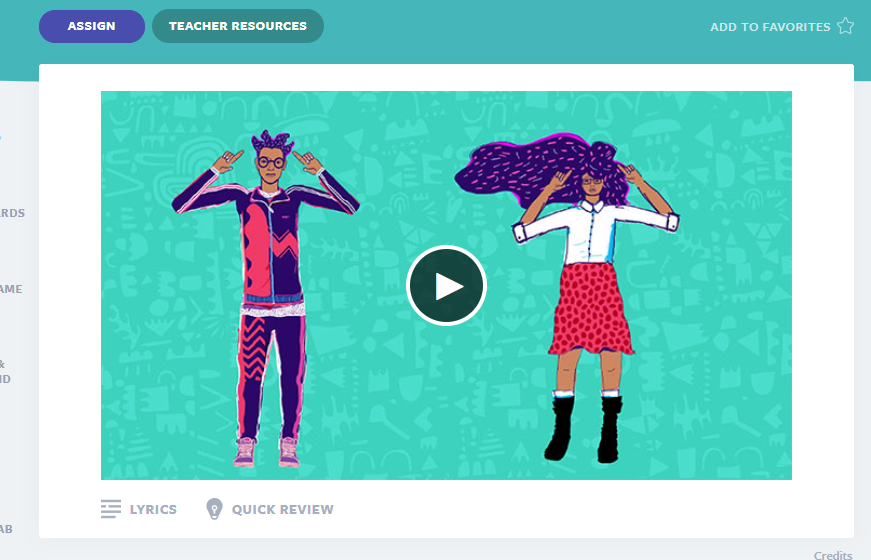
Watch the video several times together and make up moves! This will help your students remember the lyrics/content.
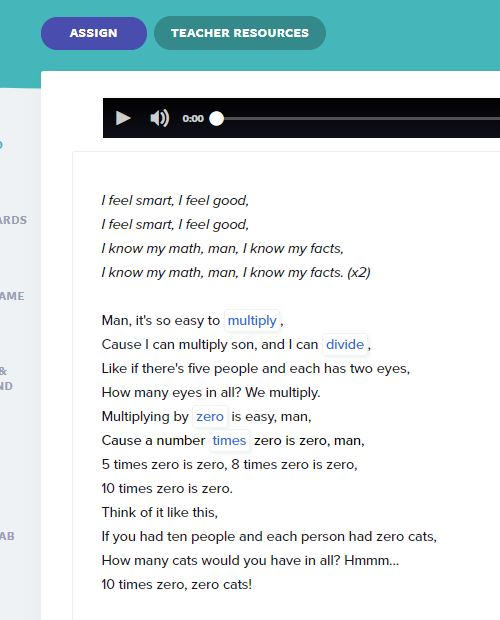
Listen and sing together while reading the lyrics. You are integrating more core subjects while doing this and that is a plus! You can even stop and discuss the lyrics, or change the speed to go slower while trying to learn them.
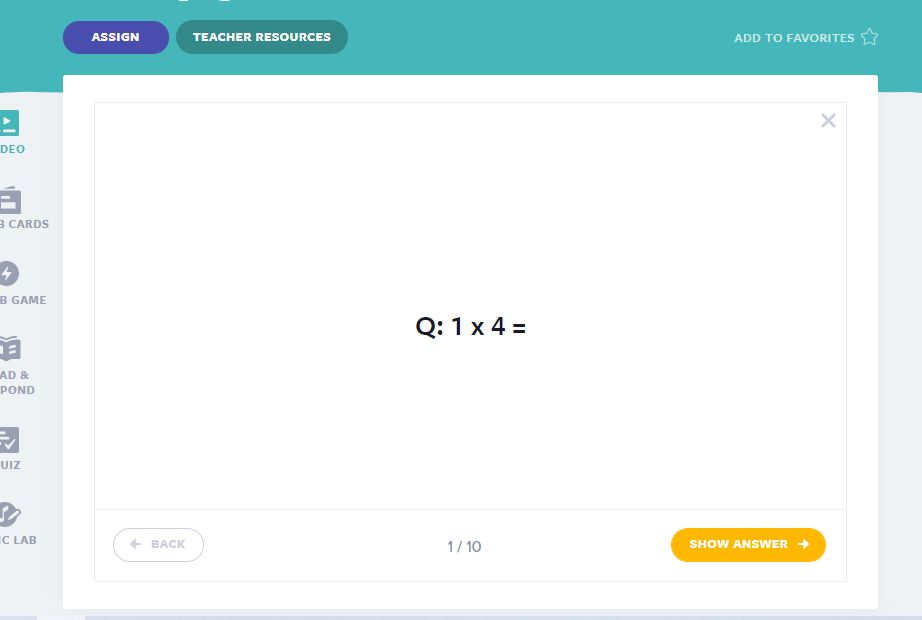
Click on the Quick Review option under the video after listening a few times! This informal assessment allows you insight on how to plan your next lessons. The handouts option you can click on and download may be just the option you want to pursue, and these handouts are not your average worksheet!
There are also options to utilize the Vocab Cards, play the Vocab Game, complete a Read and Respond, take the Quiz, and finally the beloved Lyric Lab which provides the rhymes and beats so your students can write and sing their own song about whatever they are studying! All of these are great options and can be utilized how you see fit.
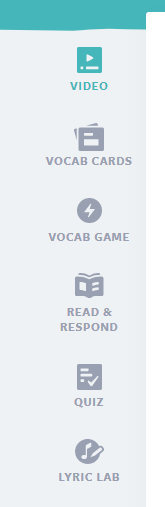
Every unit comes with these options! So change it up and have some fun while learning with your amazing students!
Flocabulary Community
If you love Flocabulary, join the Flocabulary Educator Facebook Community! This community will support you and even share opportunities for you to share and learn!
Free Trial
As popular as Flocabulary is, many educators are still being introduced to this amazing platform all the time! Sign up for your individual, school, or district free trial at Flocabulary.com and show your admin how you use it and they may purchase a program for you, your school, or entire district!! You can’t go wrong with Flocabulary! Cheers to engaged learning, my friends!
About the Author
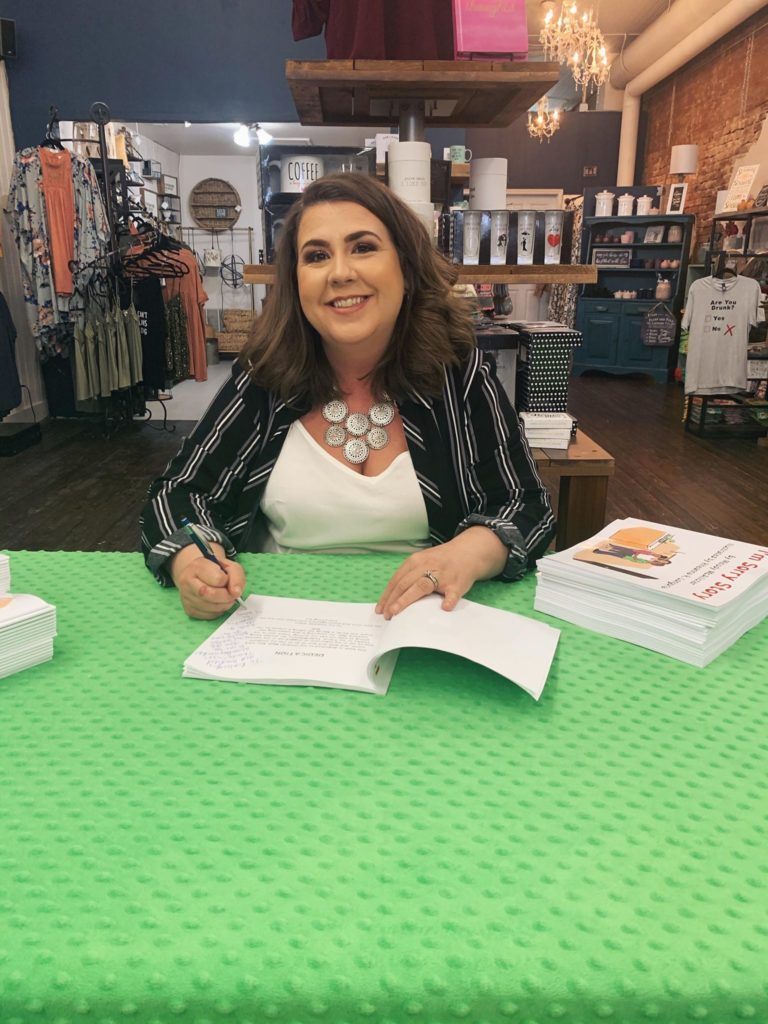
Melody McAllister is a wife, mother of five, educator, and author. She and her family relocated to Alaska from the Dallas area in 2019. McAllister is 2017 Garland NAACP Educator of the Year and author of the I’m Sorry Story. She is also the Logistics Manager for EduMatch Publishing and Alice Keeler, LLC. McAllister has spoken at ISTE and ASTE about equity issues in education, and writes about her journey in her blog, HeGaveMeAMelody.com. If you would like to schedule an author read with your class, please contact her on Twitter or email her at melody@mjmcalliwrites.com.
Join Melody’s BookChat every Wednesday at 8pm EST at YouTube.com/melodymcallister





