





Customize Your Header in Google Classroom
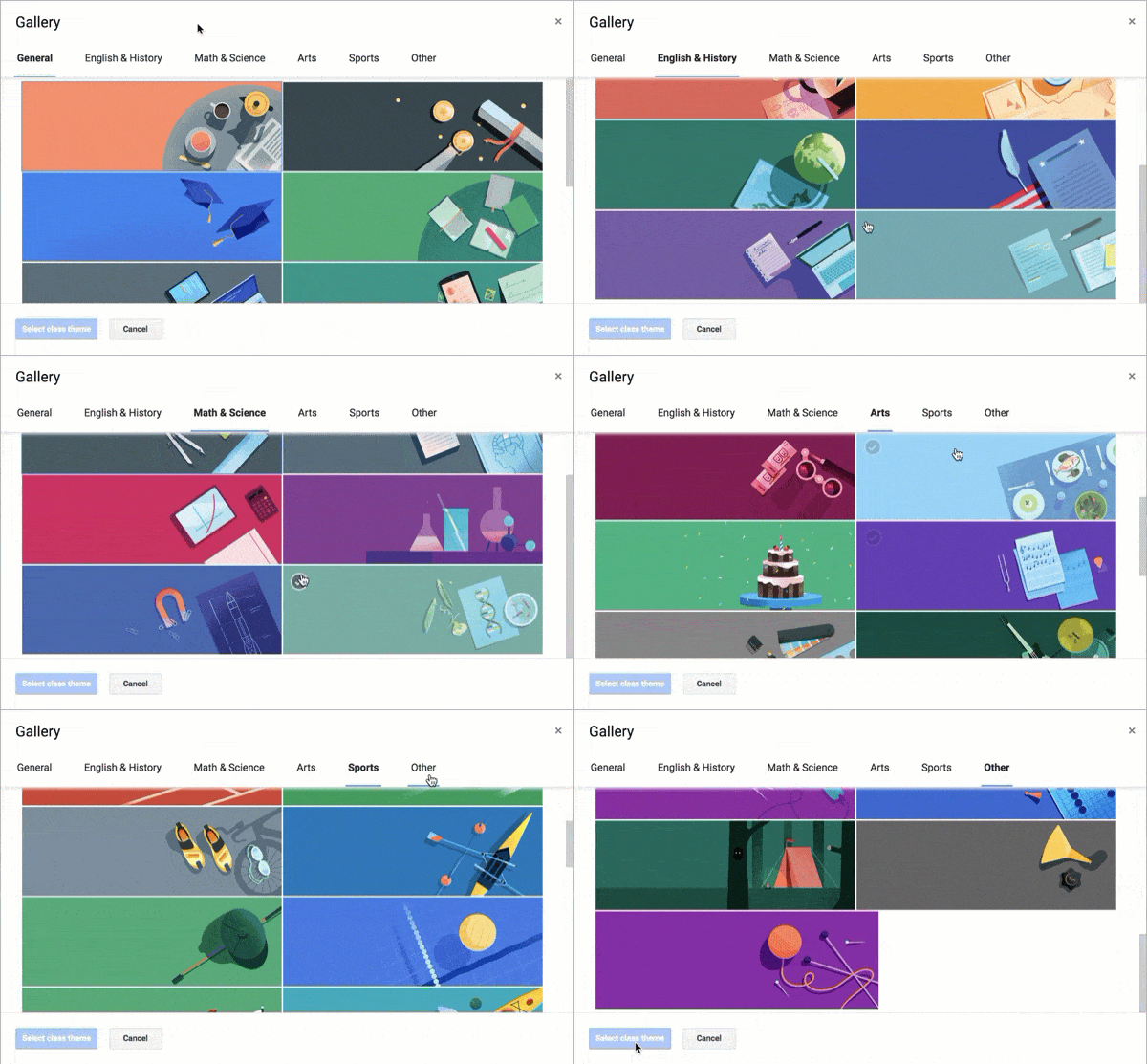
Google Classroom has added new theme options (and removed the old options) for the class header. Click on “Select theme” and choose the one you like!
Create a Custom Header
Instead, click on “upload photo” in the header to create your own image.
Template
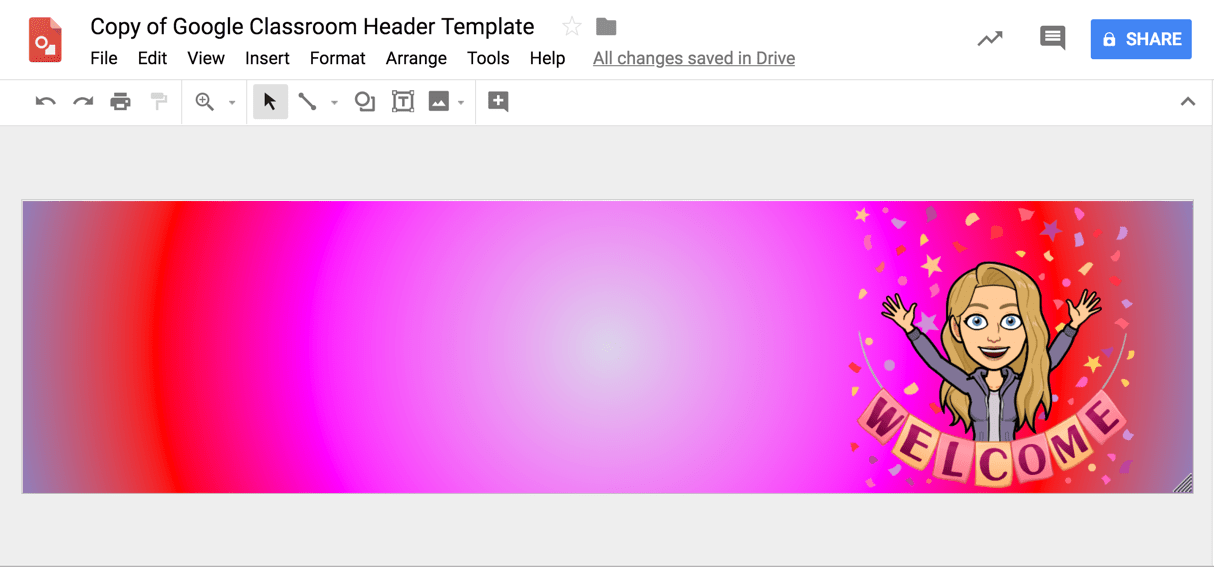
or try alicekeeler.com/goto for a template with a finger that points to the Classwork page.
My Google Drawing template creates the perfect size for your Google Classroom header image. Change the background color, drag an image or Bitmoji onto the canvas, etc… Use the File menu to “Download as” and choose “PNG.” This will download the image to your computer so you can upload it into Google Classroom.






7 thoughts on “Update Your Google Classroom Header”
Hi Alice! Thanks so much for this update. Just used your 2017 post to create headers for my classes. They looked great in Drawings – but when I upload them to Classroom they came out with a dark filter on top. Any suggestions on fixes?
That is due to the new “features” of Google classroom. Send them your feedback about that.
Thank you so much for your video tutorial on making the header with a bitmoji! I LOVE that! I was thrown into using google classroom, forms, docs, slides all at once with distance learning, and your video by far was the easiest help I’ve seen. I also appreciate you giving me a template from which to work! Thanks so much!!!
Thank you so much Alice for the header and sharing it. What a huge time saver!
When adding to my Google Classroom, it is zooming in and only showing a small portion. Ideas to fix?
There is a known glitch that Google is working to fix right now on the zoomed in header image.
Alice,
Last year I used your template and it worked perfectly. This year I tried and my Bitmoji is so very blurry. Any suggestions?