




Book: Teaching Math with Google Apps

Teaching Math with Google Apps Book

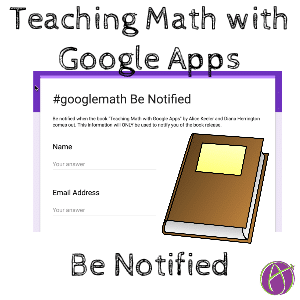
Diana Herrington and I are finishing up the book “Teaching Math with Google Apps.” We have over 300 links, examples and resources in the book. If you are interested in being notified when the book is published please fill out the Google Form. In the meantime, follow the hashtag #googlemath on Twitter.

Going digital is not just a quest to be paperless. Using Google Apps to teach math helps you to connect with students, spend more time talking with students rather than at them, provide feedback faster, and address the 4 C’s: Communicate ideas, Collaborate, Critically Think, and Creative Thinking.

Book Recommendations

Check out the book Instance Relevance by Denis Sheeran. Making your math lessons relevant. Truly a fun read!

and Classroom Chef by John Stevens and Matt Vaudrey. Sharpen Your Lessons, Season Your Classes, and Make Math Meaningful.

If you have not yet read Mathematical Mindsets by Jo Boaler run and get it! The best book I have ever read.


1 thought on “Book: Teaching Math with Google Apps”

Leave a Comment

© 2026 All Rights Reserved.

Get effective EdTech strategies from Alice Keeler to build a more student centered classroom. Includes unique resources and templates.

Recent Teacher Tech Blog Posts

💥 FREE OTIS WORKSHOP

Join Alice Keeler, Thursday April 28th or register to gain access to the recording.
Create a free OTIS account.

Join Alice Keeler for this session for teaching with AI

Imagine having a team of teaching assistants who already know your syllabus and exactly how you like to give feedback. Join Google Certified Innovator Alice Keeler to learn how to use Google Gems to build a powerful collection of custom AI tools. We will explore how to engineer specific instructions so you can create a Grading Assistant or a Classroom Policy Manager that works for you. You will also learn how to leverage Gems shared by other educators to instantly expand your toolkit. This session is about super-powering your teaching by automating the routine tasks so you can focus on the students.

Exit this pop up by pressing escape or clicking anywhere off the pop up.



