





An essential part of the Common Core focuses on research and using the internet. Technology has changed how we obtain information. Our students will always have information at their finger tips via their smart devices. This technology is only going to get better. This shifts our role as educators away from delivering information, to asking really good questions that our students research and defend their position with evidence.
Searching
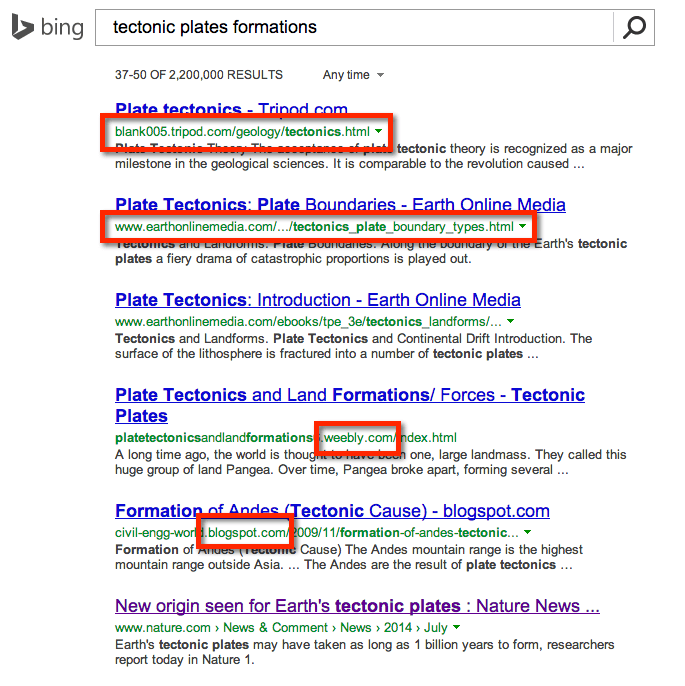
When conducting a search I first look at the the URL of the results. I can use blogs to identify search terms I might want to explore, but I try not to use them as resources.
Control Key
Hold down the Control key (Command on a Mac) to open a link in a new tab. I need to skim multiple websites in order to locate the resources that are going to help me. Not wanting to conduct the search multiple times, holding down the Control key allows me to quickly open the website and see if it is helpful.
Control W
Get use to using the keyboard shortcut Control W (Command W on a Mac.) This will close the tab you just opened and take you back to your search window.






1 thought on “Research Tip to Help Students Search More Efficiently”
Thanks Alice, this is a great review of your presentation on Sunday.