
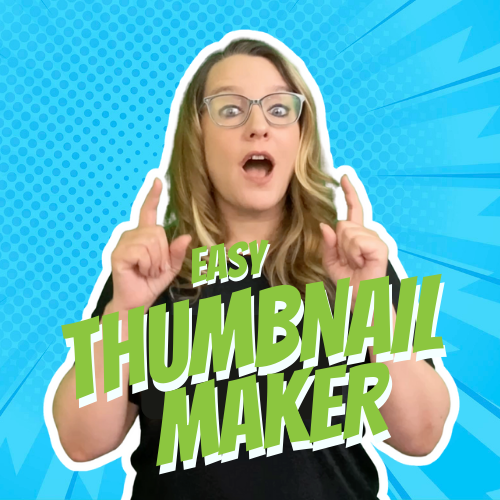
Easy Thumbnail Maker

Your YouTube™ videos will get more attention if you have an attractive thumbnail. By using this add-on for Google Slides™ you can easily create a viral thumbnail for your uploaded YouTube™ video. 

Use the Extensions menu to launch “Easy Thumbnail Maker.” Paste your link to the your YouTube™ video in the sidebar and generate options that use Google Gemini™ to generate AI backgrounds or mix up your thumbnail. Option to remix your images on your active slide into your thumbnail creation. 

Text boxes are editable. Google Slides™ makes it customizeable. Once you have the thumbnail of your choice, use the File menu to download as a PNG and upload manually to YouTube™. 

Unlike other AI thumbmaker tools, we collect NO DATA. NO PII. You are creating your thumbnails in your own Google Slides™, thus you own them forever and they are privately yours. Easy to locate in your own Google Drive™.

About Your Data PII

App’s use and transfer to any other app of information received from Google APIs will adhere to Google API Services User Data Policy, including the Limited Use requirements.

Refunds & Cancellations

There are no refunds for Add-on purchases. Purchases are associated with the Google account used at the time of purchase and are non-transferable. If you installed the Add-on on the wrong Google account, you will need to purchase a new subscription for the correct account.

Compliance with Google’s Limited Use Policy

AliceKeeler LLC is committed to complying with the Google API Services User Data Policy, including the Limited Use requirements. Our use and transfer of information received from Google APIs adhere strictly to these policies, ensuring data is used only for the purposes necessary to provide and improve the Service.

  • Limited Use of Google User Data: The Service only accesses and uses Google user data in ways that are essential for the functioning and improvement of the Service, and not for independent purposes.
  • Transparency and Consent: We provide clear notice and obtain explicit consent from users before accessing or using their Google user data.
  • Data Minimization: We access only the minimum amount of data necessary from Google APIs to provide our Service.
  • Security Measures: We implement robust security measures to protect the confidentiality, integrity, and availability of Google user data.
  • Third-Party Sharing Restrictions: We do not share Google user data with third parties unless it is strictly necessary for the functioning of the Service and compliant with the Google API Services User Data Policy.
  • Google API Services User Data Policy: For more information about how we comply with the Google API Services User Data Policy, including the Limited Use requirements, please visit Google API Services User Data Policy.

For any questions or concerns regarding our use of Google user data, please contact us at info@alicekeeler.com.

© 2026 All Rights Reserved.

💥 FREE OTIS WORKSHOP

Join Alice Keeler, Thursday Oct24th or register to gain access to the recording.
Create a free OTIS account.

Join Alice Keeler for this session for using FigJam to start every lesson.

Exit this pop up by pressing escape or clicking anywhere off the pop up.



