



NotebookLM is quickly becoming one of the most practical AI tools for teachers. Unlike many AI tools, NotebookLM works directly with your own teaching materials instead of pulling random information from the internet. That makes it a powerful option for teachers who want to save time while still keeping learning focused and meaningful.
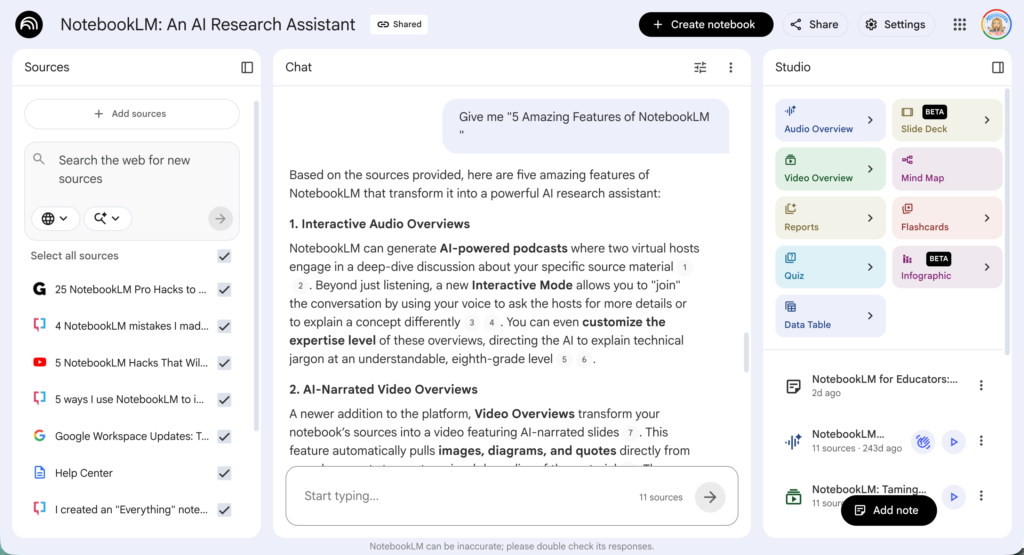
Join me FREE for my presentation with OTIS on “NotebookLM: Your AI Teaching Assistant”
What Is NotebookLM?
NotebookLM only uses the sources you upload. This means you stay in control of what students are learning and how they interact with the material. You can upload articles, lesson notes, or primary sources, and everything students do stays connected to those resources.
This matters because as teachers, we intentionally create learning environments where sources are thoughtful, purposeful, and aligned to our goals. NotebookLM supports that by allowing you to work only with materials you have already selected and vetted. Instead of spending time addressing questionable information or redirecting conversations, you can stay focused on the learning itself.
Sign Up for Free OTIS Workshops
Learn more about NotebookLM by signing up for a FREE OTIS account. If you miss my live session, search the Course Library for NotebookLM.
Check the Upcoming Courses calendar regularly for more free workshops.
1. Turns Your Curriculum Into an AI Assistant
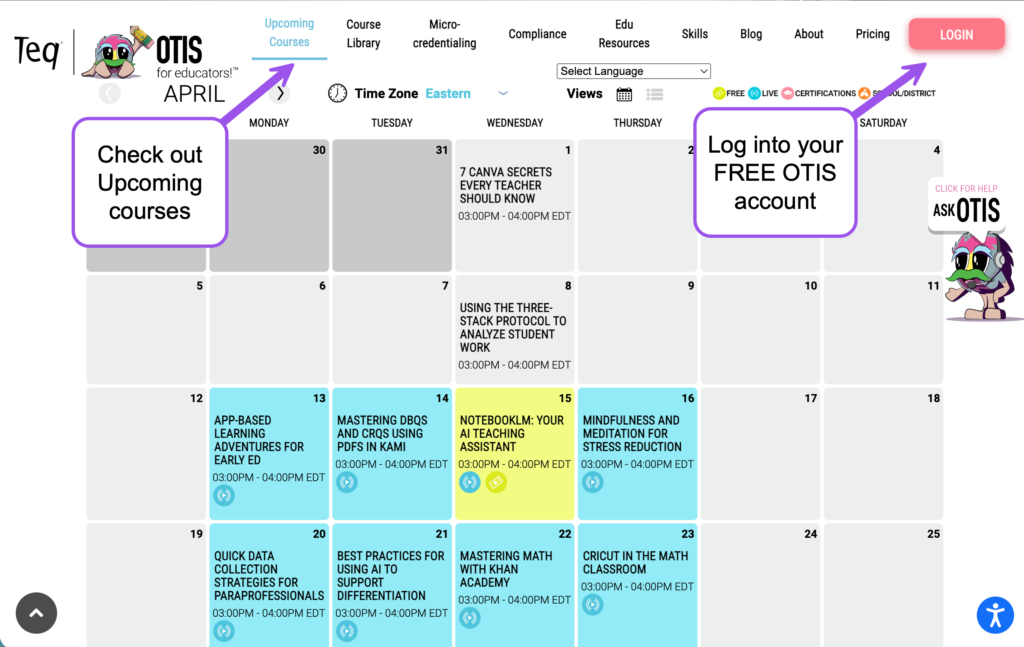
NotebookLM takes your existing materials and turns them into something interactive. Instead of starting from scratch or searching online, you are working from what you already teach.
This positions NotebookLM as a partner that extends your planning, not something that replaces it.
Start by adding sources from your Google Drive, your computer, link to websites you frequently use, link to YouTube videos you trust, add your standards. This becomes the source of knowledge referenced when you ask prompts like “Make me a quiz.”
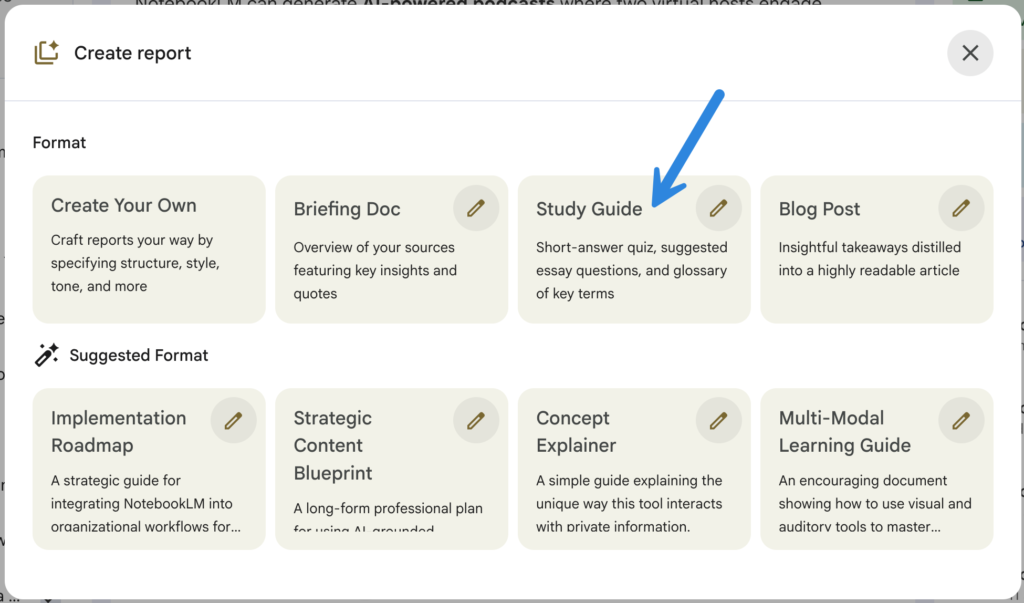
2. Instantly Creates Study Guides From Your Materials
NotebookLM can take your documents and generate summaries, key ideas, and guiding questions. You can quickly turn static resources into something students can actually use.
3. Share NotebookLM
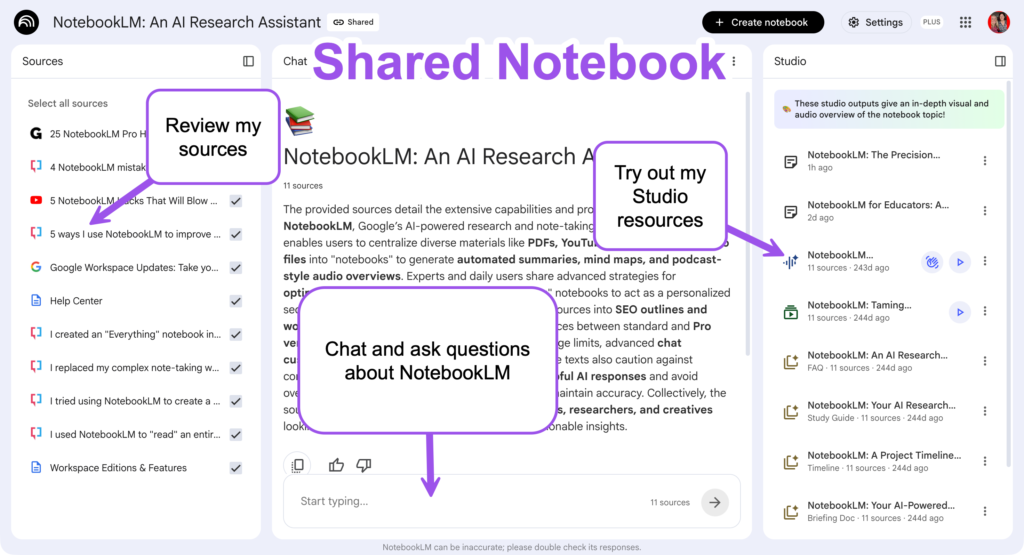
One amazing feature of NotebookLM (caution, your Workspace edition may not have this feature) is the ability to share your notebook.
Add trusted sources to your notebook. Ask questions to the sources and add the results as notes in the notebook that others can access.
Create Studio resources such as slides or audio overviews and allow others to access those resources.
And best of all, in addition to their ability to access the generated resources from NotebookLM, you can allow others to chat with your curated resources.
I Am Sharing My Notebook About NotebookLM
I created a sample notebook where I added sources about NotebookLM. If you have questions about NotebookLM you can use the chat window in the middle to ask them!
4. You can have a conversation with your curriculum
You are not just uploading documents. You can ask your own materials questions like:
- “What are the key misconceptions students might have?”
- “Create a mini lesson from this”
- “What questions would deepen understanding?”
5. It lets you remix one resource into multiple learning experiences instantly
You take one document and turn it into:
- a study guide
- discussion questions
- a review activity
- an explanation at a different level
- a video or presentation
Get Started Using NotebookLM
Dive on in, NotebookLM is sure to be one of your favorite AI tools.
- Go to notebooklm.google.com
- Create a notebook
- Add sources
- Use the chat feature to ask questions that reference the sources
- Create amazing resources with the NotebookLM studio




